The landscape of construction project management software is undergoing a significant paradigm shift following Microsoft’s official retirement of Project Online on September 30, 2026. For years, general contractors, subcontractors, and professional schedulers relied heavily on Microsoft’s cloud-based ecosystem for critical path method (CPM) scheduling. However, with the tech giant transitioning its cloud project management capabilities entirely toward Microsoft Planner and encouraging migrations to newer desktop and subscription architectures, thousands of construction teams are left reevaluating their digital infrastructure.

This transition has highlighted a longstanding bottleneck in construction technology: the gap between office-based planners and field crews. While traditional desktop software like Microsoft Project excels at generating complex Gantt charts and calculating critical paths, it has historically struggled to provide intuitive, real-time access for superintendents, foremen, and trade workers operating on mobile devices at active job sites. As a result, industry stakeholders are increasingly seeking modern, collaborative alternatives that maintain rigorous CPM scheduling logic while ensuring seamless field-to-office communication.
Background Context and the Microsoft Transition

The retirement of Microsoft Project Online marks the end of an era for cloud-based project tracking within the Microsoft 365 suite. Microsoft has steadily directed enterprise users toward integrated solutions like Microsoft Planner and Project Plan 3. While these newer tools offer advanced capabilities such as native timeline views, improved resource management, and robust baseline tracking, they introduce operational friction for construction firms accustomed to direct file manipulation. Notably, native MPP file imports do not seamlessly translate into all components of the new Planner framework, often requiring third-party migration apps or customized data integration scripts.
Furthermore, support cycles for localized software are rapidly evolving. Support for Project 2021 officially concluded in October 2026, forcing organizations still utilizing legacy desktop iterations to weigh the costs of upgrading against the benefits of pivoting to dedicated cloud platforms. For the construction sector, where minor scheduling inaccuracies can trigger cascading financial penalties and multi-week project delays, choosing the right scheduling home has become an urgent executive priority.
Key Evaluation Criteria for Construction Scheduling Software
When evaluating replacements for Microsoft Project, construction executives and project managers must prioritize several non-negotiable operational requirements:
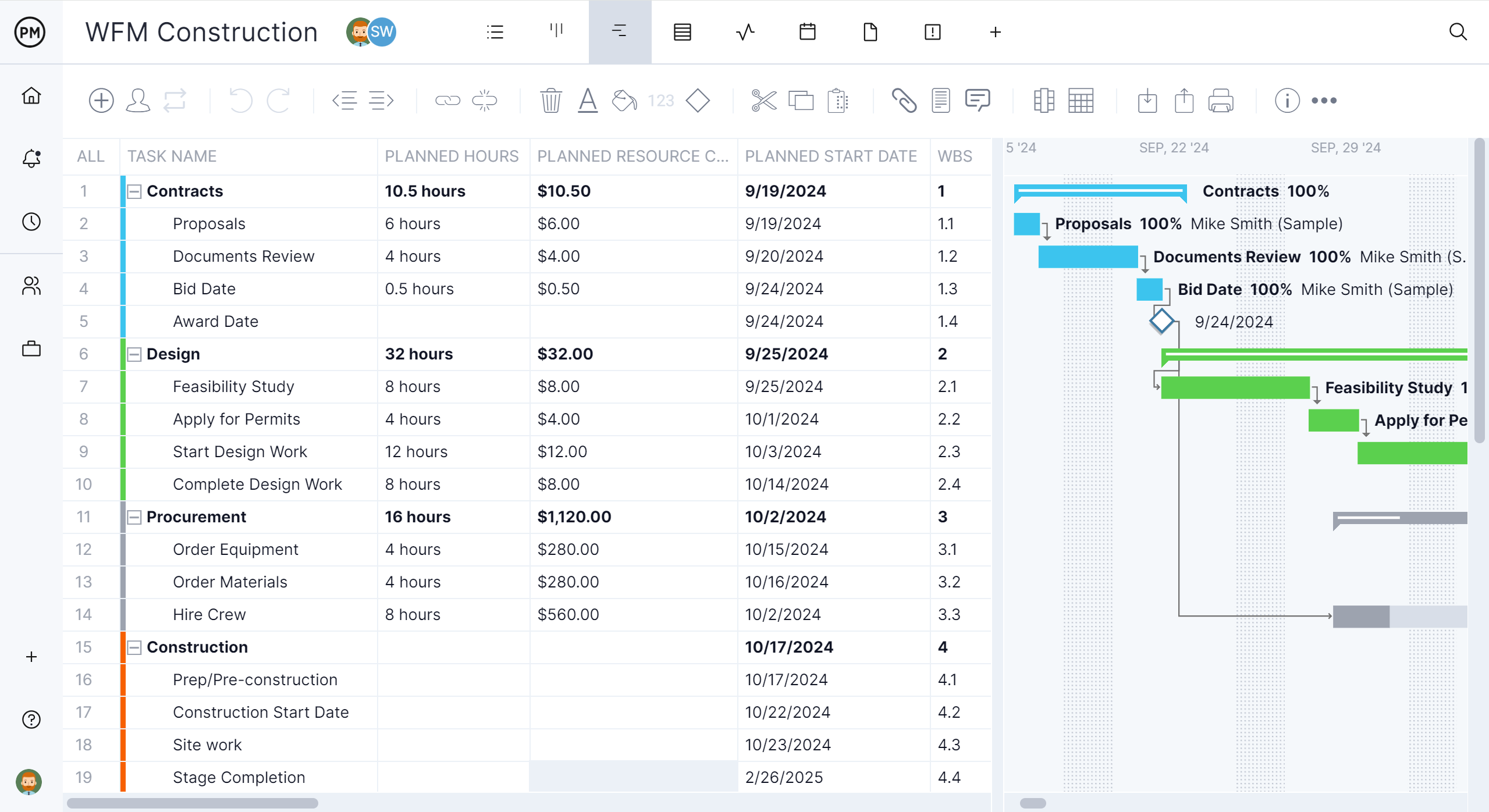
- Critical Path Method (CPM) Support: The software must accurately calculate task dependencies, resource constraints, floats, and the critical path to ensure the baseline completion date remains reliable.
- Seamless File Interoperability: Given the vast historical repository of .mpp and XML files across the industry, an ideal alternative must support direct file imports without corrupting task hierarchies or constraint logic.
- Field and Mobile Accessibility: Superintendents and trade foremen require robust iOS and Android applications to view updates, log progress percentages, and report site conditions instantly.
- Resource and Financial Integration: Leading platforms bridge the gap between scheduling, labor allocation, equipment tracking, and sub-contractor management without imposing prohibitive licensing fees for non-administrative users.
Comparative Overview of Top Microsoft Project Alternatives
To assist construction firms in navigating this technological pivot, industry analysts have evaluated the top six alternatives available in the market as of late 2026, balancing feature depth, user accessibility, and cost.
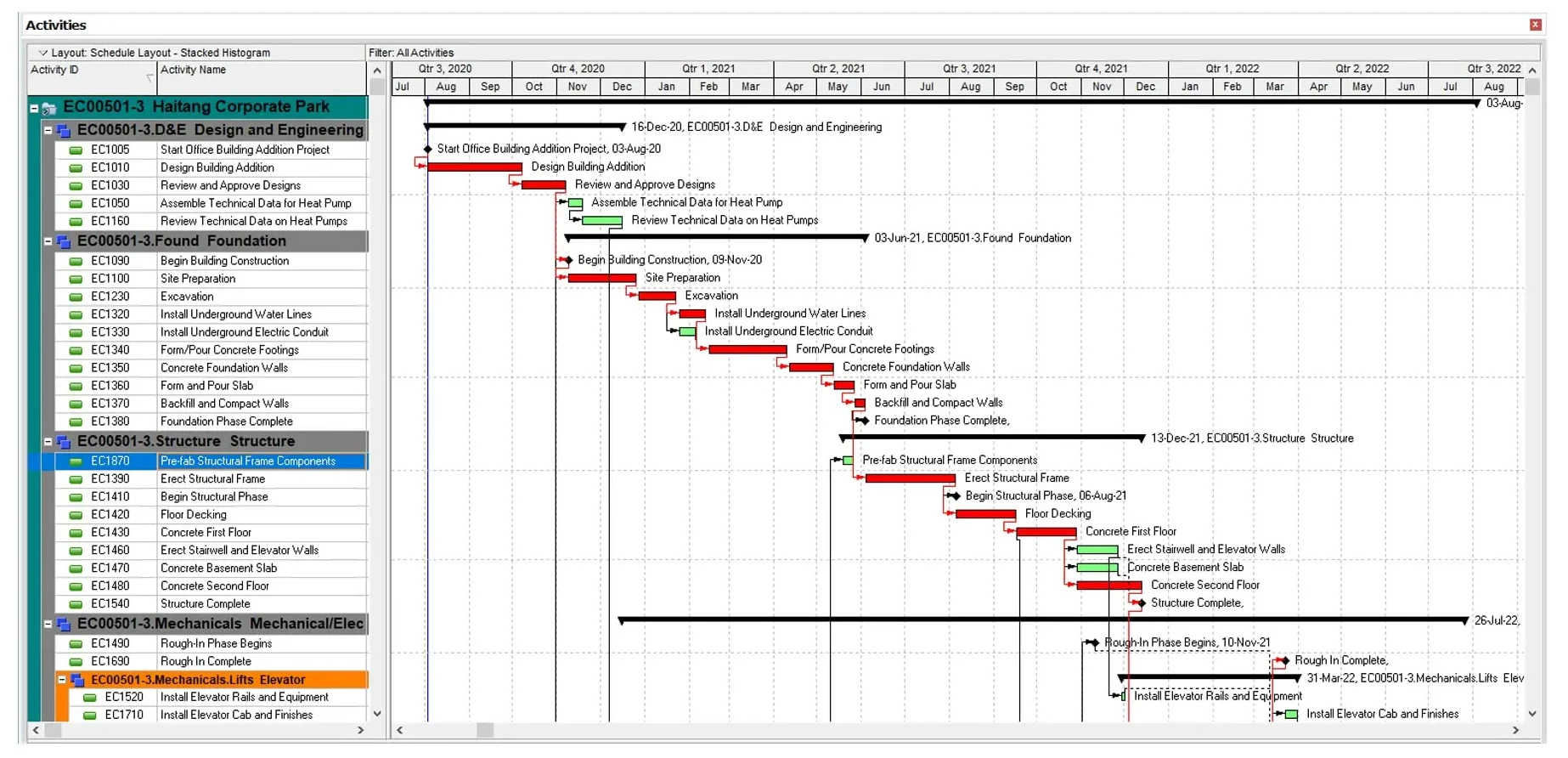
ProjectManager: The Direct Collaboration Bridge
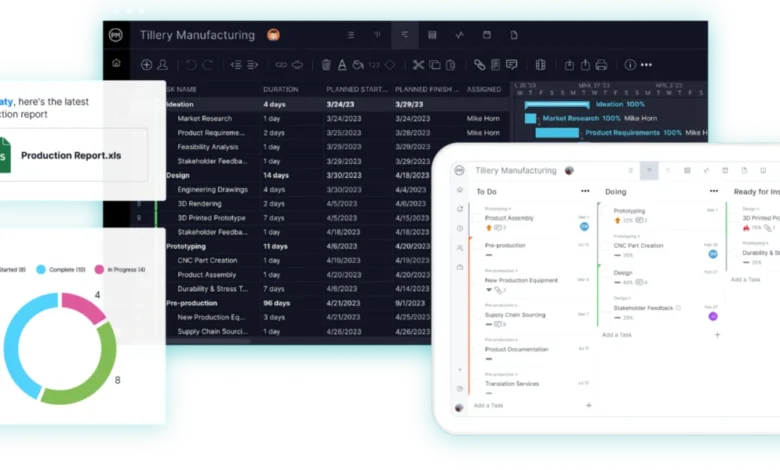
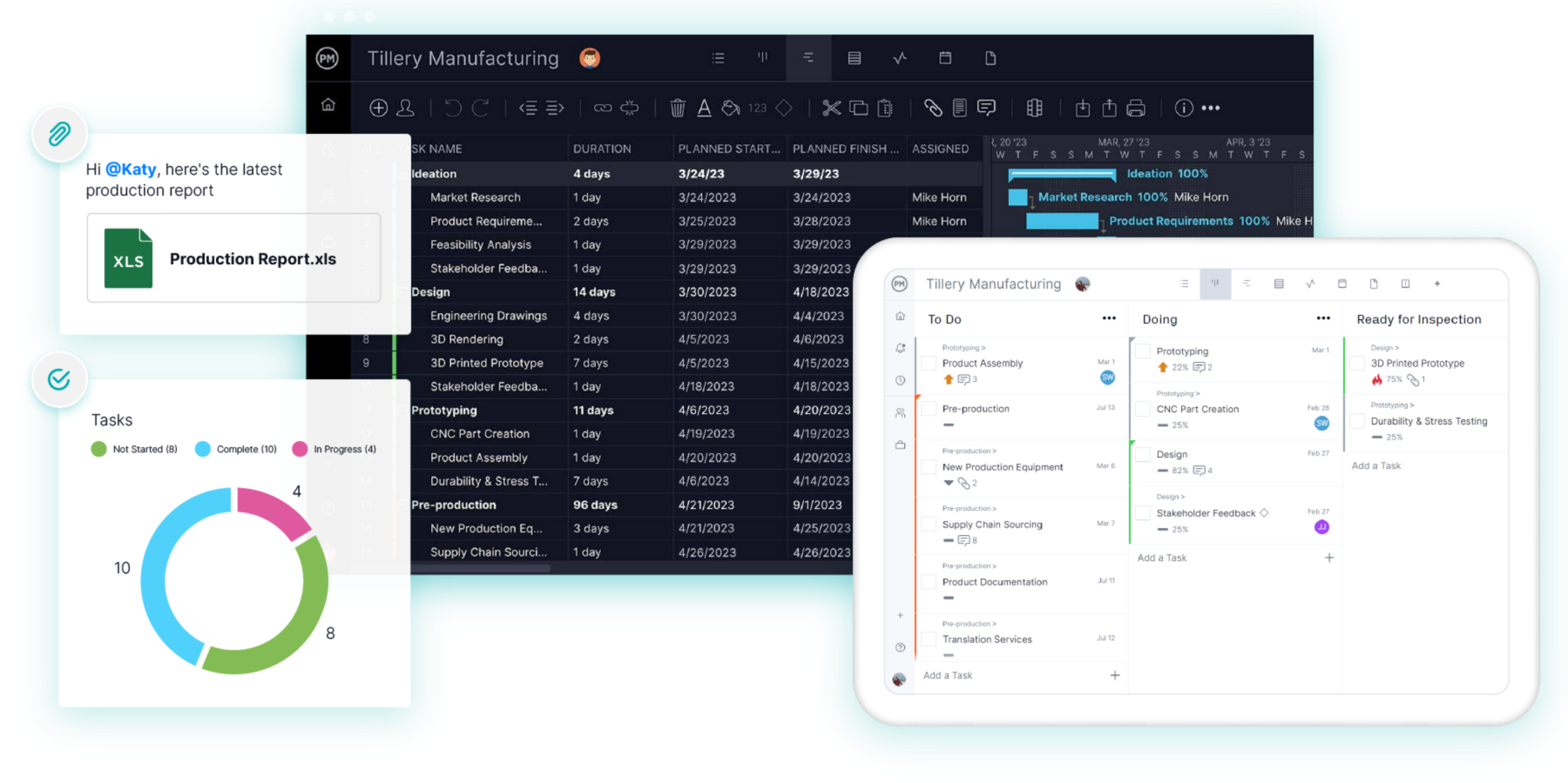
ProjectManager has emerged as a leading replacement for general contractors and specialty subcontractors seeking to move away from rigid desktop applications without sacrificing analytical power. The platform features direct MPP and Microsoft XML import capabilities, preserving all four dependency types and lag structures upon migration. Its standout feature is its multi-device accessibility: superintendents can access the exact same CPM schedule via web browsers or dedicated mobile applications on iOS and Android. Additionally, ProjectManager provides cross-project workload management, enabling supervisors to monitor labor allocations across multiple active jobs simultaneously. Pricing starts at $15 per user, per month for the Team edition, scaling to $28 for the Business tier.
Oracle Primavera P6: The Enterprise Heavyweight
For mega-projects, infrastructure programs, and complex commercial builds where public owners contractually mandate XER submittals, Oracle Primavera P6 remains the industry standard. P6 offers unmatched depth in handling tens of thousands of activities, sophisticated resource leveling, and granular critical path calculations via total float or longest path analysis. However, its adoption barriers are substantial. P6 does not natively import .mpp files directly; schedules must first be exported as XML. Furthermore, its steep learning curve and enterprise pricing structure mean it is typically deployed exclusively for specialized professional schedulers rather than general field personnel.
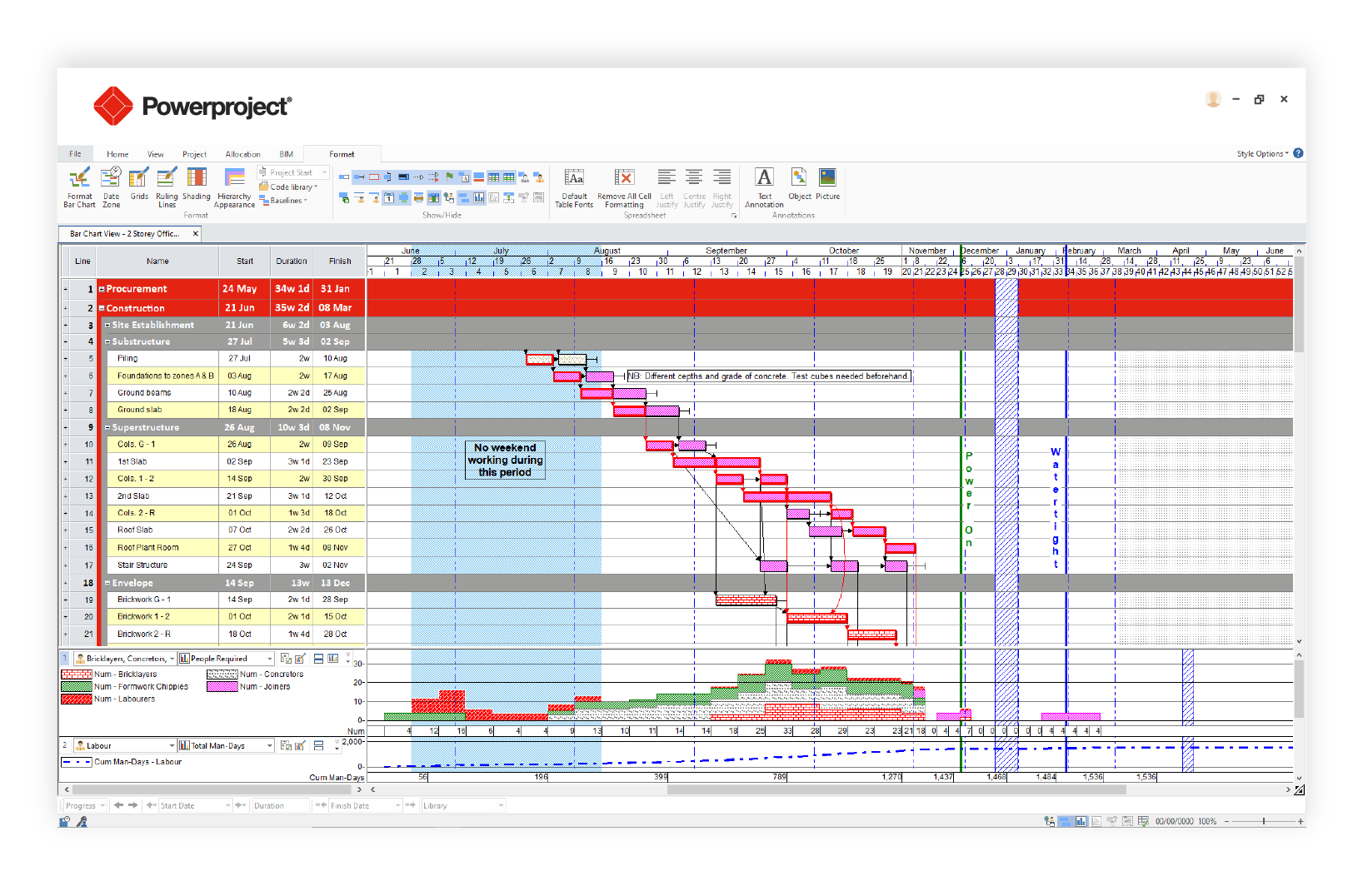
Asta Powerproject: Construction-Specific Depth
Developed by Eleco, Asta Powerproject is engineered specifically for construction planning professionals who require enterprise-grade analytical depth akin to Primavera P6, combined with a user experience tailored to builders. Powerproject handles complex calendars, constraints, and resource loading with high fidelity. File handling depends on the operational format: while it imports XML seamlessly, direct MPP imports require Microsoft Project to be installed locally. Field updates are managed via the complementary Asta Siteprogress mobile application, which requires a separate license.
Procore: The All-In-One Platform Solution
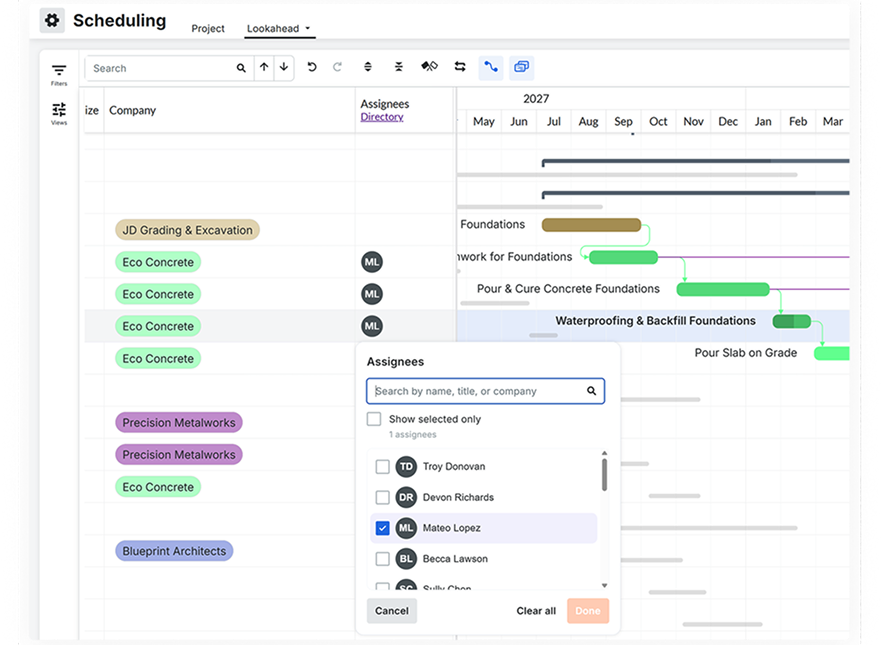
Procore has cemented its status as a dominant construction management platform, integrating scheduling directly alongside financials, quality, safety, and document control. Procore Scheduling allows teams to manage critical path timelines and generate lookaheads within a unified ecosystem. However, organizations transitioning from Microsoft Project should note that imported MPP files function primarily as read-only reference schedules. Migrating fully to Procore requires rebuilding active schedules within Procore’s native interface. Pricing is customized based on annual construction volume rather than per-seat licensing, making it attractive for large general contractors.
Smartsheet: The Spreadsheet-to-Cloud Transition
For teams accustomed to managing operations via complex spreadsheets, Smartsheet offers a familiar yet significantly more powerful work management environment. It features robust Gantt chart visualizations, critical path highlighting, and direct import compatibility for MPP, MPX, and XML files. While it offers a flexible workspace that easily houses submittal logs and punch lists alongside schedules, its CPM engine is comparatively lightweight. Advanced Microsoft Project constraints may not translate perfectly upon import, and mobile functionality on handheld devices restricts full Gantt chart interactions primarily to report views. Subscriptions begin at $9 per member, per month.
Microsoft Planner and Project Plan 3: Staying Within the Ecosystem
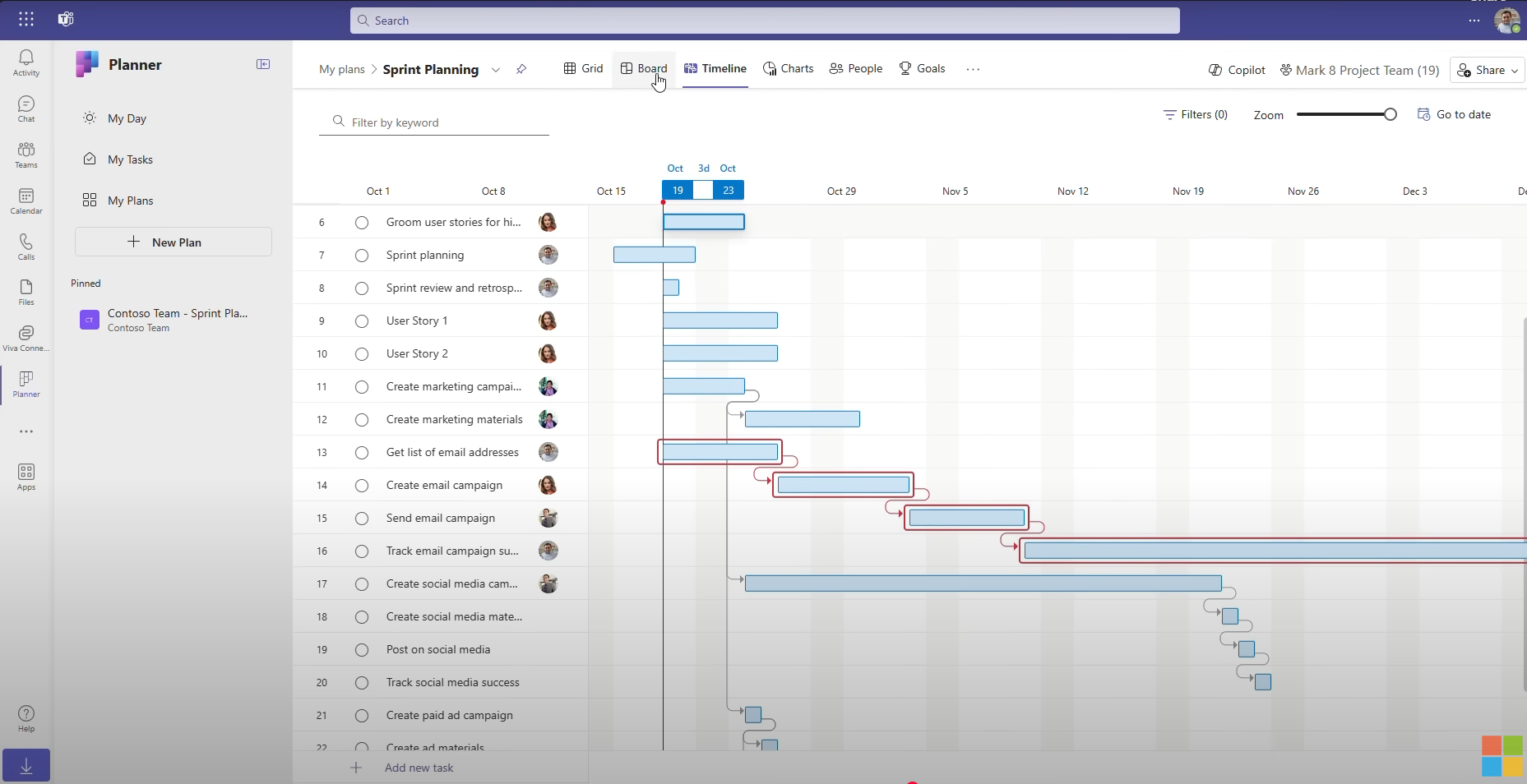
For organizations contractually or culturally bound to the Microsoft 365 suite, pairing Microsoft Planner’s premium tiers with the Project desktop client offers a familiar continuum. Planner provides timeline views, dependency tracking, and baseline management. Nonetheless, the structural divide between legacy desktop files and the new cloud-based Planner environment requires formal migration protocols. Because Microsoft continually rolls out advanced features to web and desktop platforms ahead of mobile applications, enterprise users must carefully audit mobile readiness before deploying this solution to field superintendents.

Implications for the Construction Industry
The phasing out of Microsoft Project Online and the maturation of dedicated cloud scheduling tools point toward a more collaborative, transparent future for construction management. Siloed scheduling—where the master timeline remains locked on a single planner’s desktop computer in the main office—is rapidly giving way to real-time, cloud-connected job sites.
When general contractors enable field crews to interact directly with the critical path, project visibility improves exponentially. Identifying a delayed material delivery or an unexpected weather constraint on mobile devices the moment it occurs allows project managers to mitigate risks before they escalate into costly project overruns. Construction firms are therefore advised to audit their current software dependencies, test MPP import fidelities through trial environments, and prioritize field accessibility when selecting their long-term scheduling partner.