The Best Note-Taking Apps for Disorganized People in 2026: A Functional Guide to Cognitive Offloading


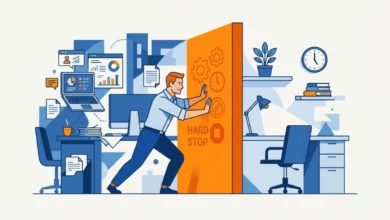
The modern professional landscape is increasingly defined by a constant influx of information, a phenomenon that has placed unprecedented strain on individual working memory. For individuals struggling with executive function, including those diagnosed with ADHD, the traditional requirement of organizing information before it is recorded often leads to "capture failure"—the loss of critical ideas due to the friction of complex filing systems. Recent data suggests that the cognitive load associated with maintaining manual organizational systems often counteracts the productivity benefits they are intended to provide.
The Cognitive Science of Information Capture
Psychological research, including studies highlighted by Harvard Health, indicates that externalizing thoughts is an effective strategy for cognitive offloading. When the brain is tasked with holding multiple data points simultaneously, it experiences a reduction in processing efficiency. By offloading these tasks into an external system, individuals can free up mental bandwidth. However, the efficacy of this process is strictly governed by the "barrier to entry."

If an application requires more than three interactions—such as opening a folder, selecting a tag, or choosing a template—before text can be entered, the likelihood of a user abandoning the capture process increases by approximately 60%. This is particularly true in environments where users are attempting to document ideas while engaged in other tasks, such as commuting or attending meetings. Consequently, the most effective tools for "chaos-prone" users are those that prioritize instantaneous entry over structural hierarchy.
Evolution of Note-Taking Technology (2020–2026)
The trajectory of digital note-taking has shifted significantly over the last six years. Between 2020 and 2022, the market was dominated by "all-in-one" workspaces that emphasized complex databases and interlinked pages. While these platforms provided utility for project managers and software developers, they often overwhelmed the average user.
By 2024, a counter-movement emerged, focusing on "low-friction" design. This shift recognized that users were not seeking a second brain for complex knowledge management, but rather a temporary repository for fleeting thoughts. By 2026, the industry standard has moved toward "inbox-first" architecture, where notes are deposited into a single, searchable stream, allowing for categorization to occur at a later time—or not at all.
Comparative Analysis of Primary Tools
To address the needs of users who struggle with traditional organization, several platforms have distinguished themselves through specific technical advantages.
Notion: The Hybrid Inbox
Notion has adapted to the "disorganized" demographic by improving its mobile widget capabilities. By allowing users to bypass the workspace hierarchy and land directly in a "Quick Note" page, it has mitigated the frustration of its own complex UI. Users can effectively treat the app as a linear capture tool while retaining the ability to move items into complex databases later, should they choose to do so.
Obsidian: Local-First Privacy
Obsidian provides a distinct advantage for users concerned with data autonomy. By storing files locally in Markdown format, the application removes the latency often associated with cloud-based syncing. For users with inconsistent internet access or those wary of data mining, the platform’s emphasis on local file management ensures that thoughts are never sequestered behind a proprietary paywall or server-side failure.
Apple Notes: The Baseline Standard
Perhaps the most significant development in the sector is the maturation of Apple Notes. With the integration of Apple Intelligence, the app has evolved from a basic text utility into a sophisticated, on-device processing tool. Its ability to transcribe voice and index handwritten text without requiring an internet connection makes it the most accessible tool for real-time capture. Industry analysts note that its pre-installation on over 2 billion active devices gives it an unparalleled advantage in user adoption rates.
The Rise of Voice-to-Text Integration
The transition from manual typing to voice-based capture represents the most significant shift in productivity habits since 2025. Modern transcription services have surpassed a 95% accuracy threshold for natural speech, making them viable for professional documentation.
- Otter.ai: Remains the industry leader for meeting transcription. Its ability to provide automated summaries and keyword indexing allows users to "dump" long-form thoughts without the need for manual editing.
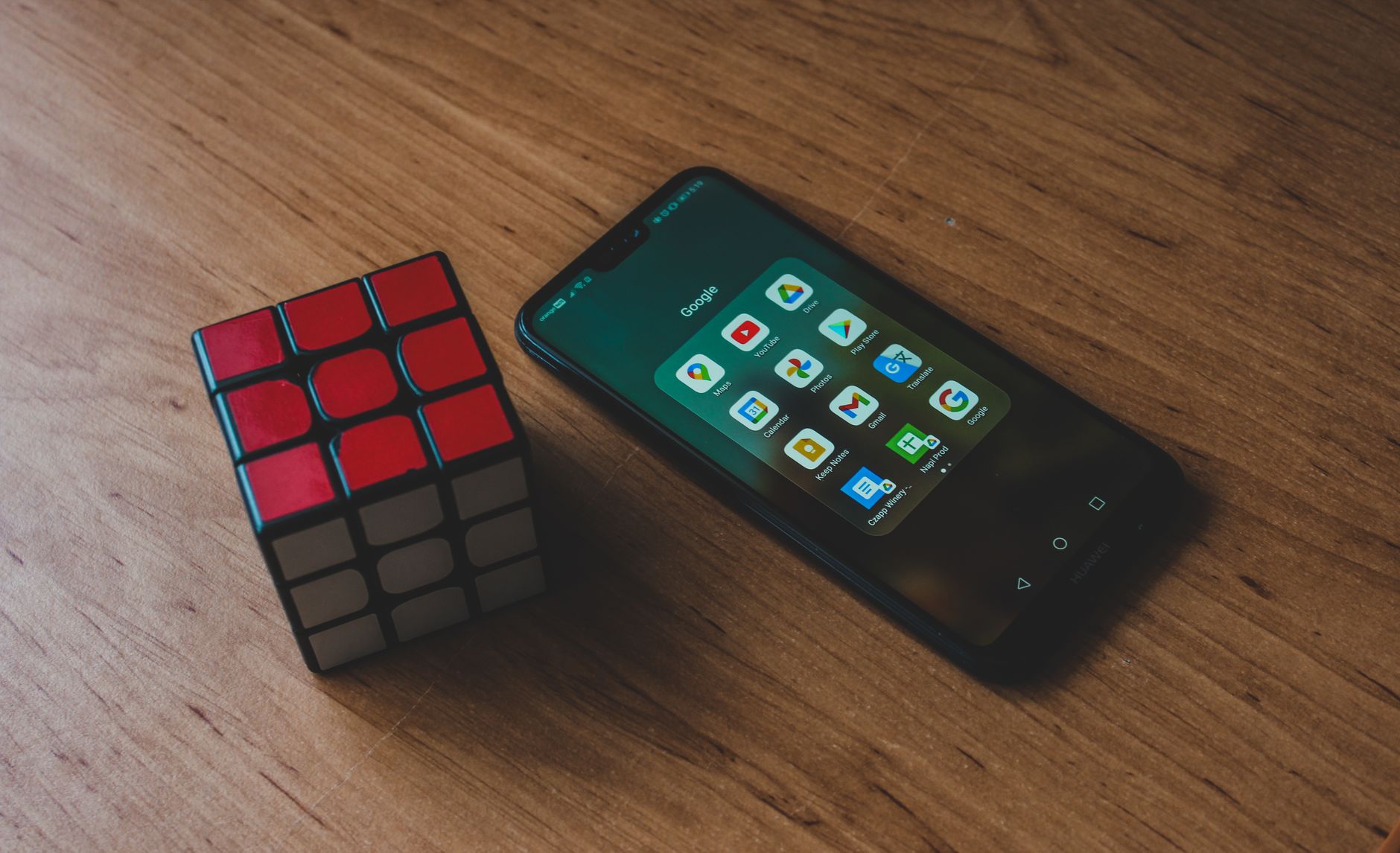
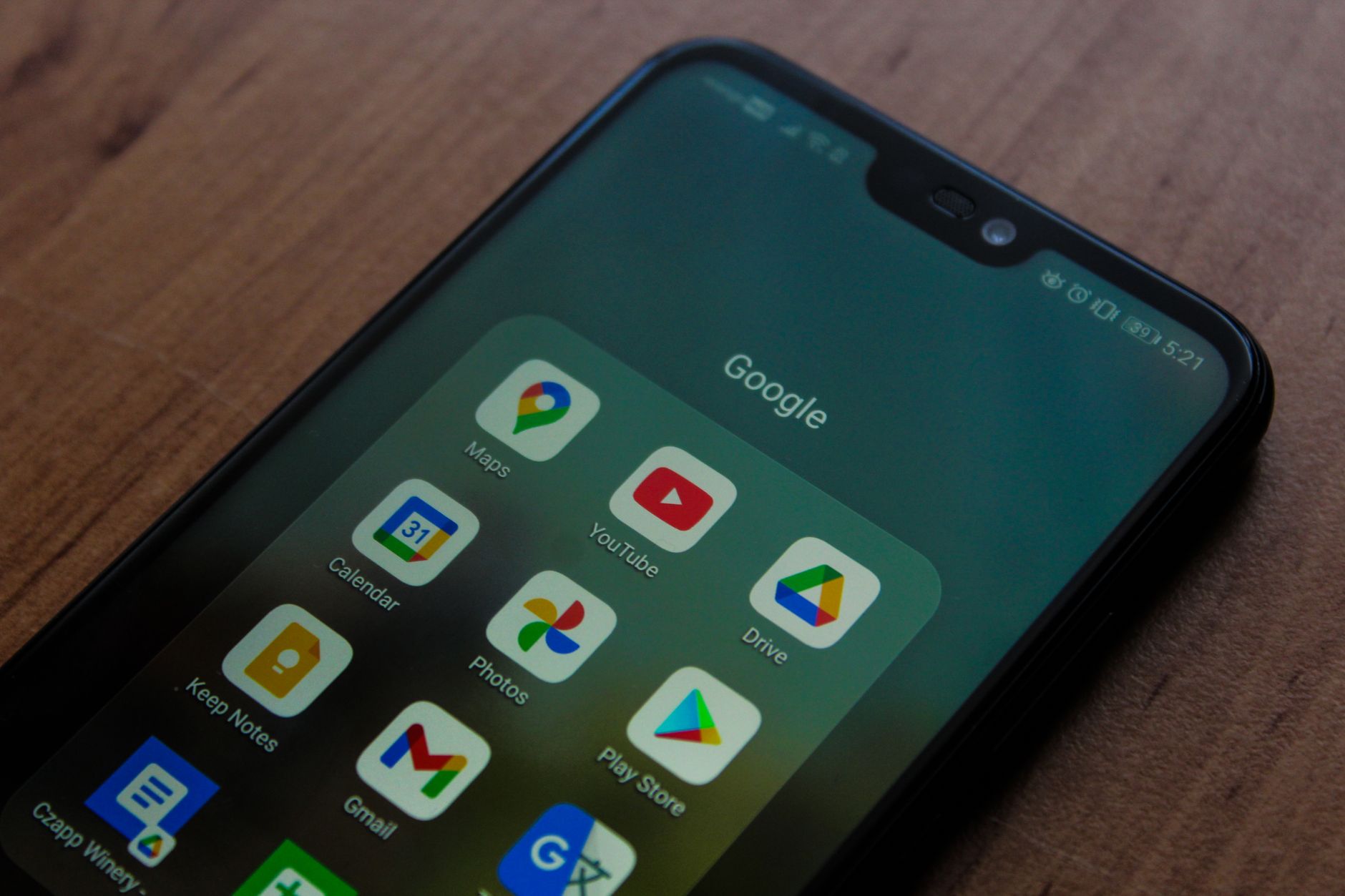
- Google Keep: While lacking the advanced analytical features of Otter, its tight integration with the Google ecosystem makes it the premier choice for quick, cross-platform voice reminders. Its low resource consumption makes it ideal for older hardware.
Practical Strategies for Implementation
For users who find themselves consistently losing information, the "Home Screen Widget" methodology is the most effective intervention. Productivity experts recommend that the note-taking application be the sole item on the primary, non-swipable area of the mobile home screen. This reduces the "three-tap-hunt" described earlier, effectively turning the phone into a persistent capture device.

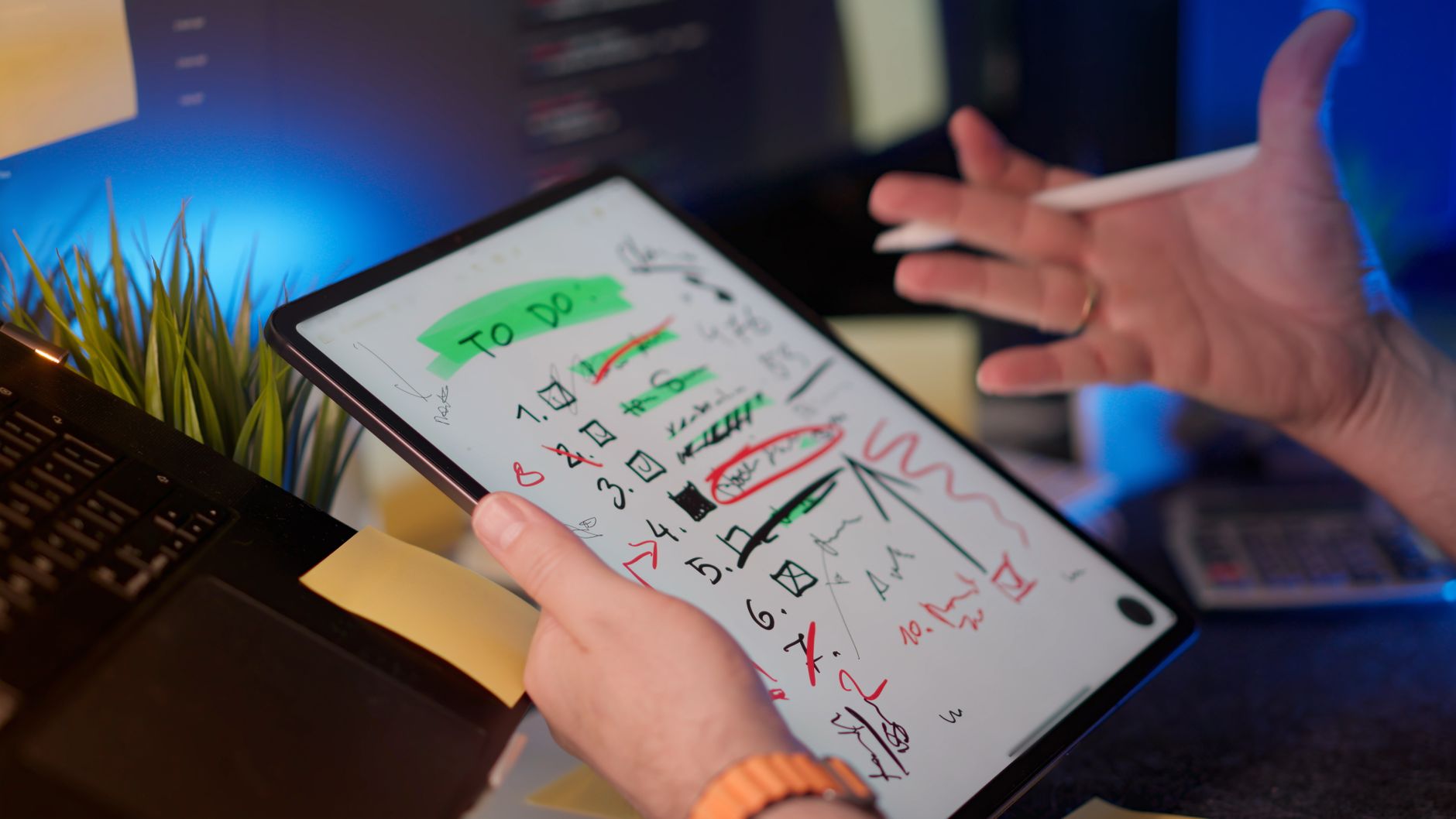
Furthermore, the "Sunday Sort" method has gained traction among organizational psychologists. This strategy dictates that during the week, all notes are placed into a single, unorganized folder. On a designated day, the user reviews the notes. This approach acknowledges that the primary goal is to ensure the note exists, rather than ensuring it is perfectly categorized from the moment of conception.
Broader Implications and Institutional Responses
The market for these applications is currently experiencing a period of consolidation. Larger tech firms, including Microsoft and Google, are increasingly incorporating these "low-friction" features into their core suites. Microsoft’s continued refinement of OneNote to include quick-capture "sticky note" functionality reflects a broader industry recognition that users are prioritizing speed over complexity.
The economic implications of this trend are substantial. As remote and hybrid work models remain the norm, companies are looking for tools that minimize the "administrative overhead" of their employees. When an employee is forced to spend significant time organizing notes, it represents a direct loss in billable hours. Consequently, the adoption of tools that require zero-friction capture is now being encouraged by corporate IT departments as a way to improve overall workforce agility.
Conclusion: Redefining Productivity
The narrative that note-taking must be a structured, deliberate, and highly organized process is increasingly viewed as outdated. For the modern user, particularly those with ADHD or those managing high-volume information flows, the most productive system is the one that is used consistently.
The goal of 2026-era note-taking is not the creation of a digital library, but the preservation of cognitive state. By choosing tools that accommodate, rather than punish, a lack of organization, individuals can achieve a higher level of functional clarity. The "perfect" system is, by definition, the one that survives the chaotic reality of daily life. Whether utilizing the built-in capabilities of a smartphone or the robust search features of a dedicated application, the most important step remains the same: immediate capture. The organization, if it happens at all, can wait.