The ongoing absence of a native Microsoft Project desktop application for macOS continues to challenge project managers, enterprise schedulers, and collaborative teams operating within Apple ecosystems. Because Microsoft restricts its desktop project management software—including recent iterations like Project Standard and Project Professional—strictly to the Windows operating system, Mac users must rely on external software solutions to parse, edit, and generate Microsoft Project (.mpp) files. This compatibility hurdle has driven demand for specialized alternative architectures, spanning native macOS applications designed for offline, single-user planning and robust, browser-based collaborative suites capable of supporting hybrid Mac-and-PC environments.
Background Context of the Platform Disparity
For years, organizations utilizing mixed hardware fleets have struggled with document friction. Traditional Windows-based project planning creates significant workflow roadblocks when distributed teams attempt to review critical paths, analyze resource leveling, or establish baseline metrics without running resource-heavy virtual machines like Parallels or Boot Camp. Although Microsoft offers cloud-centric offerings such as Microsoft Planner, these environments frequently diverge from the advanced scheduling algorithms, Earned Value Management (EVM) metrics, and complex task dependencies required by enterprise-grade engineering, construction, and corporate PMOs.

Consequently, the market has bifurcated into two distinct categories of third-party alternatives: native macOS applications that respect the local file architecture of Apple Silicon and Intel processors, and cloud-native, browser-accessible platforms that allow lossless file exchange regardless of the host operating system.
Comparative Market Analysis of Top Mac Project Management Tools
To bridge the gap between Windows-centric stakeholders and Mac-based leadership, several platforms have established themselves as industry standards for 2026. Choosing the right tool depends heavily on team size, collaboration requirements, and the necessity of direct .mpp file round-tripping.
-
ProjectManager
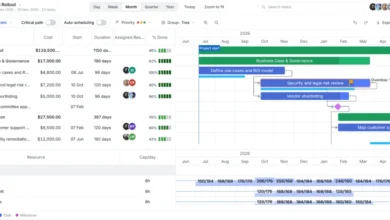
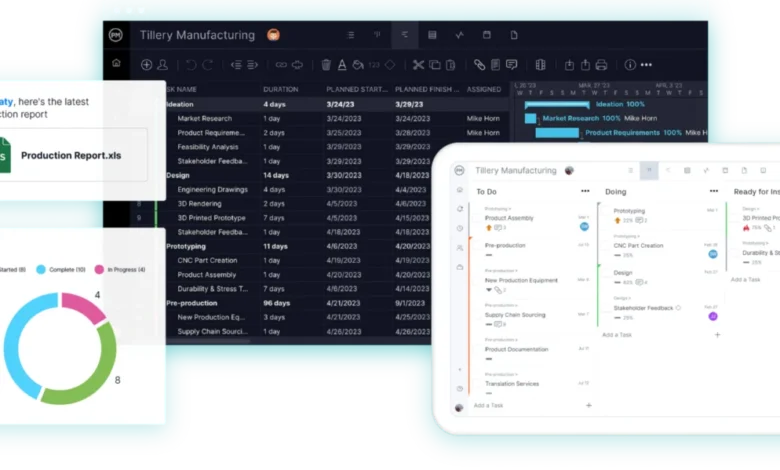
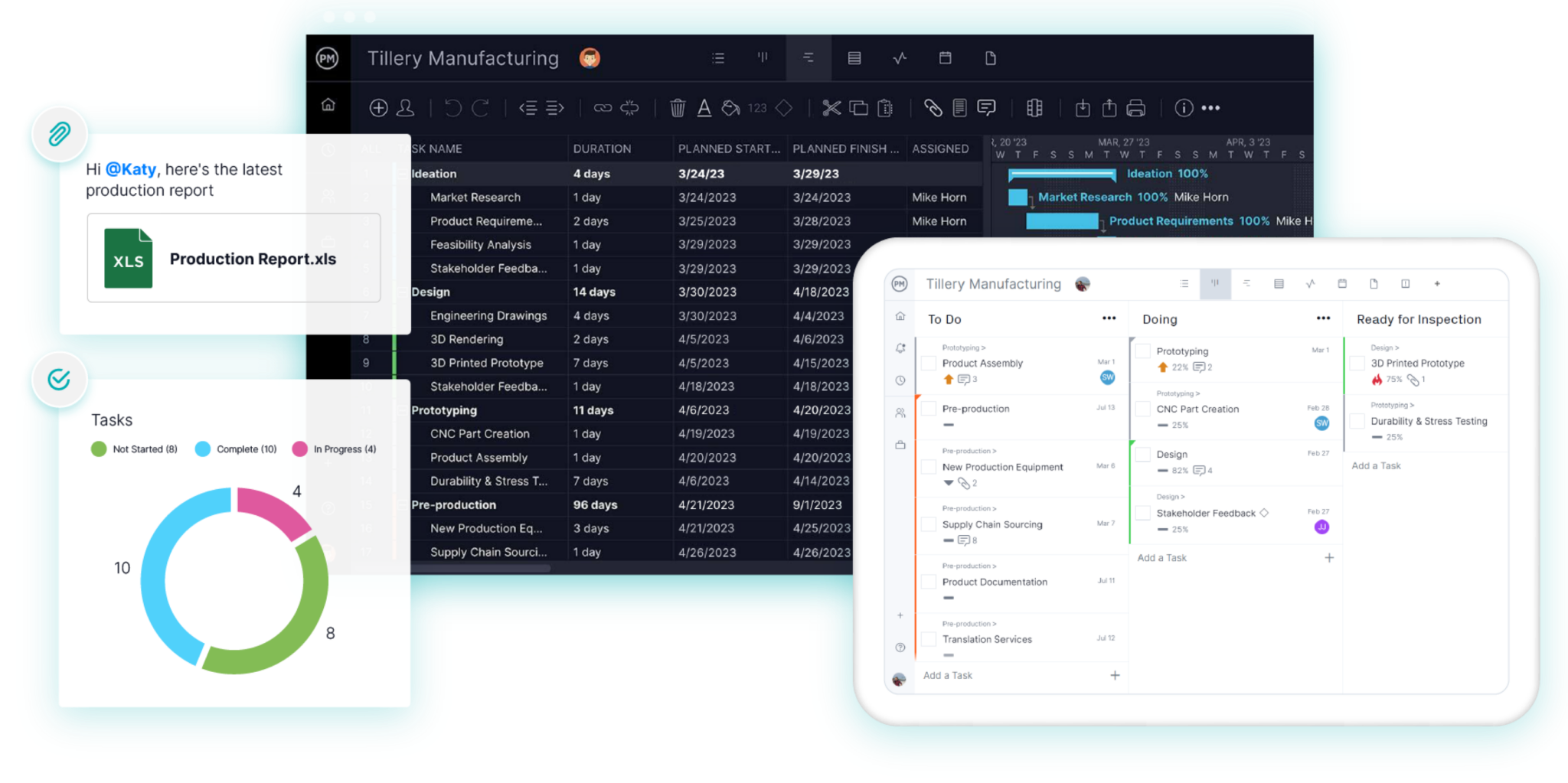
Designed for organizations that require seamless interoperability between macOS and Windows operating systems, ProjectManager operates directly within any modern web browser. It features lossless .mpp and .XML import and export capabilities, allowing project managers on MacBooks to ingest client files, adjust timelines, apply critical path filters, and export compatible files without data corruption.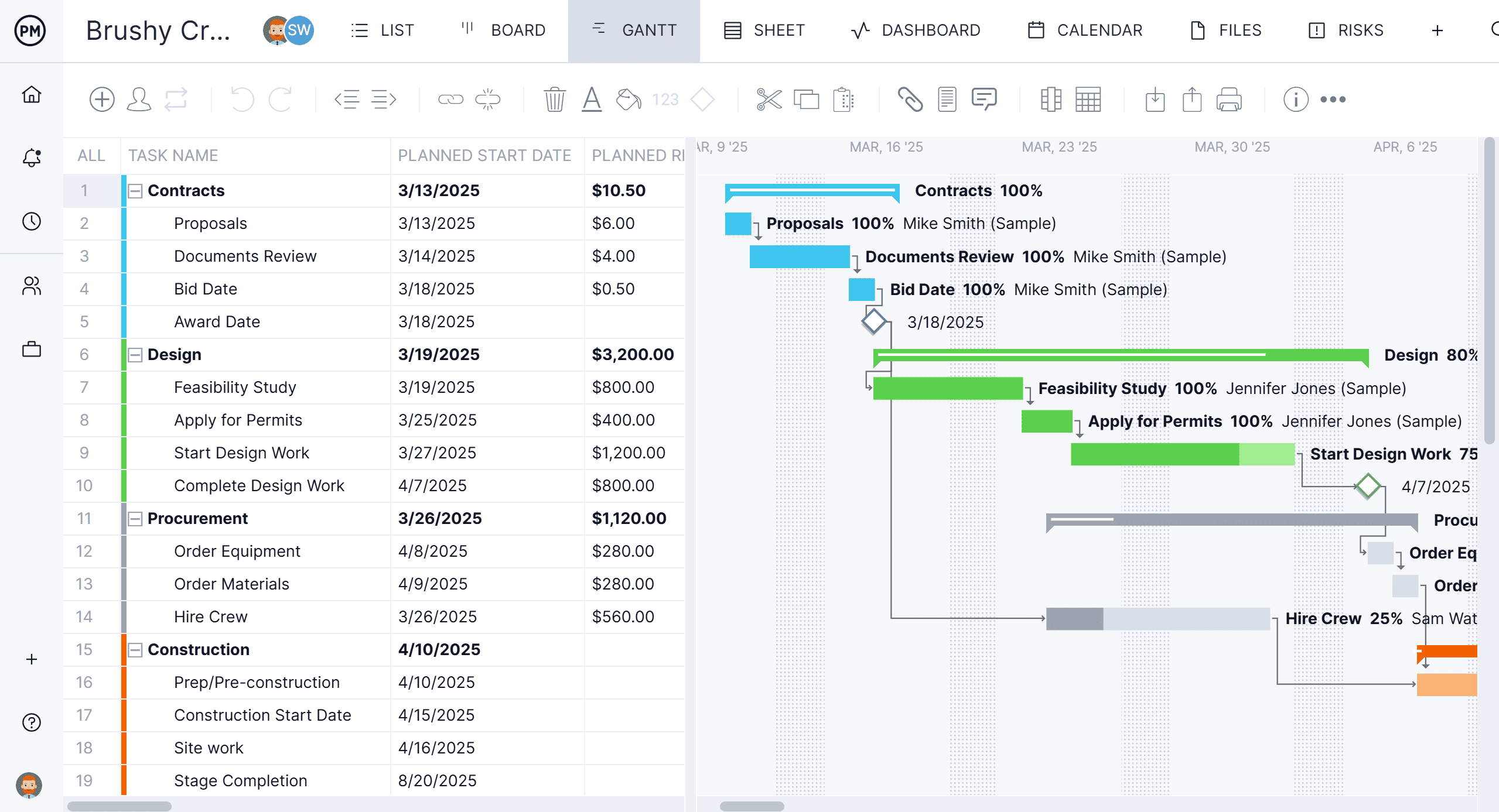
- Access: Browser-based, with dedicated mobile applications for iOS and Android.
- Standout Feature: Full critical path analysis, real-time workload balancing, and multi-format export flexibility.
- Pricing: Tiered subscriptions starting at $15 per user/month for the Team edition, billed annually.
-
Project Plan 365
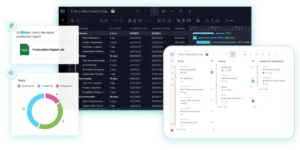
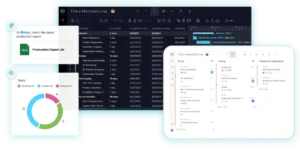
For professionals who prefer working directly with local files rather than cloud-hosted dashboards, Project Plan 365 offers a native macOS application optimized for Apple Silicon. It mirrors the user interface and structural logic of Microsoft Project closely, enabling users to open, modify, and save .mpp files natively.- Access: Native macOS app alongside cross-platform web and mobile clients.
- Standout Feature: Direct file handling without an intermediate conversion or import wizard.
- Pricing: Standard editions begin at $9.99 per user/month, billed annually.
-
OmniPlan
Developed exclusively for the Apple ecosystem by The Omni Group, OmniPlan provides a sophisticated, desktop-class scheduling interface for macOS, iPadOS, and iOS. Known for its polished design and robust local processing capabilities, it supports advanced features such as Monte Carlo simulation for schedule risk assessment and automated resource leveling.
- Access: Native Apple applications only (macOS, iPad, iPhone).
- Standout Feature: Advanced risk analysis and comprehensive offline functionality.
- Pricing: One-time perpetual license starting at $199.99 for the Standard edition, with Pro tiers scaling higher.
-
Merlin Project
Tailored specifically for Apple-centric creative agencies, IT teams, and corporate departments, Merlin Project by ProjectWizards delivers deep project planning integration with iCloud Drive and Dropbox. It boasts advanced dynamic baselines and multi-project resource management pools.- Access: Native Mac, iPad, and iPhone applications.
- Standout Feature: Simultaneous multi-user editing and file merging via cloud storage.
- Pricing: Subscriptions starting at approximately $22.99 per month for the Mac client.
-
ProjectLibre
Functioning as the premier open-source desktop alternative, ProjectLibre provides a cost-free entry point for individuals needing traditional Gantt chart scheduling. While the desktop application does not feature native online collaboration unless upgraded to its cloud tier, it supports .mpp file opening and core scheduling logic.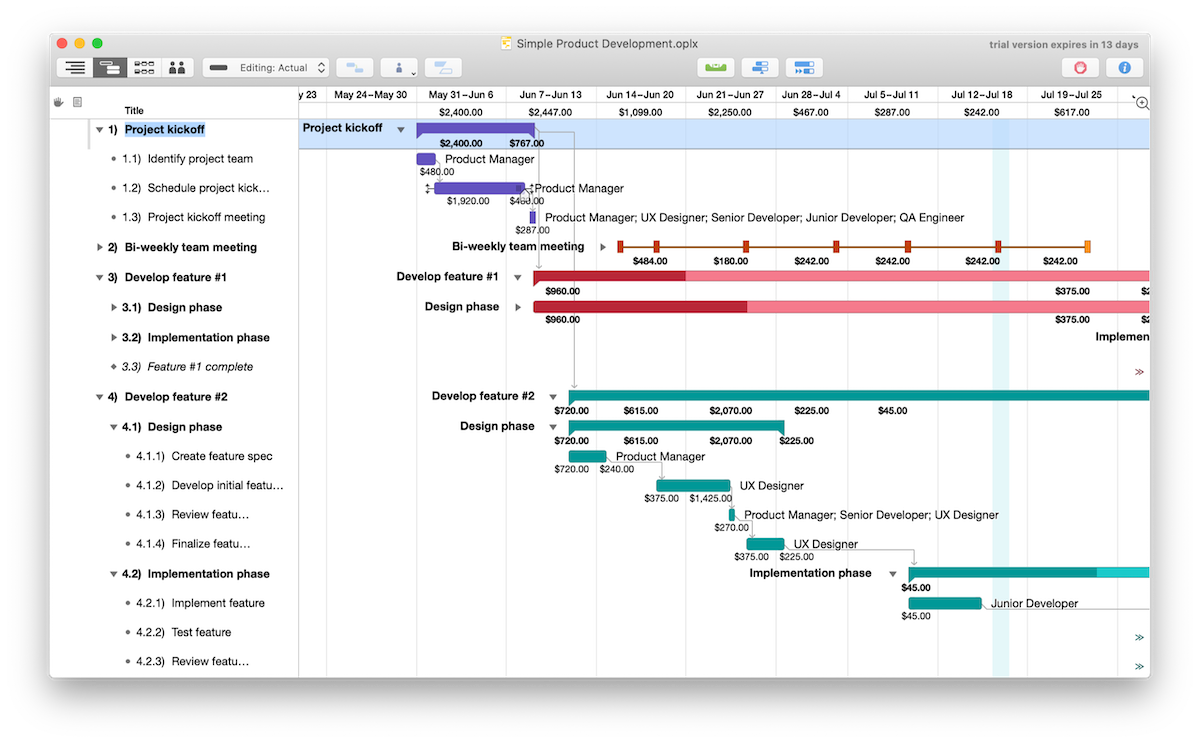
- Access: Cross-platform desktop software (macOS, Windows, Linux).
- Standout Feature: Zero-cost software license for local single-user scheduling.
- Pricing: Free desktop application; cloud extensions available via subscription.
-
Smartsheet
Bridging the gap between traditional spreadsheet data entry and dynamic timeline management, Smartsheet utilizes a grid-based interface popular with corporate PMOs. It ingests legacy .mpp files and converts them into interactive sheets equipped with automated workflows, reports, and dashboards.- Access: Browser-based platform with companion mobile apps.
- Standout Feature: Highly customizable grid structures combined with enterprise-grade security.
- Pricing: Pro tiers begin at $9 per user/month, billed annually.
-
TeamGantt
Focusing on visual simplicity and ease of onboarding, TeamGantt offers an intuitive online Gantt chart experience. It allows teams to import legacy Microsoft Project data while utilizing flat, account-based pricing models that accommodate large numbers of casual stakeholders without per-seat licensing penalties.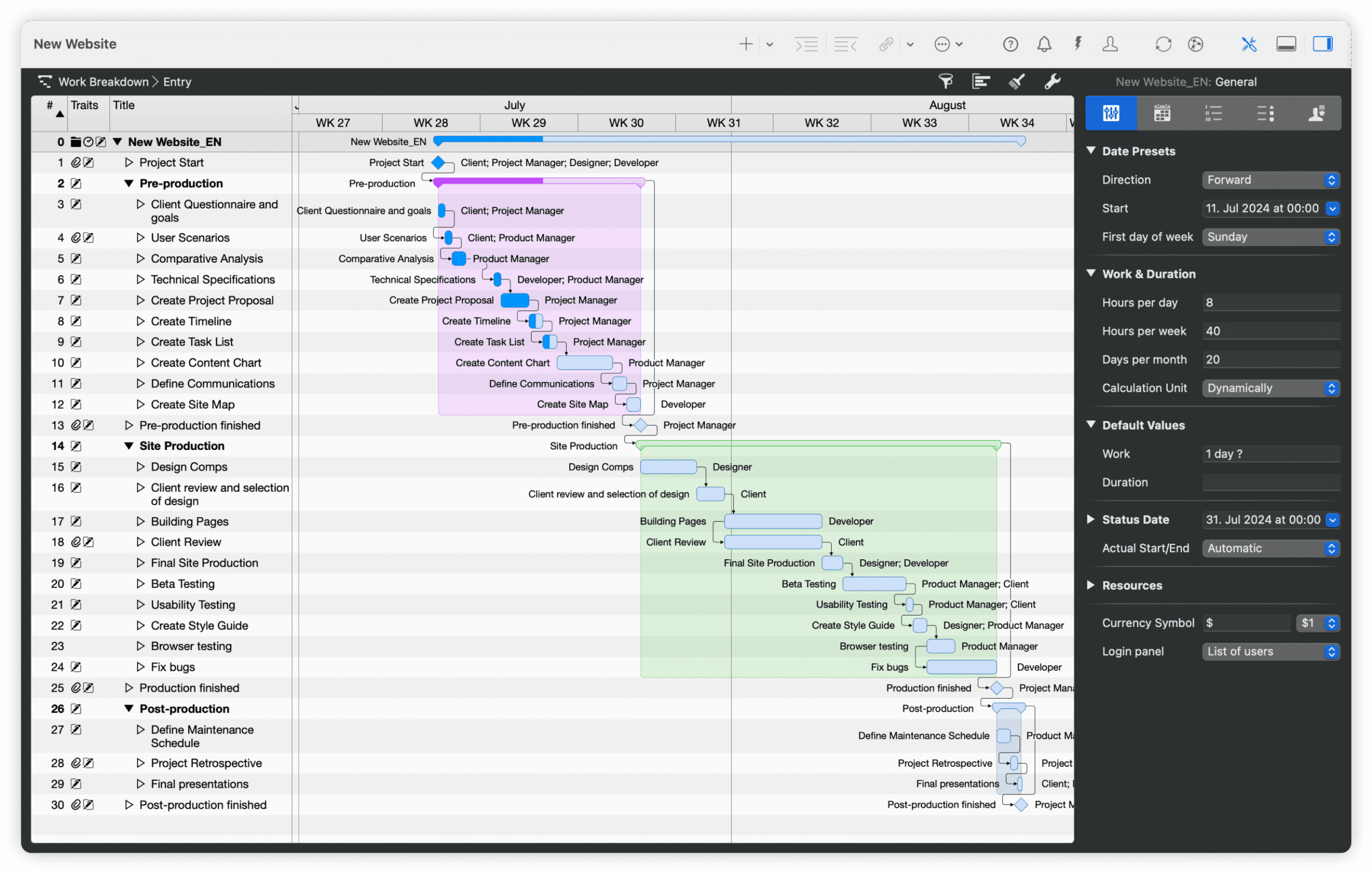
- Access: Cloud-based web application with mobile list views.
- Standout Feature: Account-level pricing structures and minimal learning curves.
- Pricing: Base plans begin at $59 per month for designated managers.
-
Microsoft Planner
For enterprises entirely committed to the Microsoft 365 ecosystem, Planner provides basic timeline and dependency features within web browsers and Microsoft Teams. While it integrates smoothly with corporate Microsoft infrastructure, it lacks direct, native .mpp import functionality for Mac users out of the box, often requiring secondary automation pipelines.- Access: Browser and Microsoft Teams integration.
- Standout Feature: Native alignment with Microsoft 365 security and collaboration tools.
- Pricing: Bundled within existing business subscriptions, with advanced plans starting around $10 per user/month.
Strategic Implications for Enterprise Mac Deployments

The selection of a project management platform ultimately hinges on workflow architecture. Organizations with centralized PMOs where a single planner manages the schedule offline often find native desktop applications like OmniPlan or Merlin Project advantageous due to their deep operating system integration and offline stability. Conversely, dynamic enterprises characterized by cross-functional teams—where executives use macOS, field technicians use mobile devices, and engineering leads use Windows—benefit significantly from browser-based platforms like ProjectManager or Smartsheet.
As software deployment models continue to prioritize cloud accessibility and collaborative transparency, the reliance on localized file formats like .mpp is gradually evolving. However, until legacy enterprise standards fully shift toward universal cloud APIs, third-party import-export bridges and compatible macOS scheduling applications remain essential infrastructure for modern organizations operating on Apple hardware.