The Strategic Evolution of Task Management: From Microsoft Word Templates to Automated Workflow Compliance


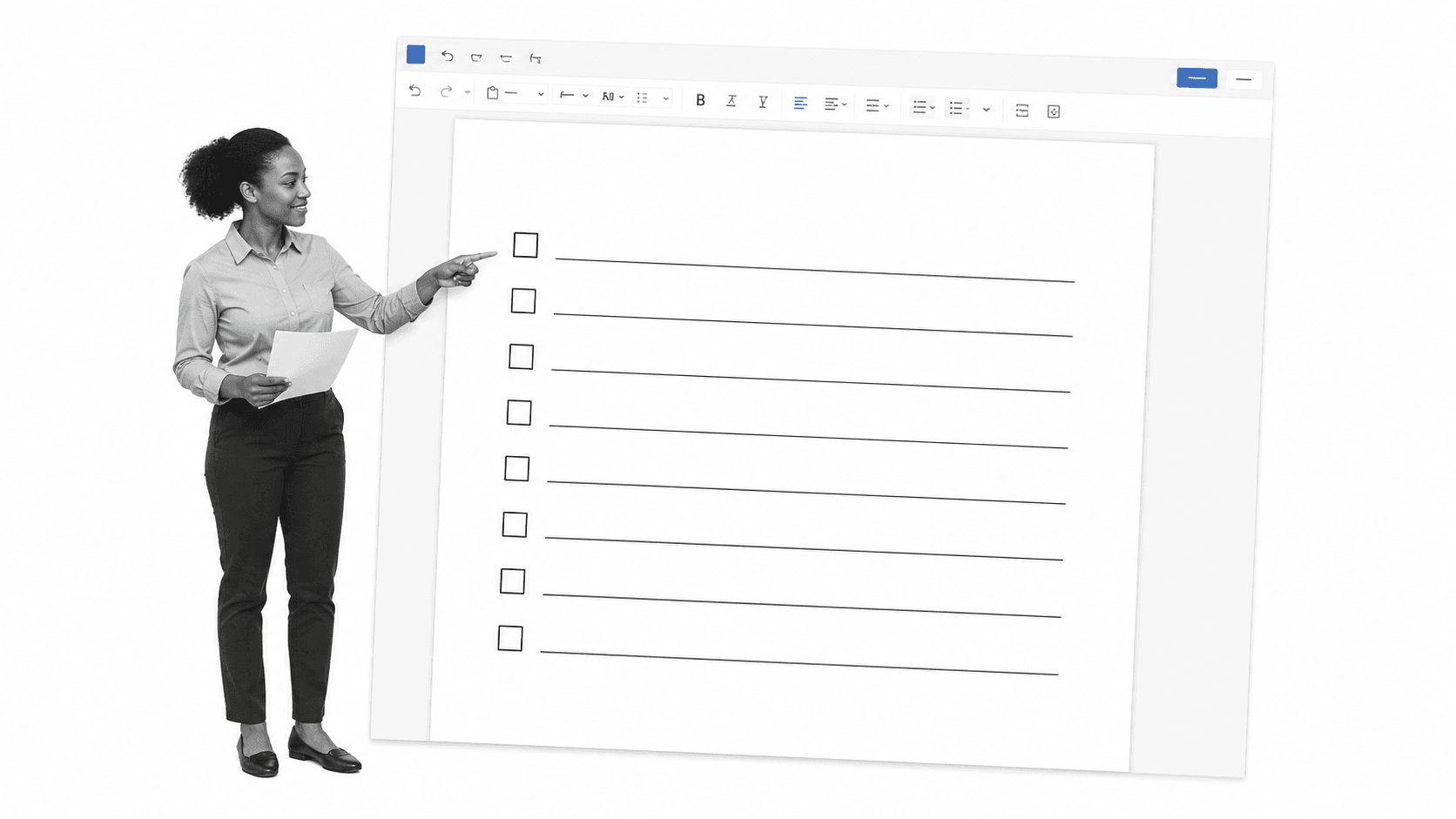
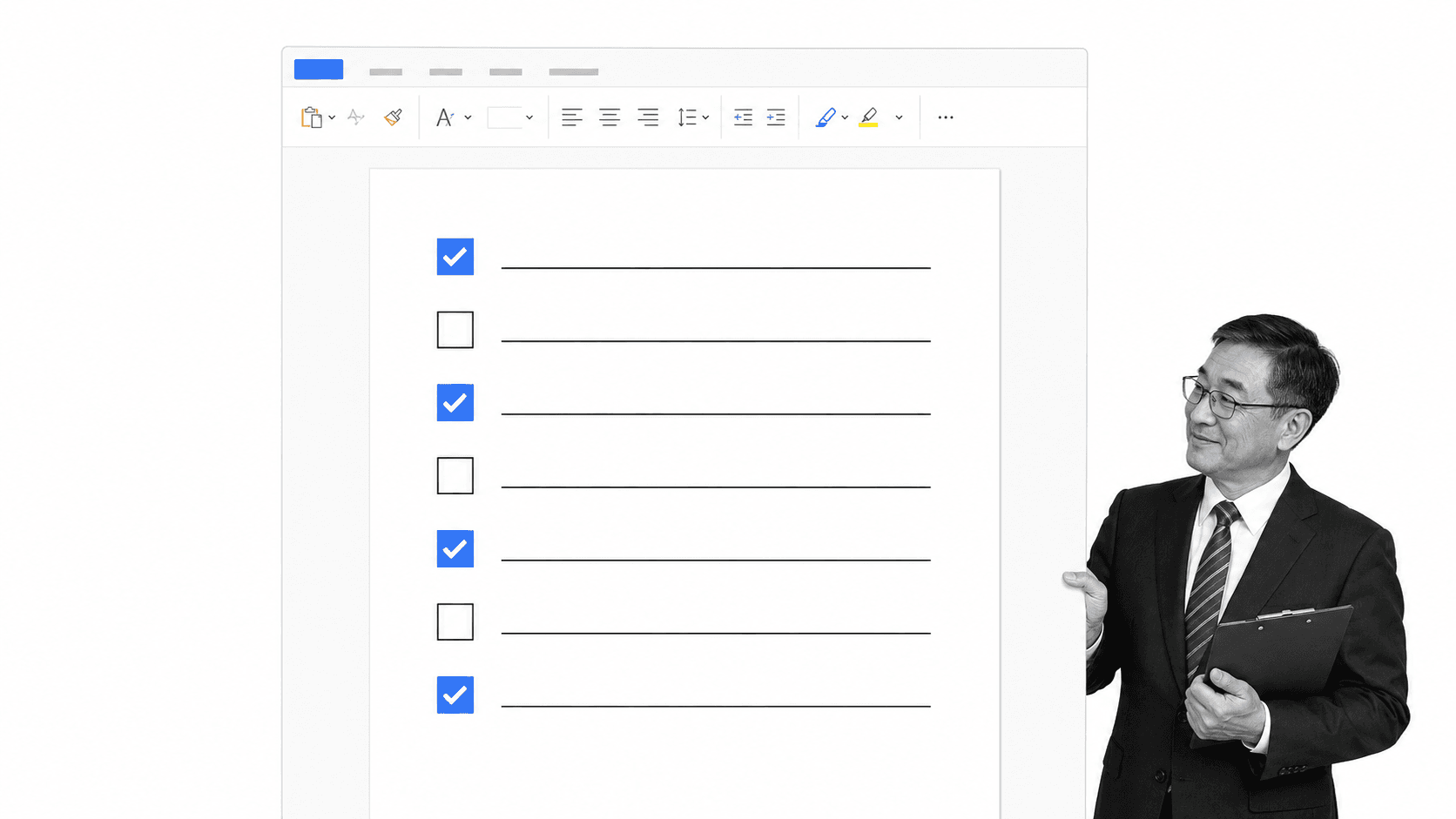
The transition from rudimentary document-based task management to sophisticated digital workflow automation represents a significant shift in operational efficiency for modern organizations. A Microsoft Word checklist template, long considered the standard for individual task tracking, provides an editable, printable, and low-barrier-to-entry solution for managing one-off projects. These documents, characterized by ready-made checkboxes and structured task rows, offer immediate utility for personal reminders, physical inspections, and ad-hoc packing lists. However, as business requirements scale, the limitations of static documentation—such as version control issues, lack of searchability, and the inability to track accountability—have prompted a broader re-evaluation of how teams manage recurring processes.

The Historical Reliance on Document-Based Checklists
For decades, the standard procedure for operational management involved the creation of templates within word processing software. Historically, these templates were favored for their versatility. By utilizing the .docx format, organizations could easily generate internal audit forms, safety inspection logs, and daily routine checklists. The appeal was simple: it required no specialized software training, incurred no licensing overhead beyond existing office suites, and provided a familiar interface for employees.
During the early 2000s, the "checklist revolution" popularized by medical and aviation safety protocols solidified the use of these documents in corporate environments. The methodology was straightforward: identify critical steps, transcribe them into a table, and distribute the document. Yet, this approach created a fragmented "copy-paste" culture. As employees saved local versions of these documents, variations proliferated, leading to inconsistent execution of standard operating procedures (SOPs).
Technical Limitations and Operational Risks
Recent analysis of workflow inefficiencies highlights several critical failure points inherent to static Word-based checklists. While they serve a purpose in low-stakes, individual environments, they fail when applied to complex, team-oriented operations.
- Version Control Disparity: When a template is shared via email or a shared network drive, there is no guarantee that the end-user is operating on the most current version. This often results in "zombie processes" where outdated requirements continue to be followed, potentially leading to regulatory non-compliance.
- The "Data Silo" Problem: Data captured on a printed or local document remains trapped. It cannot be easily aggregated, analyzed, or converted into actionable insights for management. Consequently, identifying bottlenecks or process deviations requires manual, labor-intensive audits.
- Lack of Accountability: A paper or static Word checklist provides no timestamped record of who performed a task or when it was completed. In sectors requiring strict audit trails, such as finance or healthcare, this lack of attribution poses a significant compliance risk.
- Physical Fragility: Paper documents are susceptible to loss, damage, and unauthorized alteration. Even digital files stored on local machines are vulnerable to file corruption and the absence of a centralized repository.
Comparative Analysis: Static vs. Dynamic Workflows
To understand the shift toward automated platforms, it is necessary to compare the performance metrics of static templates against dynamic, cloud-based workflows. Data from operational efficiency studies suggest that organizations transitioning from static documentation to automated systems see a measurable improvement in process adherence.
| Metric | Static Word Template | Automated Workflow Platform |
|---|---|---|
| Real-time Monitoring | None | Instant visibility |
| Accountability | Manual signature only | Automated audit trails |
| Data Integrity | High risk of manual error | Validated, structured inputs |
| Scalability | Limited; requires manual distribution | Unlimited; instant deployment |
| Integration | None | API-based connectivity |
The fundamental difference lies in the "system of record." A Word document acts merely as a guide, whereas a modern workflow platform acts as the execution layer itself.
The Shift Toward Compliance Operations Platforms
As the complexity of global business operations increases, the demand for "Compliance Operations Platforms" has surged. Organizations such as Process Street have emerged as leaders in this transition, offering solutions that bridge the gap between simple documentation and robust workflow execution. The objective is to replace the "checklist" with a "workflow"—a living, breathing sequence of tasks that enforces rules, mandates approvals, and secures evidence of completion.

Industry experts note that the move away from static files is driven by the necessity for "process-as-code." By digitizing procedures, companies can ensure that every time a process is initiated, it follows the exact same logic. This eliminates the variability that often plagues organizations relying on manual templates.
Implementing a Transition Strategy
For organizations currently tethered to Word templates, the migration to an automated system should be approached in phases to minimize operational disruption.
Phase 1: Inventory and Audit
Begin by cataloging all existing Word-based checklists. Categorize them into "One-off/Personal" and "Recurring/Team-based." Static documents are perfectly acceptable for the former, but the latter should be prioritized for migration.
Phase 2: Standardization
Before digitizing, review the actual process. Often, the transition to software reveals that many steps in a template are redundant or outdated. This is an ideal time to optimize the procedure for maximum efficiency.
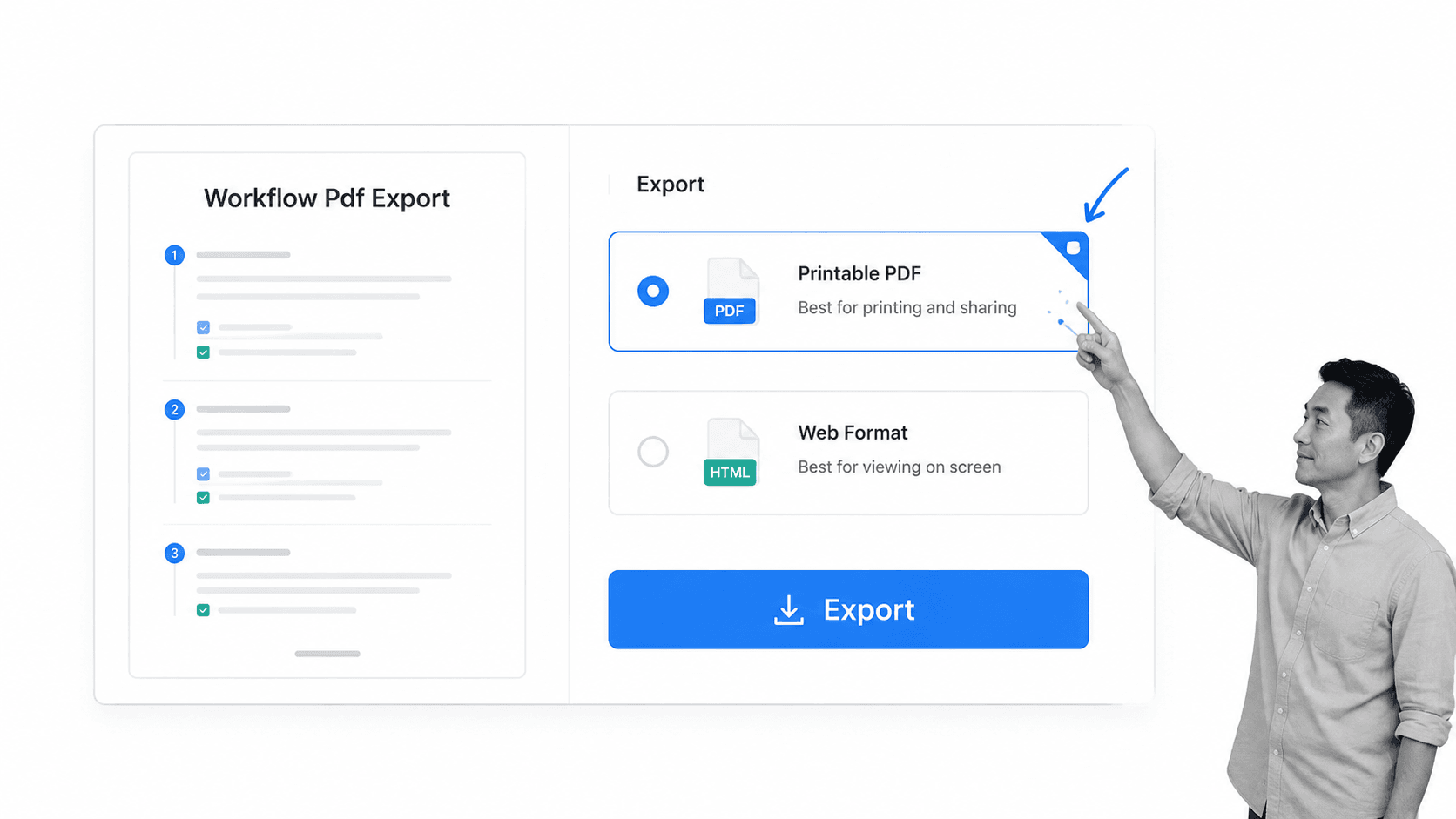
Phase 3: Digital Transformation
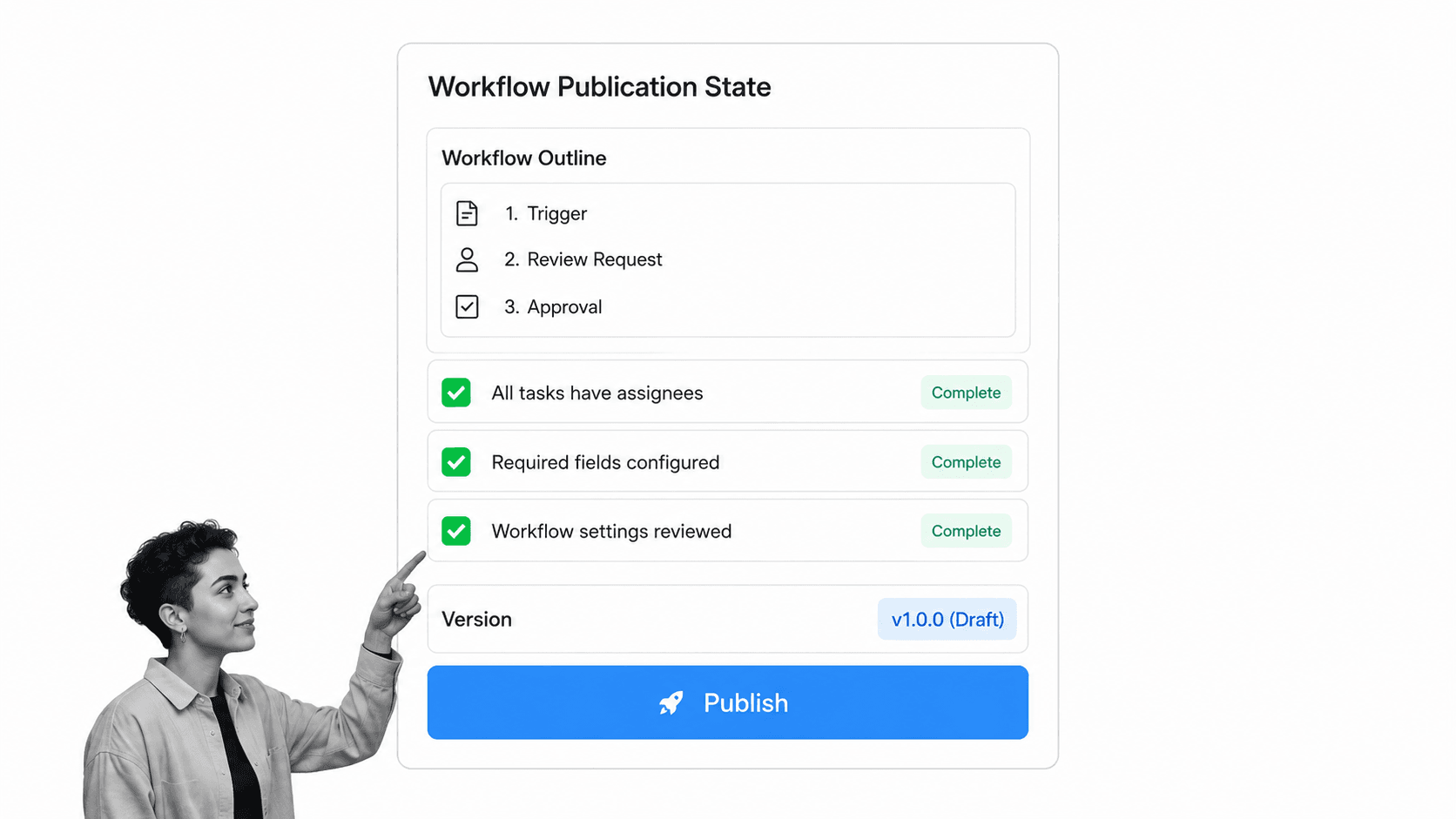
Translate the optimized checklist into a workflow platform. Utilize features such as:
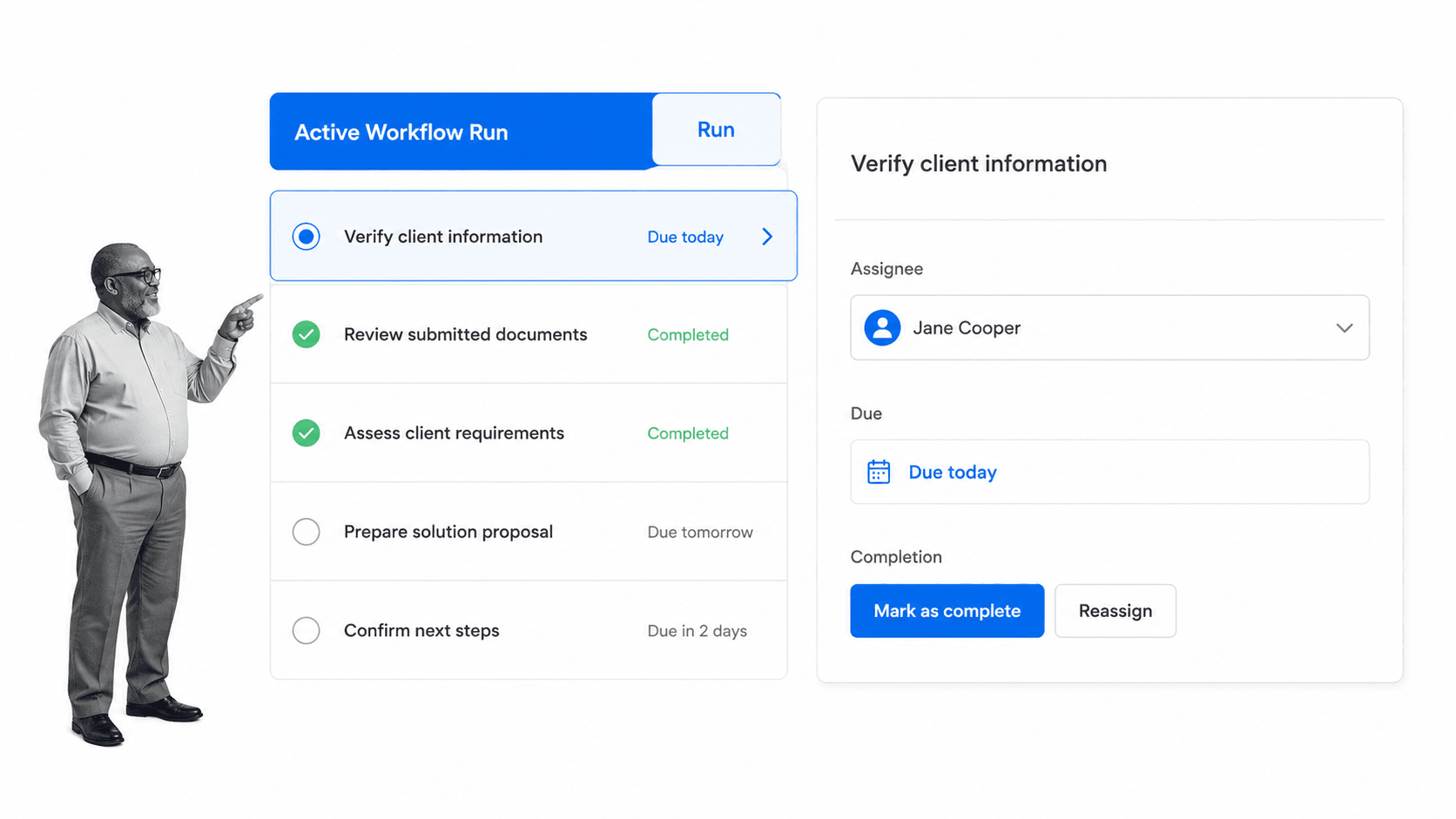
- Role-based assignment: Ensure tasks are automatically routed to the correct personnel.
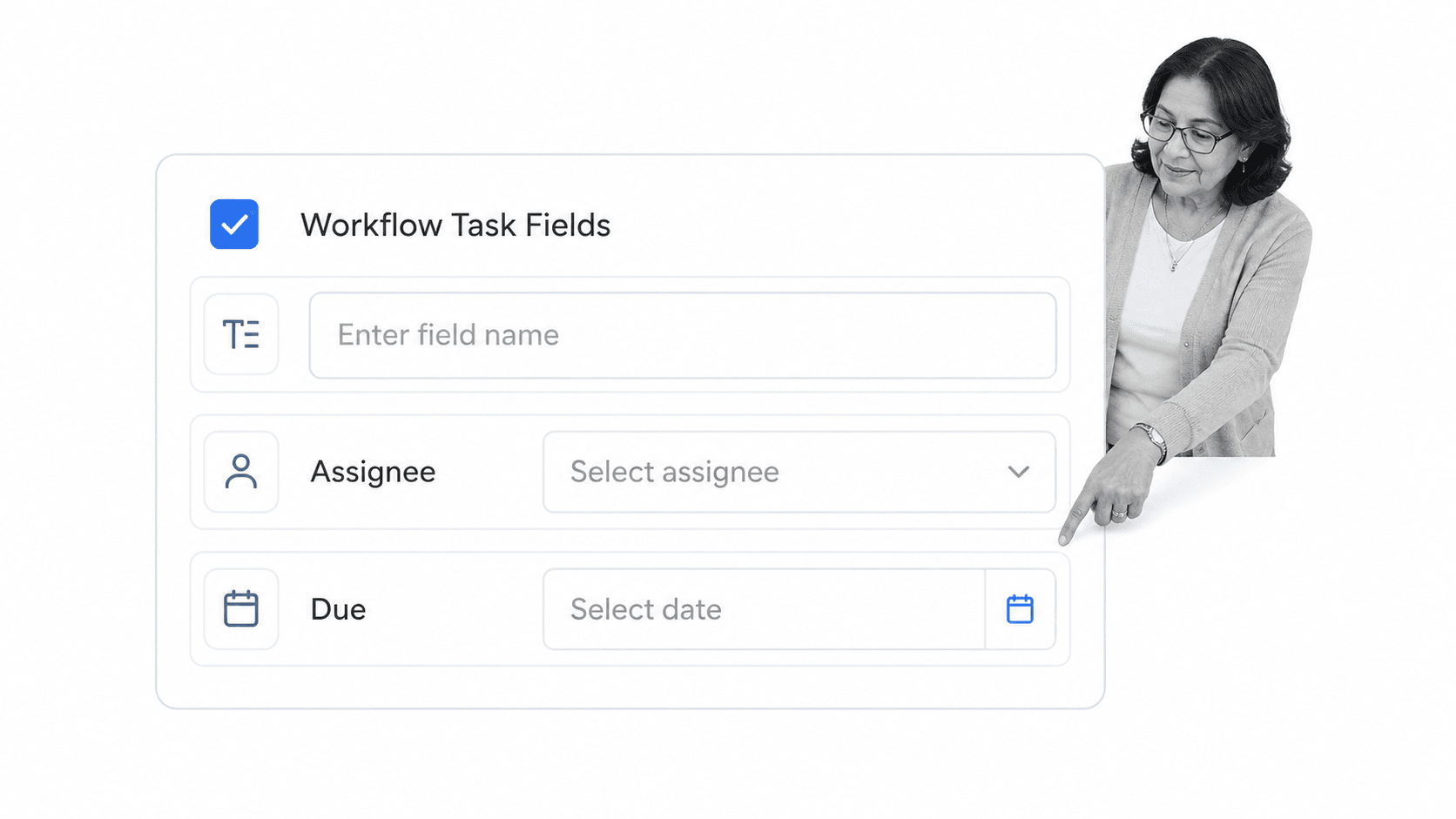
- Form fields: Replace free-text boxes with structured data inputs (e.g., dropdowns, date pickers, file uploads).
- Conditional logic: Implement paths that change based on previous inputs, ensuring the process adapts to the situation.
Phase 4: Continuous Improvement
Unlike a Word document, which is static, a digital workflow provides analytics. Use data from completed runs to identify where delays occur and iteratively refine the process.
Expert Perspectives on Digital Maturity
Industry analysts emphasize that this shift is not merely a technological upgrade but a cultural one. "The goal is to remove the cognitive load from the employee," states an analyst at a prominent business technology firm. "When the system guides the process, the employee can focus on the outcome rather than remembering the steps. This is the hallmark of a mature, compliant, and scalable organization."
Furthermore, the introduction of AI within these platforms has accelerated the transition. AI-driven systems can now suggest process improvements, detect anomalies in task completion times, and automatically flag instances where compliance requirements are not met. This layer of intelligence was inconceivable during the era of simple word processing.
The Future of Operational Documentation
While the Microsoft Word checklist will remain a staple for the individual user—due to its accessibility and familiarity—it is no longer the standard for the enterprise. The risks associated with manual, static documentation are increasingly incompatible with the requirements of a fast-paced, highly regulated market.
As organizations continue to prioritize digital transformation, the focus will remain on building systems that provide transparency, enforce compliance, and facilitate collaboration. The transition from a static Word template to a dynamic, automated workflow represents the maturation of an organization’s operational backbone. By adopting these modern tools, companies can ensure that their processes are not just documented, but actively managed, tracked, and continually improved. The evidence is clear: the future of work is not written in a document; it is executed through a platform.