The Evolution of Agentic AI Integration
For years, the primary interaction between employees and AI was transactional: a user would copy a checklist or a set of guidelines from their workflow software, paste it into a chat interface, and wait for the AI to process the information. This method was inherently flawed, as it lacked real-time context and failed to capture the nuances of dynamic business environments.
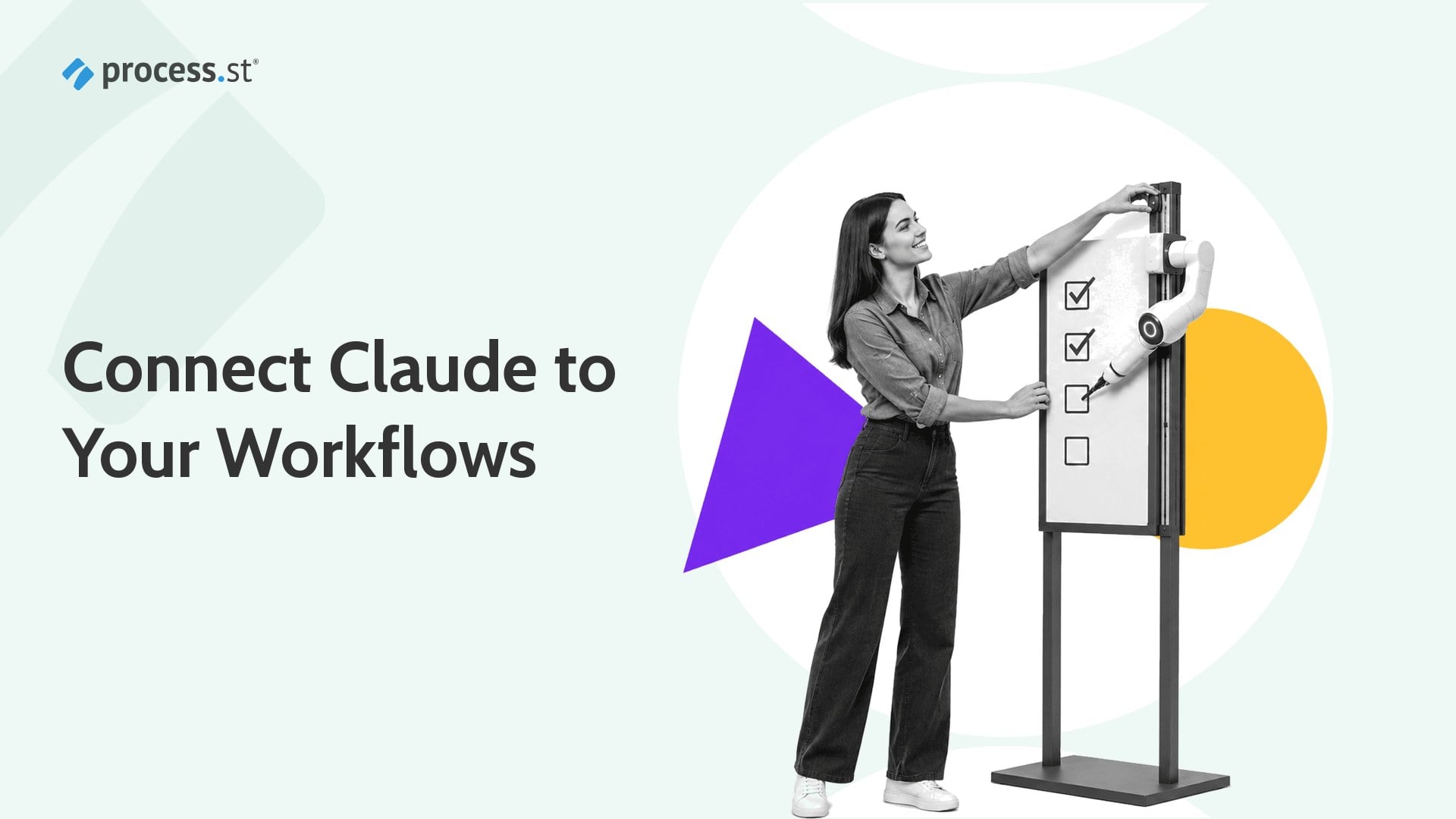
The introduction of the Model Context Protocol (MCP) marks a pivot toward "agentic" workflows. By connecting Claude—or other compatible assistants—directly to a workflow platform, the AI ceases to be a passive observer and becomes an active participant. It can now autonomously trigger a client onboarding sequence, identify bottlenecks in an access review, or update task statuses based on instructions provided in plain, conversational language.
Establishing the Connection: A Technical Overview
Integrating Claude with your business infrastructure is a streamlined process designed for security and ease of use. The system relies on an MCP server, which acts as a bridge between the AI and the workflow engine.
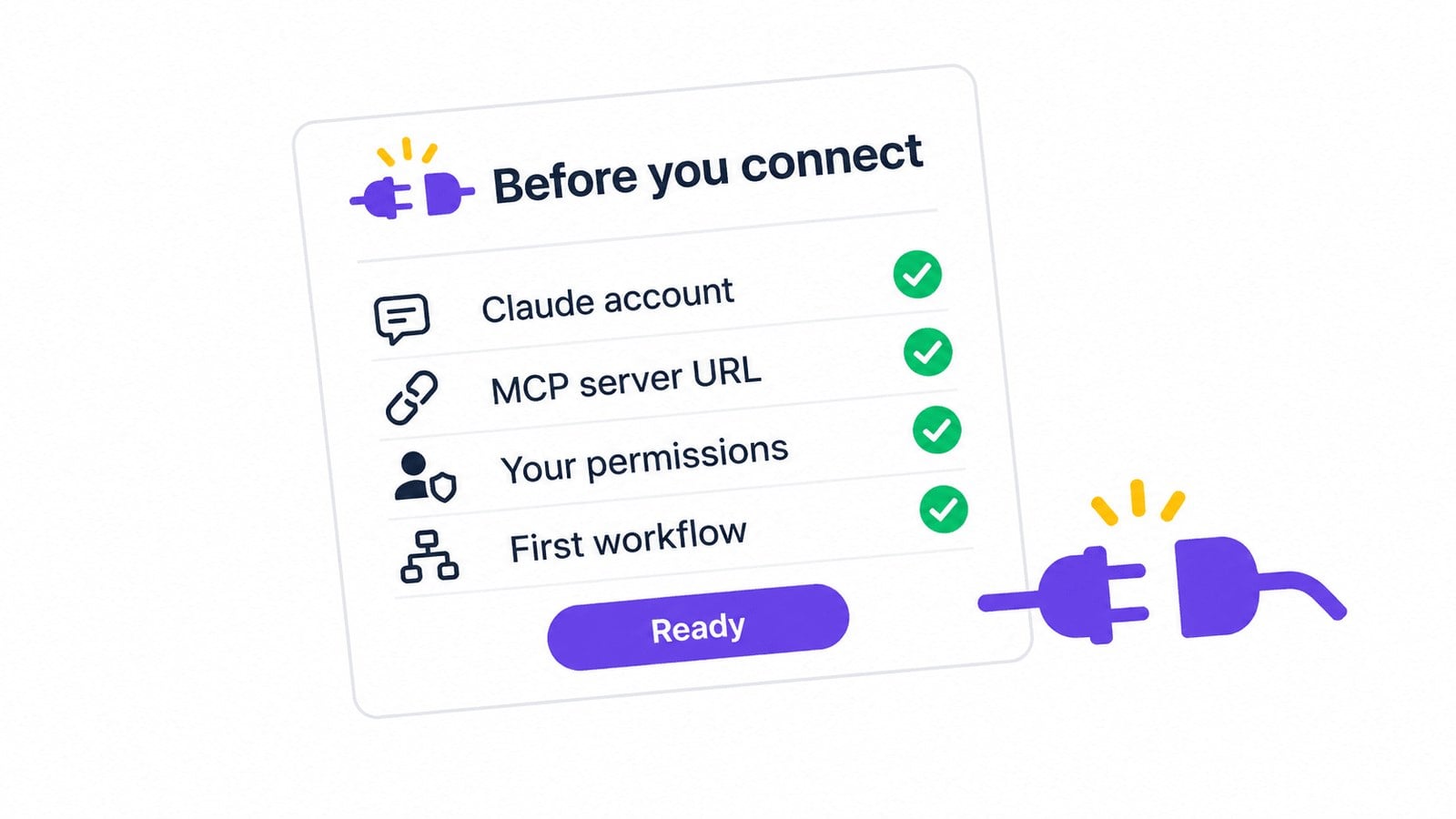
To initiate the connection in the Claude application, users navigate to the connector directory. Because Process Street is pre-integrated, most users simply need to select the platform, sign in using their standard corporate credentials, and grant the necessary permissions. For larger organizations with centralized IT policies, administrators can deploy custom connectors via Organization settings using the official MCP server URL.
For developers and power users, Claude Code—the command-line interface version of the assistant—offers a robust alternative. By executing a simple terminal command, users can register the Process Street MCP server. The system supports Dynamic Client Registration, eliminating the need for manual management of client IDs or secret keys. In environments where high-security standards are required, organizations may opt for API key-based authentication, allowing for granular control over the permissions granted to the AI.
Chronology of the MCP Standard
The shift toward standardized AI connectivity can be traced back to the broader industry movement to reduce "integration fatigue."
- Early 2024: Industry leaders began identifying that while AI models were becoming increasingly capable, their inability to access live internal data was a critical barrier to enterprise adoption.
- Mid-2024: The development of the Model Context Protocol began as an effort to unify how AI models communicate with disparate software systems.
- Late 2024–2025: Platforms like Process Street integrated MCP support, effectively turning workflow templates into actionable AI-accessible tools.
- Current State: The focus has shifted from mere connectivity to "human-in-the-loop" oversight, ensuring that while AI handles administrative legwork, critical decision-making remains under human supervision.
Data-Driven Operational Gains
Preliminary reports from teams utilizing MCP-enabled workflows indicate significant reductions in administrative overhead. Data suggests that by automating the "busywork"—such as checking for overdue tasks, summarizing weekly project statuses, and searching through large vendor datasets—teams can recover an average of 5 to 8 hours of productive time per employee, per week.
Furthermore, the capability for Claude to "read" an entire workflow—including its conditional rules, assignments, and scheduling logic—allows for more accurate audits. Instead of manually cross-referencing spreadsheets to find inconsistencies, an administrator can prompt the AI: "Search our vendor dataset for active vendors that haven’t been reviewed in six months and flag them for immediate action." This single query replaces hours of manual data filtering and correction.
Security and Governance Frameworks
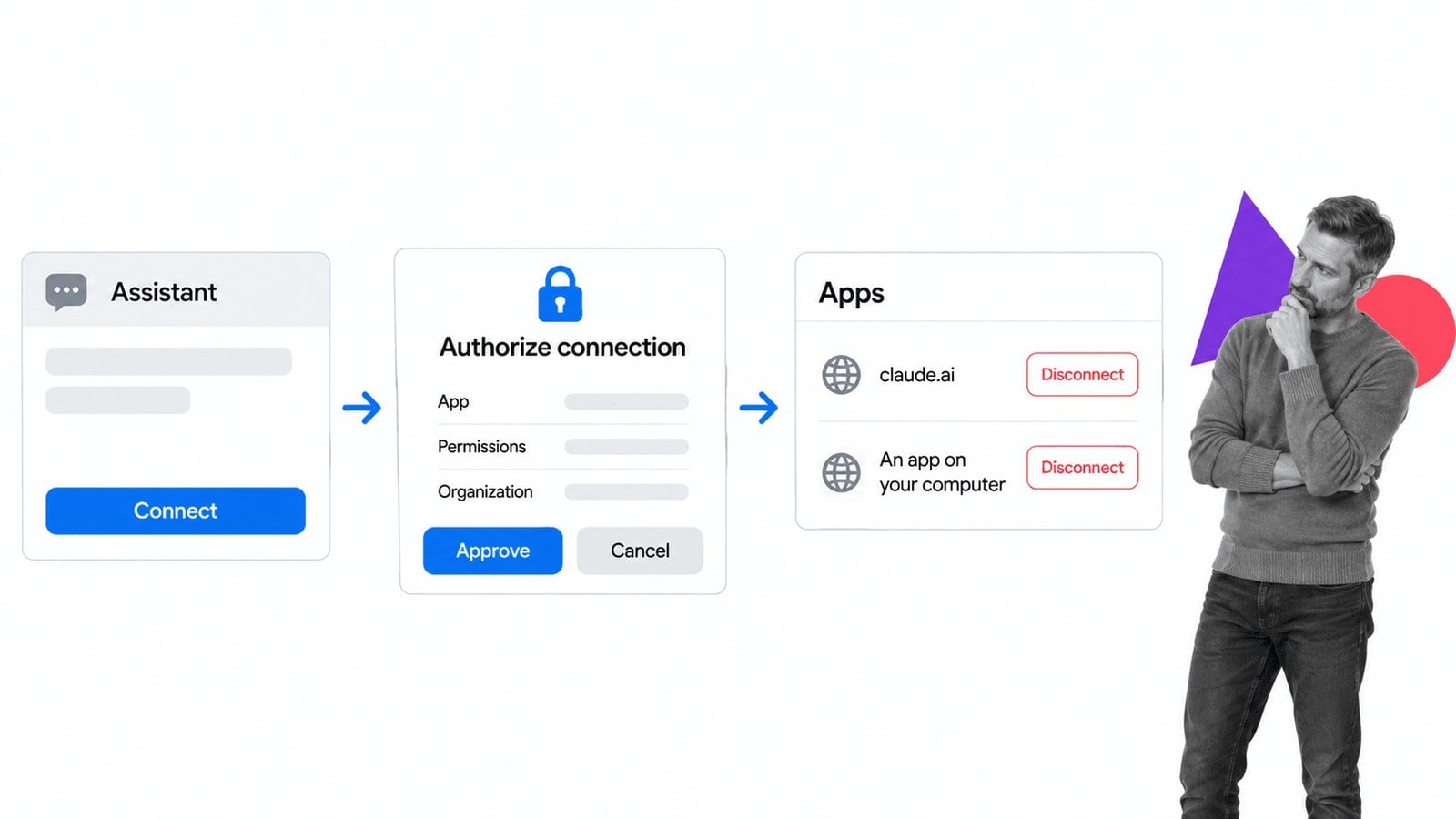
The security architecture of these connections is predicated on the principle of least privilege. Every connection must be explicitly authorized by a user through a secure OAuth screen, which clearly delineates the permissions being requested and the scope of the interaction.
Governance features include:
- Centralized Revocation: Users can view and disconnect any linked application at any time through their profile settings.
- Automatic Inactivity Timeout: Connections that remain dormant for 90 days are automatically disabled, reducing the attack surface.
- Credential Integrity: Resetting a primary password for the workflow platform immediately invalidates all associated AI tokens, forcing a re-authentication.
Broader Implications: The Multi-Assistant Enterprise
The democratization of the MCP standard means that organizations are no longer locked into a single AI ecosystem. Because the Process Street MCP server is compatible with various assistants, different departments can leverage the tools that best suit their workflows.
Marketing teams might prefer the creative output of Claude, while engineering teams might favor the integration capabilities of Codex or the diagnostic strengths of Grok. All these models can operate on the same set of underlying workflows. This interoperability ensures that an organization’s process logic—the "how we work"—remains consistent, even as the "who we use" changes.
Future Outlook: Agentic Responsibility
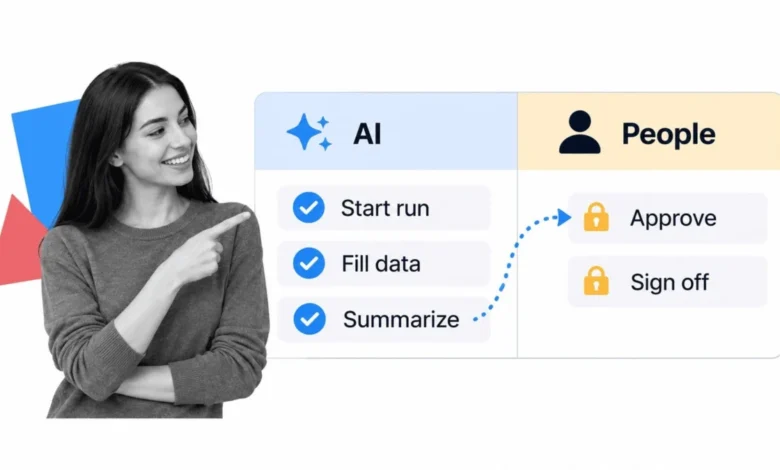
The ultimate goal of connecting AI to workflows is not to replace human judgment but to elevate it. In this model, the AI acts as a high-speed engine that executes repetitive tasks within strict, pre-defined boundaries. For instance, while Claude can be trusted to initiate a workflow run or draft a status report, the "approvals" layer of a process remains strictly human.
By offloading the manual compilation of data, human managers are freed to focus on high-level strategic analysis and complex problem-solving. This symbiotic relationship between human oversight and AI execution represents the next frontier of operational excellence.
Conclusion: Implementing Your First Workflow
For teams looking to begin this transition, the recommended approach is a "read-only" pilot. Start by asking Claude to perform simple diagnostic tasks, such as: "Which of my workflow runs have overdue tasks?" or "Summarize the status of our current onboarding projects."
Once trust is established and the team is comfortable with the AI’s accuracy, they can move to more complex, write-enabled tasks. As organizations continue to adopt these technologies, the definition of a "workflow" will likely shift from a static document to a living, AI-assisted process that learns, adapts, and evolves in real-time. By integrating Claude into your existing systems today, you are not merely adopting a new tool; you are preparing your organization for a future where operational speed is limited only by the quality of your processes, not by the effort required to manage them.