Project management has evolved dramatically over the last two decades, moving from paper ledgers and rudimentary spreadsheets to sophisticated, cloud-based enterprise platforms. Yet, despite the widespread availability of real-time collaboration tools, Microsoft Excel remains an indispensable fixture in modern business administration. Millions of organizations worldwide continue to rely on structured spreadsheets to manage timelines, allocate resources, and monitor critical performance indicators. Recognizing this enduring reliance, industry analysts and software providers frequently release specialized template packages to bridge the gap between traditional workflows and advanced tracking requirements. A recent release by enterprise resource planning and project tracking provider ProjectManager highlights this trend by introducing a comprehensive suite of five free dashboard templates designed specifically for Excel users.
The Fundamentals of Visual Project Tracking

At its core, a project management dashboard serves as a centralized visual interface for key performance indicators (KPIs), allowing team leads to assess project health at a glance. Historically, compiling such overviews required hours of manual data entry, formula creation, and chart formatting. Modern dashboard templates pre-configure these elements, incorporating dynamic charts, conditional formatting, and automated summaries that update as raw data is inputted.
For many small-to-medium-sized enterprises and independent contractors, migrating to dedicated project management software involves steep subscription costs, extensive employee training curves, and complex data migration processes. Excel templates offer a pragmatic alternative. They leverage software that organizations already own and understand, eliminating friction during project initiation. By mapping metrics such as budget consumption, task duration, and labor allocation into visual formats like pie charts and bar graphs, project managers can identify bottlenecks before they derail milestones. However, the utility of these templates varies significantly depending on the specific operational domain they target.
Breakdown of the Five Free Excel Dashboard Templates

The newly introduced collection addresses distinct functional areas within project administration, ranging from high-level portfolio oversight to granular asset management.
The Standard Project Dashboard Template
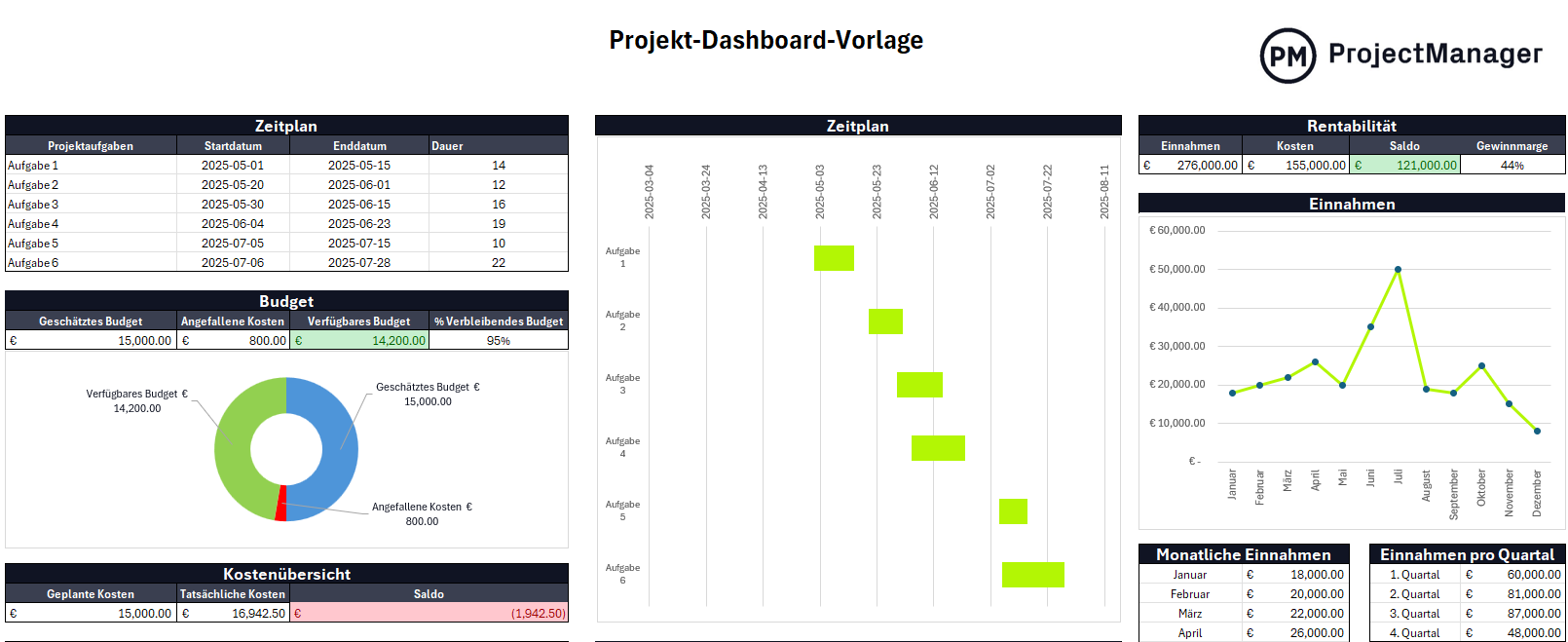
Designed to provide a macro-level overview, this template utilizes a four-quadrant visual layout. It integrates a task distribution pie chart displaying completion percentages, an active workload bar graph color-coded by urgency, a timeline duration tracker, and a financial variance chart. This structure allows managers to compare actual progress against baseline schedules without navigating multiple tabs or complex databases.
The Comprehensive KPI Dashboard Template
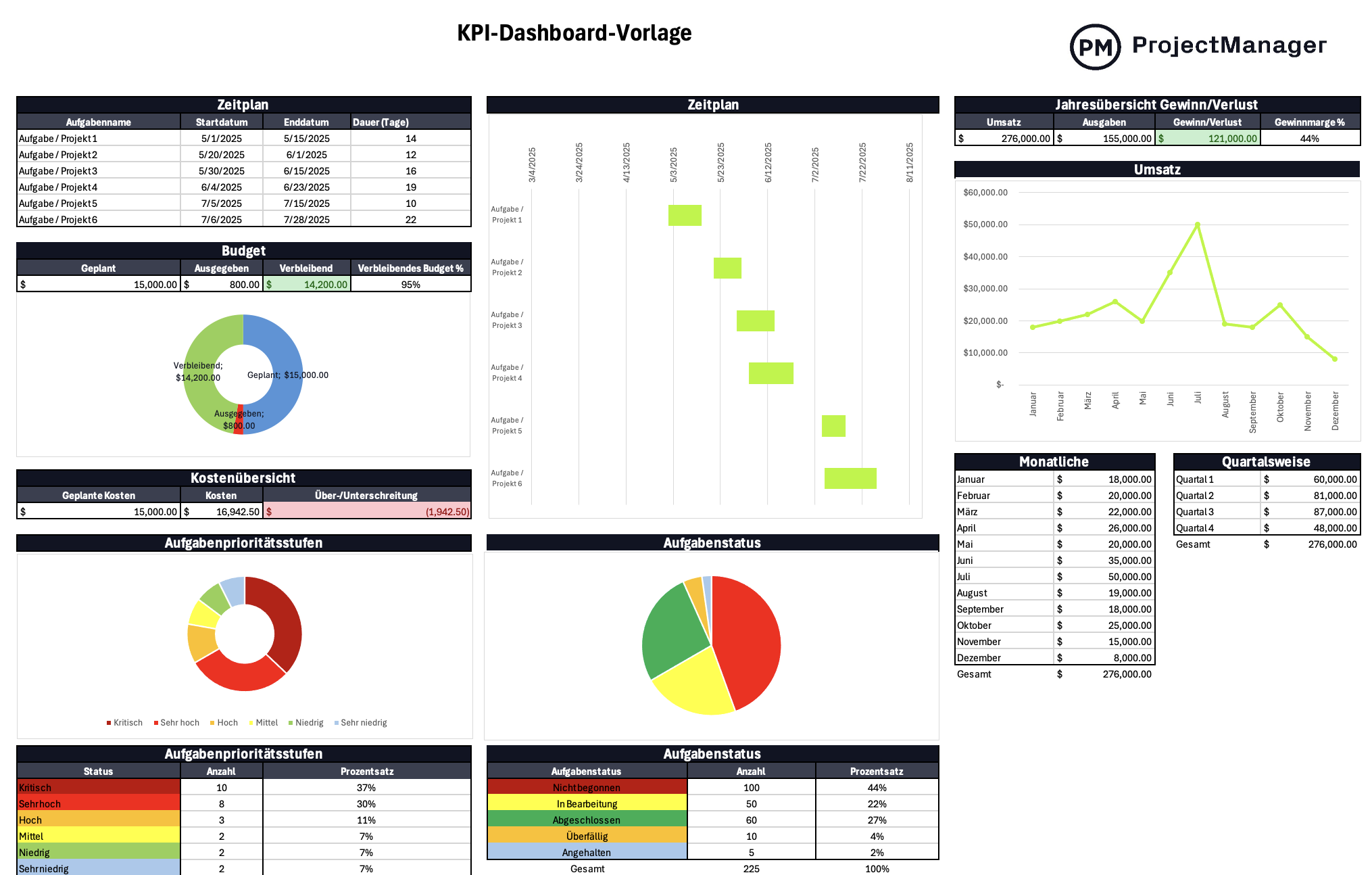
Tailored for executive leadership and organizational strategists, this template moves beyond single-project metrics to incorporate financial health indicators. It features an annual profit-and-loss overview broken down into monthly and quarterly revenue and expenditure streams. By juxtaposing operational timelines with financial inflows and outflows, corporate stakeholders can evaluate organizational liquidity alongside project execution rates.
The Specialized Budget Dashboard Template
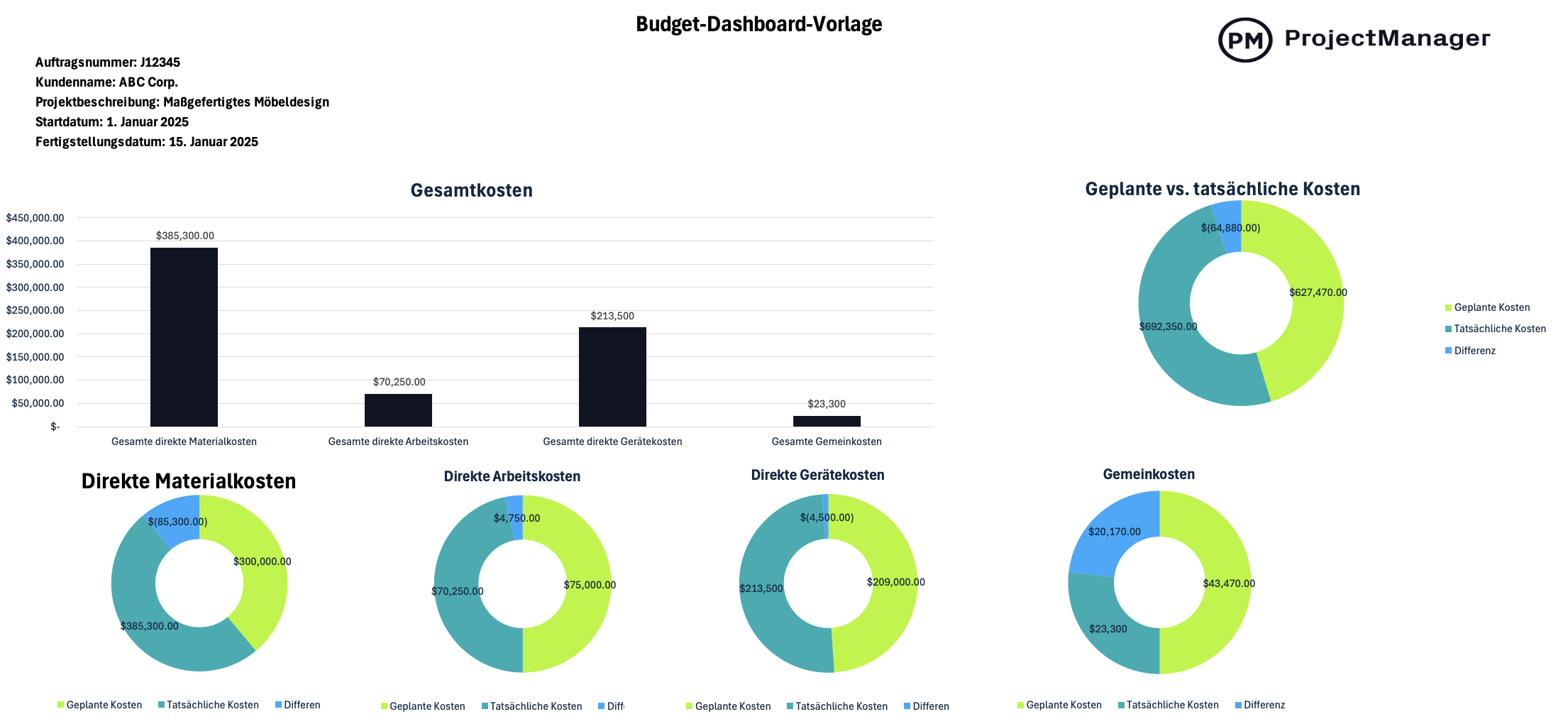
Cost overrun remains one of the primary failure points in professional project management. This template functions as an isolated financial audit tool. It requires inputs for purchase order numbers, client data, and descriptions, while utilizing color-coded graphs to measure planned versus actual expenditures. Sub-categories explicitly track direct material costs, labor expenses, equipment rentals, and overhead, ensuring tight fiscal control.
The Task-Tracker Dashboard Template
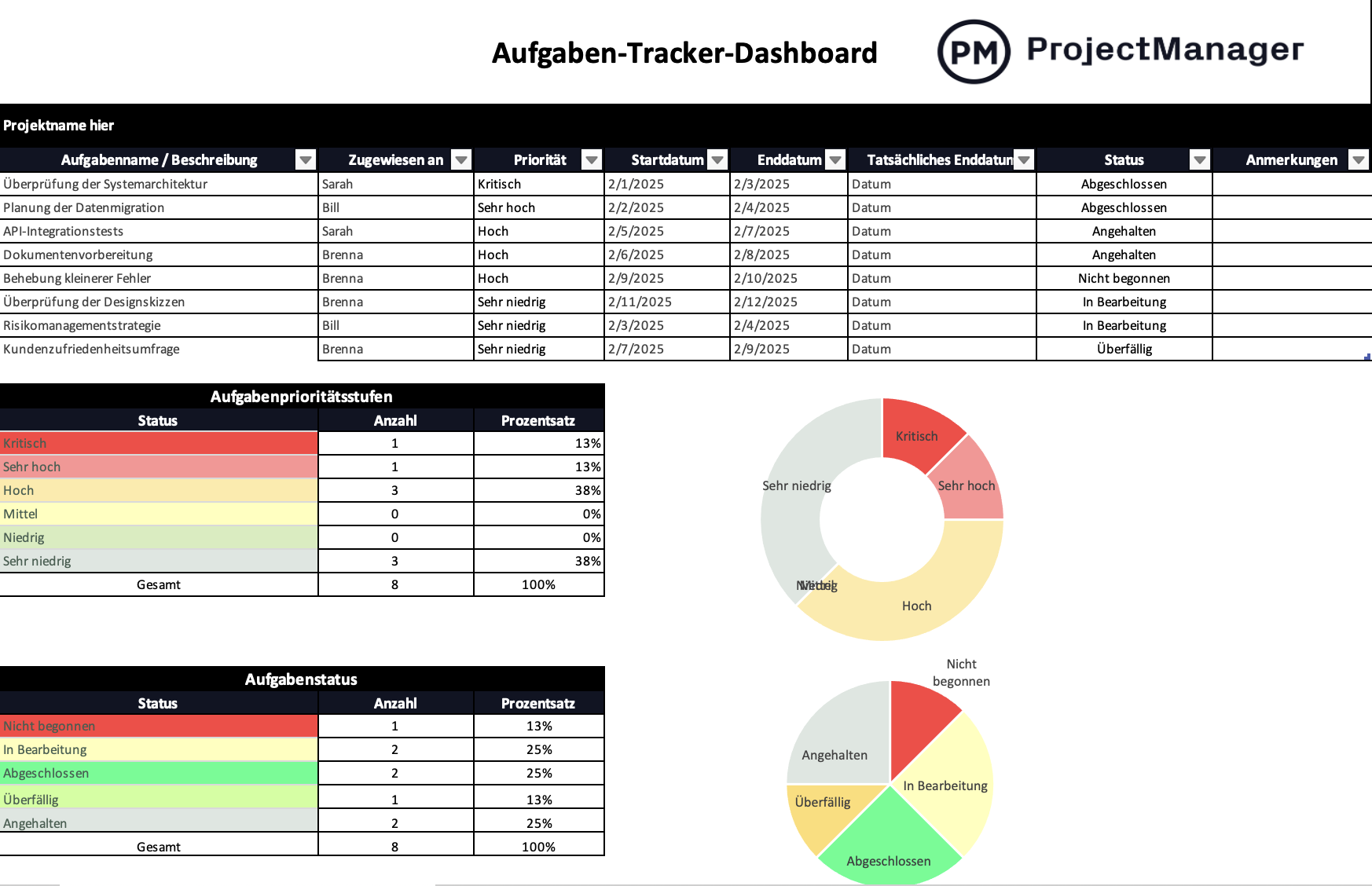
Focusing on operational execution, this template acts as a central repository for individual assignments. It categorizes tasks by priority levels—ranging from low urgency to critical—and maps task statuses from pending to completed. Visual percentage bars and automated summaries give team leads immediate clarity on human resource distribution and individual accountability.
The Asset Management Dashboard Template
Asset tracking involves monitoring the physical inventory, tools, and technological resources required to execute business operations. This template consolidates asset quantities, depreciation values, and physical locations into a unified reporting interface. Donut charts and location-based data tables streamline long-term resource planning and preventative maintenance scheduling.

The Strategic Advantages of Spreadsheet-Based Governance
The longevity of Excel in corporate environments is rooted in several distinct operational advantages. First and foremost is familiarity; virtually every white-collar professional possesses a baseline competency in spreadsheet navigation. This drastically reduces onboarding time for new team members.
Furthermore, Excel templates offer unparalleled customization. Unlike rigid software solutions that enforce standardized workflows, open-source spreadsheets allow project managers to alter formulas, add custom columns, and modify visual aesthetics to suit niche industry requirements. Data privacy is another critical factor. Because Excel files can be stored locally on secure corporate servers or encrypted hard drives, organizations dealing with sensitive intellectual property or strict regulatory compliance frameworks often prefer offline document management over cloud-based storage solutions. Cost-efficiency rounds out the equation; utilizing free templates avoids recurring SaaS (Software as a Service) licensing fees that can strain departmental budgets.
Inherent Limitations and Operational Bottlenecks
Despite their widespread utility, static spreadsheet templates possess structural limitations that become increasingly pronounced as project complexity scales. The most significant drawback is the absence of real-time data synchronization. Excel dashboards rely entirely on manual data entry. If a team member completes a milestone in the field, that progress remains invisible on the master dashboard until an administrator manually inputs the update. This latency creates information silos and increases the risk of decision-making based on outdated intelligence.
Collaboration bottlenecks further restrict spreadsheet efficiency. While modern versions of Microsoft Excel support cloud co-authoring, simultaneous multi-user editing frequently leads to version control conflicts, broken formulas, and accidental data deletion. Additionally, static documents lack automated alert systems. Unlike dedicated enterprise software that triggers push notifications or emails when a task approaches its deadline or a budget threshold is breached, Excel requires users to actively audit the document to uncover anomalies. Finally, advanced project management methodologies—such as automated critical path method (CPM) calculations, resource leveling across multiple portfolios, and integrated time-tracking-to-payroll workflows—cannot be sustained natively in a basic template without highly complex macro programming.
The Industry Shift Toward Real-Time Enterprise Platforms
Recognizing the friction points inherent in manual tracking, software developers frequently position free templates as an introductory stepping stone toward comprehensive enterprise resource planning (ERP) systems. Industry analysts note a steady migration of mid-market and enterprise organizations away from static spreadsheets and toward centralized cloud platforms.
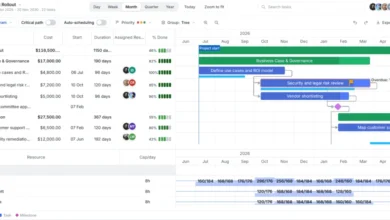
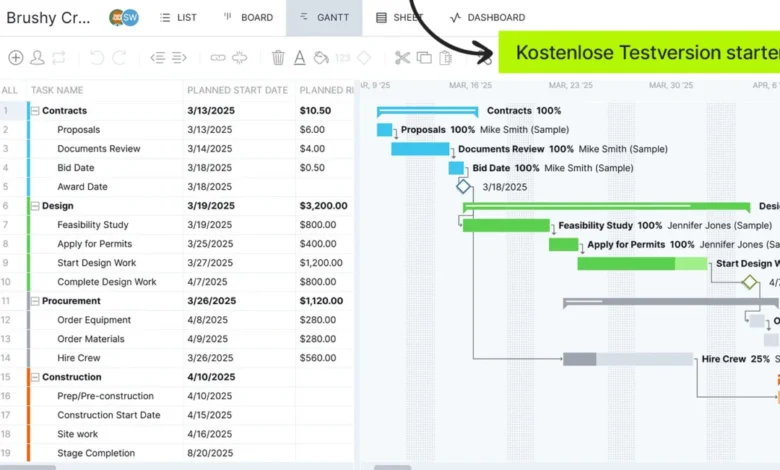
Platforms such as ProjectManager, Asana, Monday.com, and Jira represent this shift by replacing static templates with live, automated environments. In these systems, dashboards populate instantaneously as team members log hours on Kanban boards, update statuses within Gantt charts, or submit digital timesheets. Resource management tools within these platforms automatically flag over-allocation, factoring in global holidays, individual skill sets, and vacation schedules—capabilities that would require thousands of lines of advanced VBA code to replicate in Excel.
Implications for Modern Project Management Strategy
The release of these free Excel templates underscores a pragmatic reality in business software markets: while the future belongs to automated cloud intelligence, the present remains firmly anchored in hybrid workflows. Many organizations adopt a phased approach, utilizing templates for internal scoping, budget estimation, and smaller standalone initiatives, while deploying robust software platforms for large-scale, multi-departmental portfolios.
Ultimately, the choice of tool depends on project scale, budgetary constraints, and organizational culture. For small teams with straightforward deliverables, well-designed Excel dashboards provide sufficient oversight without administrative bloat. However, as projects grow in complexity, the efficiency gains of automated data capture, real-time collaboration, and predictive analytics inevitably justify the investment in dedicated project management software. As the software market continues to mature, providers will likely continue offering free foundational resources, using them to demonstrate the limitations of static documents while guiding users toward the efficiencies of the digital cloud.