The burgeoning demand for video content across digital platforms has ushered in a new era of content creation, simultaneously highlighting the persistent challenges associated with production, particularly in the realm of editing. For many, the journey into video creation, often starting with the ambition to build a consistent online presence, quickly encounters significant hurdles. From the initial awkwardness of speaking coherently on camera to the daunting task of post-production, the path to a polished video can be arduous. This article delves into the transformative potential of artificial intelligence in video editing, based on extensive testing of seven leading AI-powered tools, offering a comprehensive guide to navigating this rapidly evolving landscape.
The Proliferation of Video Content and the Editing Bottleneck
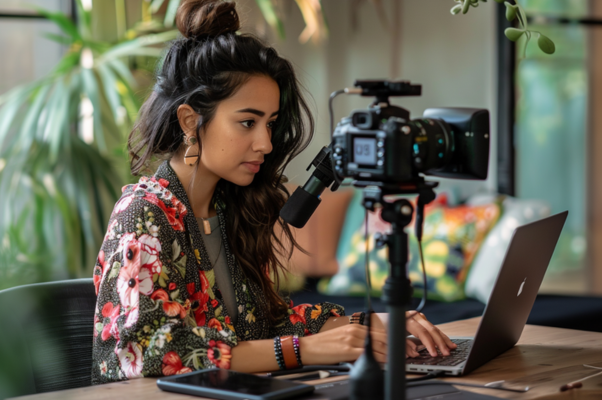
The year 2023 marked a pivotal moment for many aspiring creators, as video solidified its position as a dominant format for digital communication. Platforms like TikTok, Instagram Reels, and YouTube Shorts have fueled an insatiable appetite for short-form, engaging visual narratives. This surge, however, has exposed a critical bottleneck: the traditional video editing process. What begins as a creative endeavor often devolves into a time-consuming struggle with technicalities. Setting up equipment, delivering a flawless take, and then meticulously cutting, splicing, and refining footage can be incredibly demanding, especially for individuals without professional training or dedicated support.
The author’s personal experience, starting with video in 2023 to build a consistency habit, mirrors this common struggle. Early content, surprisingly effective despite nascent editing skills, underscored the intrinsic power of video itself. However, the path from raw footage to a finished product is fraught with challenges. Beyond the initial discomfort of being on camera, the sheer complexity of editing—from basic cuts to nuanced transitions and audio adjustments—often proves to be the most significant barrier. While some are fortunate to have access to professional editors, most independent creators start by shouldering the entire production burden themselves. This is precisely where the promise of AI video editors emerges, offering a potential bridge between creative vision and technical execution, effectively closing the gap between a creator’s taste and their current skill level.
Demystifying AI Video Editing: Two Core Approaches
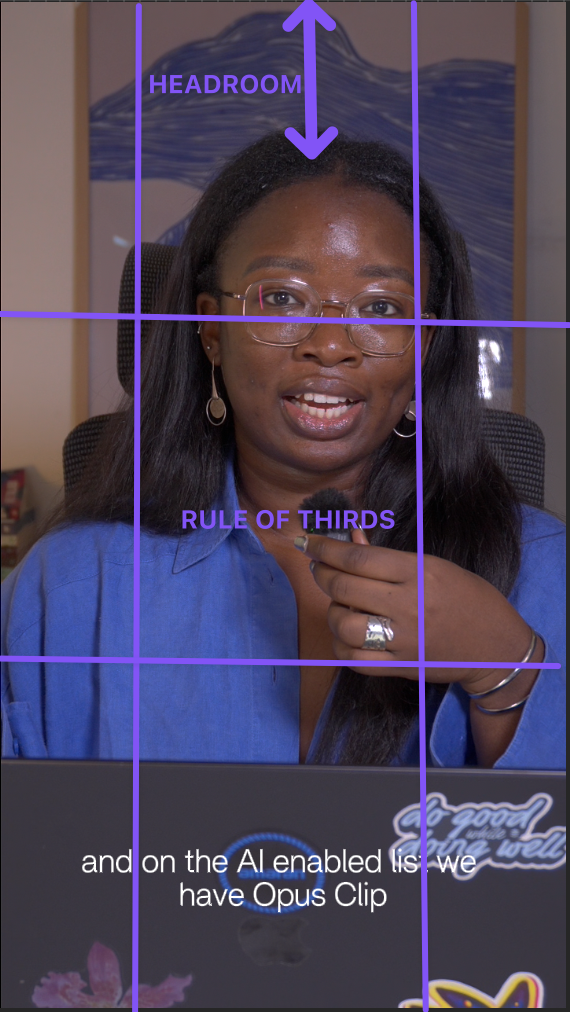
The term "AI video editor" currently encompasses a broad spectrum of tools, making it crucial for users to understand the underlying philosophies that drive their functionality. Based on extensive market analysis and practical testing, these tools generally fall into two distinct, albeit sometimes overlapping, categories: AI-enabled editors and AI-led editors. Recognizing this distinction is paramount for creators seeking the right solution for their specific workflow and desired level of control.
AI-Enabled Video Editors: Augmenting Traditional Workflows
AI-enabled editors represent an evolution of traditional video editing software. These are familiar timeline-based editors, such as CapCut, Adobe Express, and Veed, that integrate artificial intelligence features to streamline specific tasks. The user remains firmly in control of the editing timeline, making creative decisions and manipulating footage directly. The AI acts as a powerful assistant, automating labor-intensive or technically complex operations. This includes, but is not limited to, generating accurate captions from spoken dialogue, intelligently cutting out filler words ("um," "ah") and awkward silences, cleaning up distracting background noise, and automatically reframing horizontal footage to fit vertical social media feeds. For creators already proficient with editing software or those keen to develop their manual editing skills, AI-enabled tools offer significant speed enhancements and efficiency gains without relinquishing creative oversight. They accelerate the workflow, allowing editors to focus more on the artistic aspects rather than the mechanical minutiae.
AI-Led Editors: Delegating the Edit
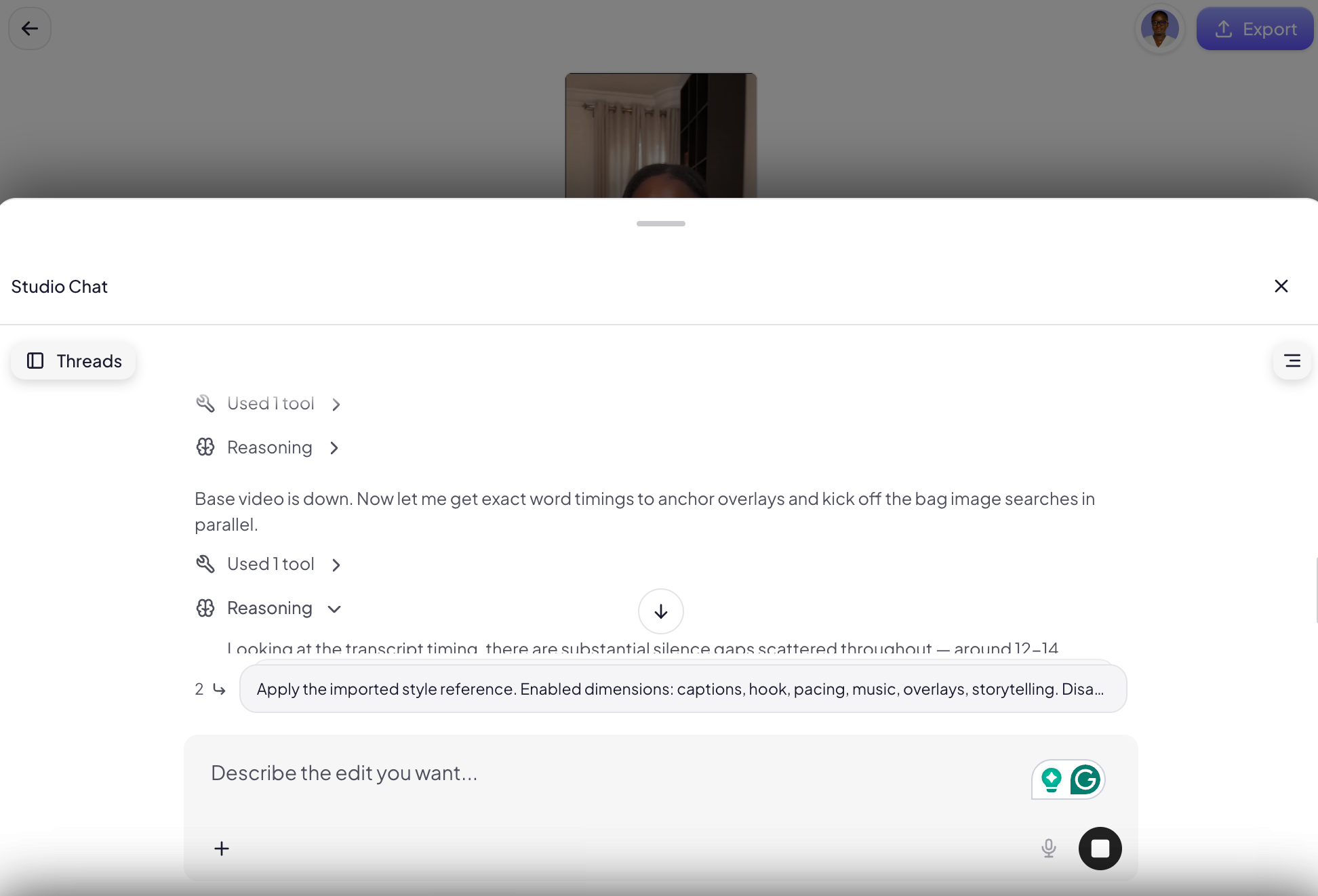
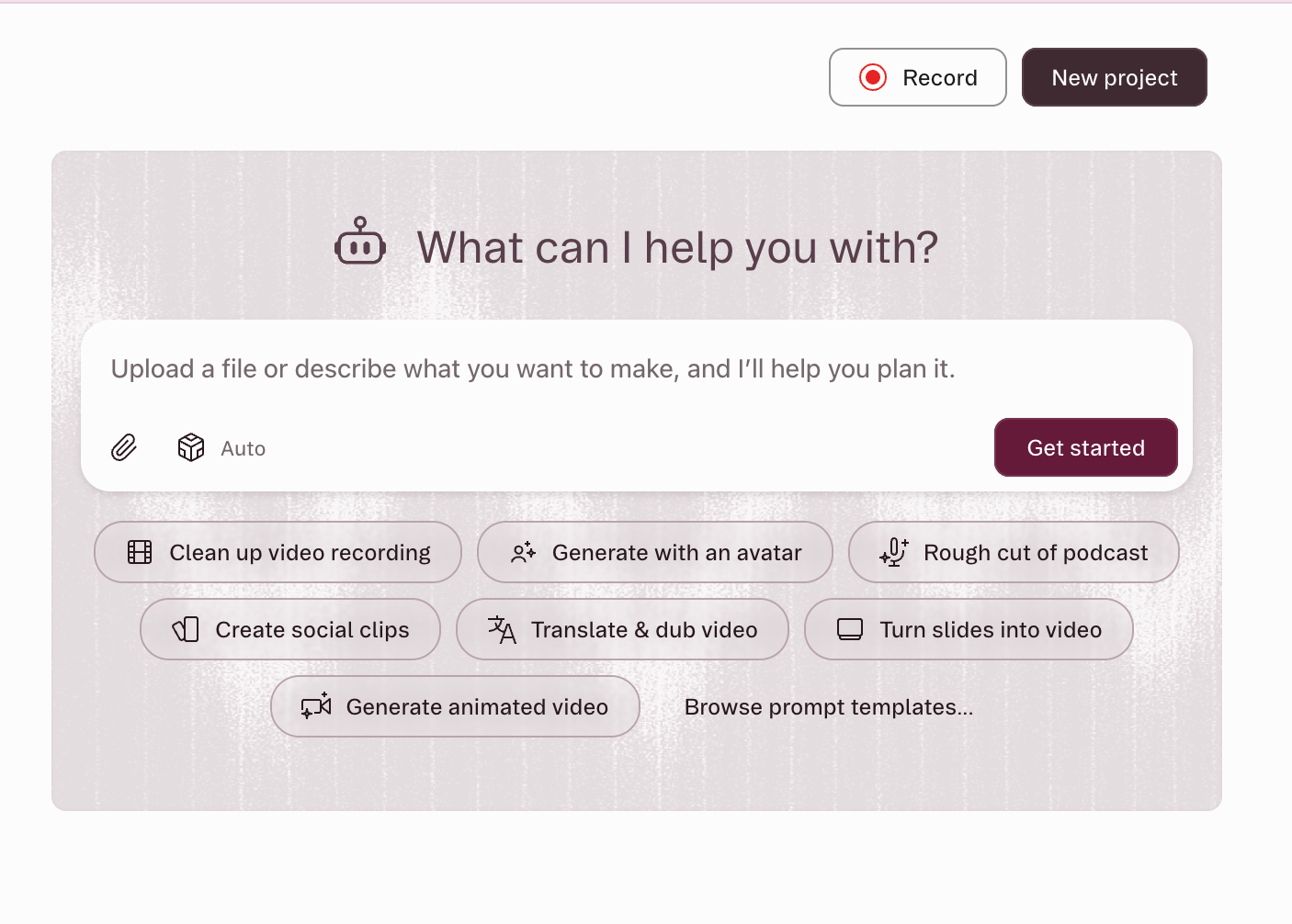
In contrast, AI-led editors fundamentally shift the editing paradigm. With these tools, such as Vyra and OpusClip, the user’s primary interaction is through plain-language instructions rather than direct manipulation of a timeline. The AI agent takes charge, executing the edit based on descriptive prompts. A user might instruct: "Cut the pauses, caption this, and pull the best 30 seconds for a reel." The AI then processes the raw footage, applies the requested edits, and presents a rough cut for review and refinement. This approach is particularly appealing to creators whose primary bottleneck is time or those who find the technical aspects of editing overwhelming. It empowers users to achieve a polished result with minimal hands-on editing, relying instead on the AI’s ability to interpret and execute complex commands. The rise of "agentic" AI capabilities, allowing systems to perform multi-step tasks autonomously, has further propelled the development of these AI-led solutions.
The Converging Landscape: Hybrid Models and MCP
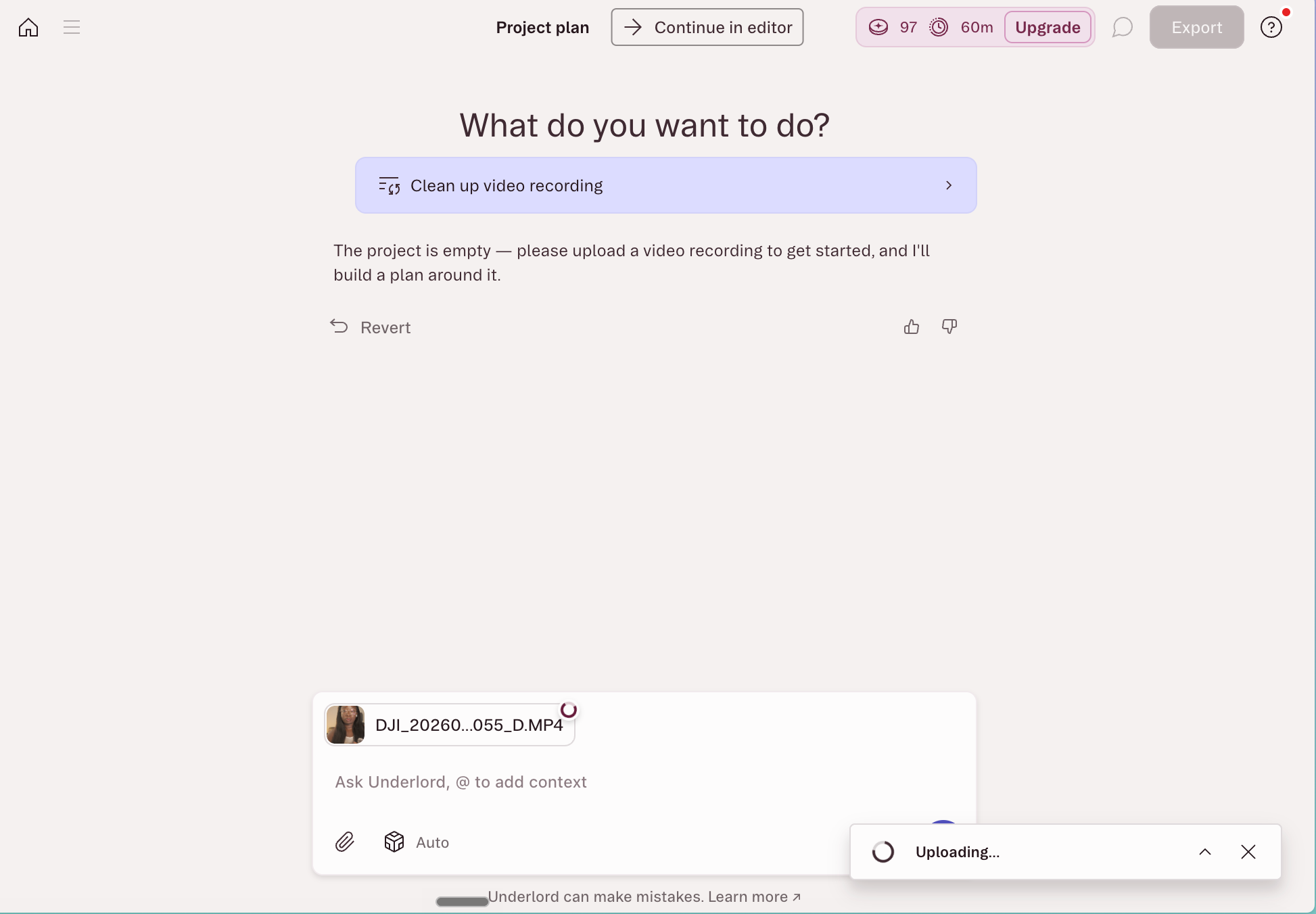
The distinction between these two categories is not always rigid, often resembling a Venn diagram with significant overlap. Descript stands out as a prime example of this convergence. At its core, Descript is a transcript-based editor where deleting text from the transcription automatically removes corresponding audio and video segments from the timeline. It also features an in-app AI co-editor, "Underlord," which handles multi-step requests like filler word removal, audio enhancement (Studio Sound), and automatic captioning.
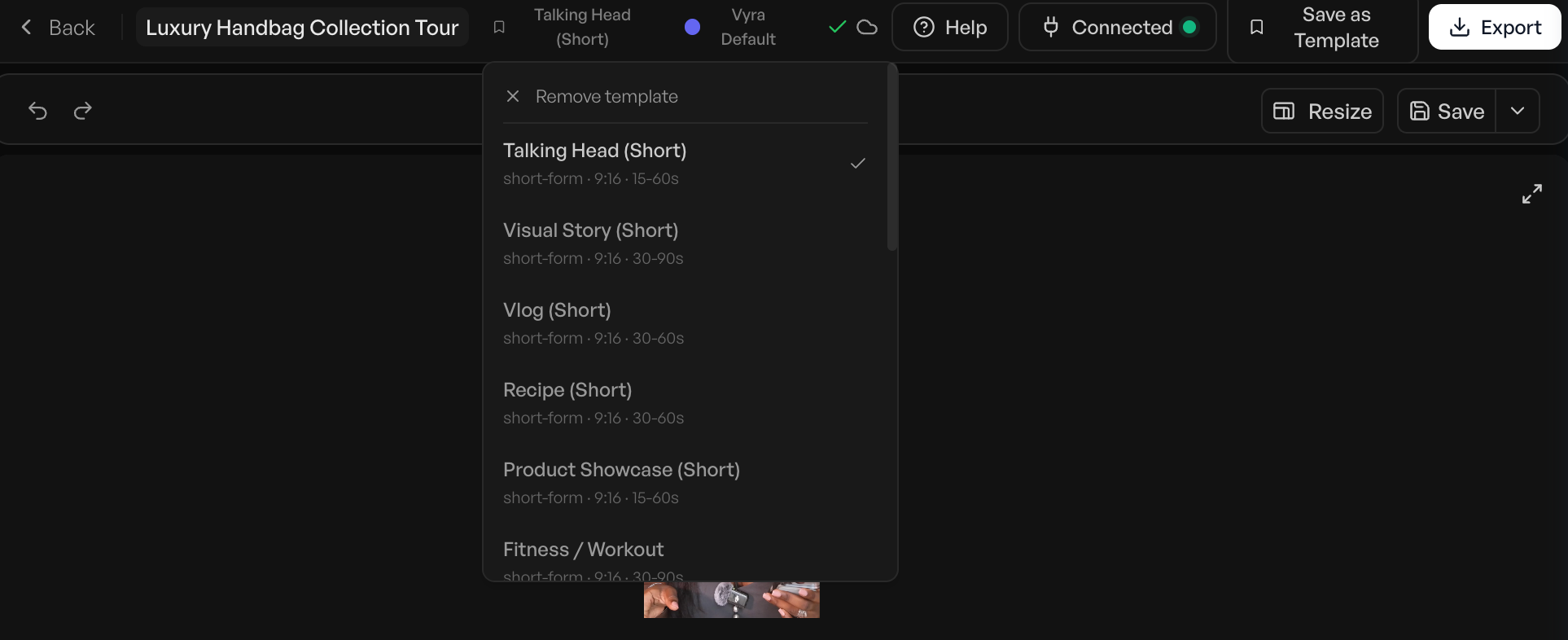
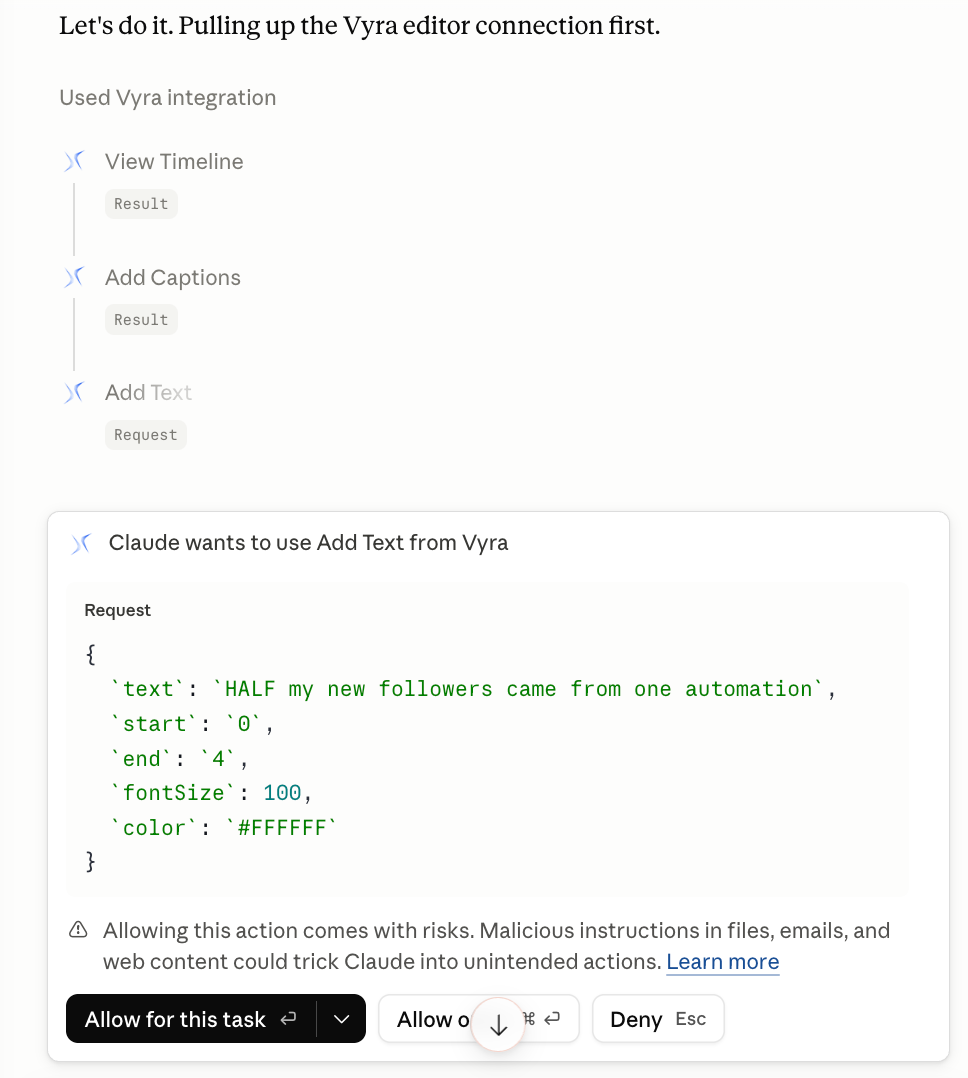
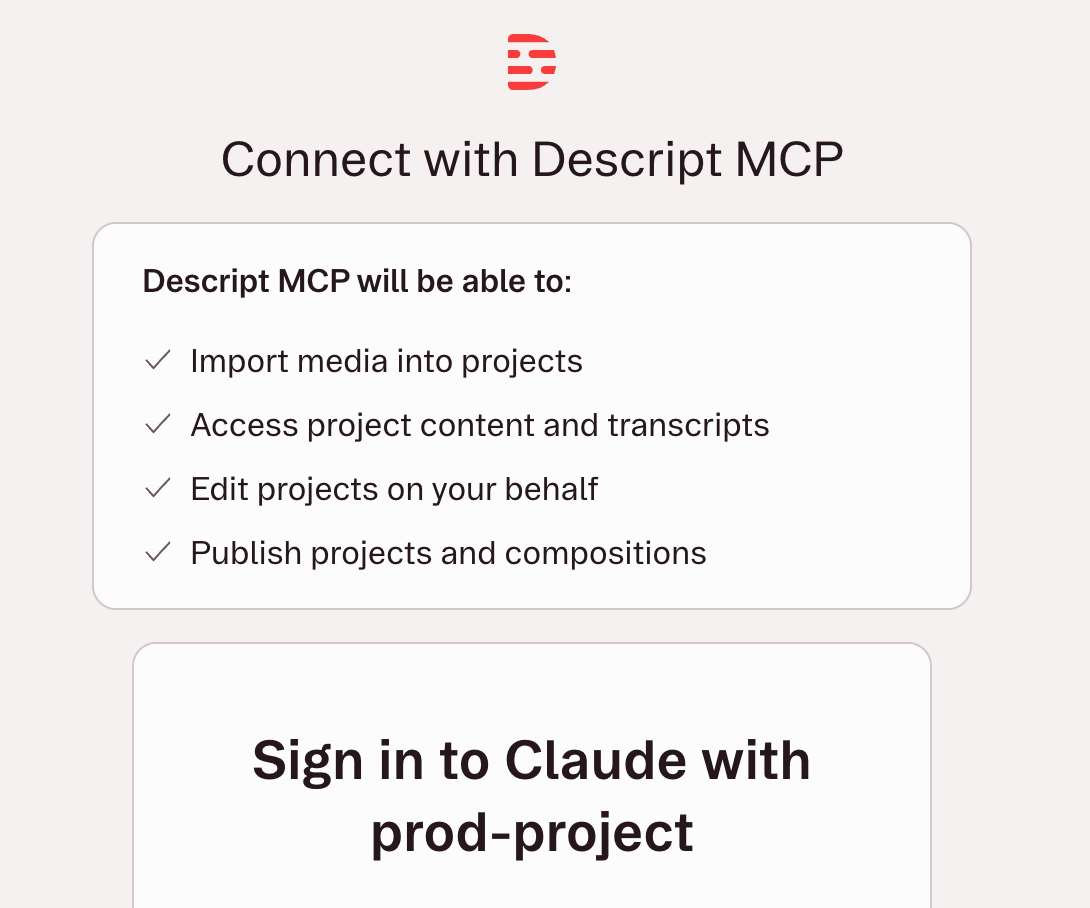
A significant development in this hybrid model is the integration of Model Context Protocol (MCP). MCP is a burgeoning standard that enables external AI assistants, such as Claude or ChatGPT, to connect directly with other software applications. In the context of video editing, this means a user can issue editing commands to an AI assistant within a chat window, and that assistant, via MCP, can execute those edits within a connected tool like Descript or Vyra without the user ever opening the native editor. This groundbreaking capability, notably implemented by Descript’s hosted MCP server as of May 2026, signifies a future where AI agents can truly orchestrate complex creative tasks based solely on natural language commands.
Ultimately, the choice between AI-enabled and AI-led editing hinges on the creator’s priorities. Those prioritizing granular control and a high bar for quality may prefer AI-enabled tools that speed up manual processes. Conversely, creators battling time constraints or a significant skill gap might find AI-led editors to be a game-changer, dramatically increasing their output potential.
Navigating the New Frontier: Best Practices for AI-Powered Editing
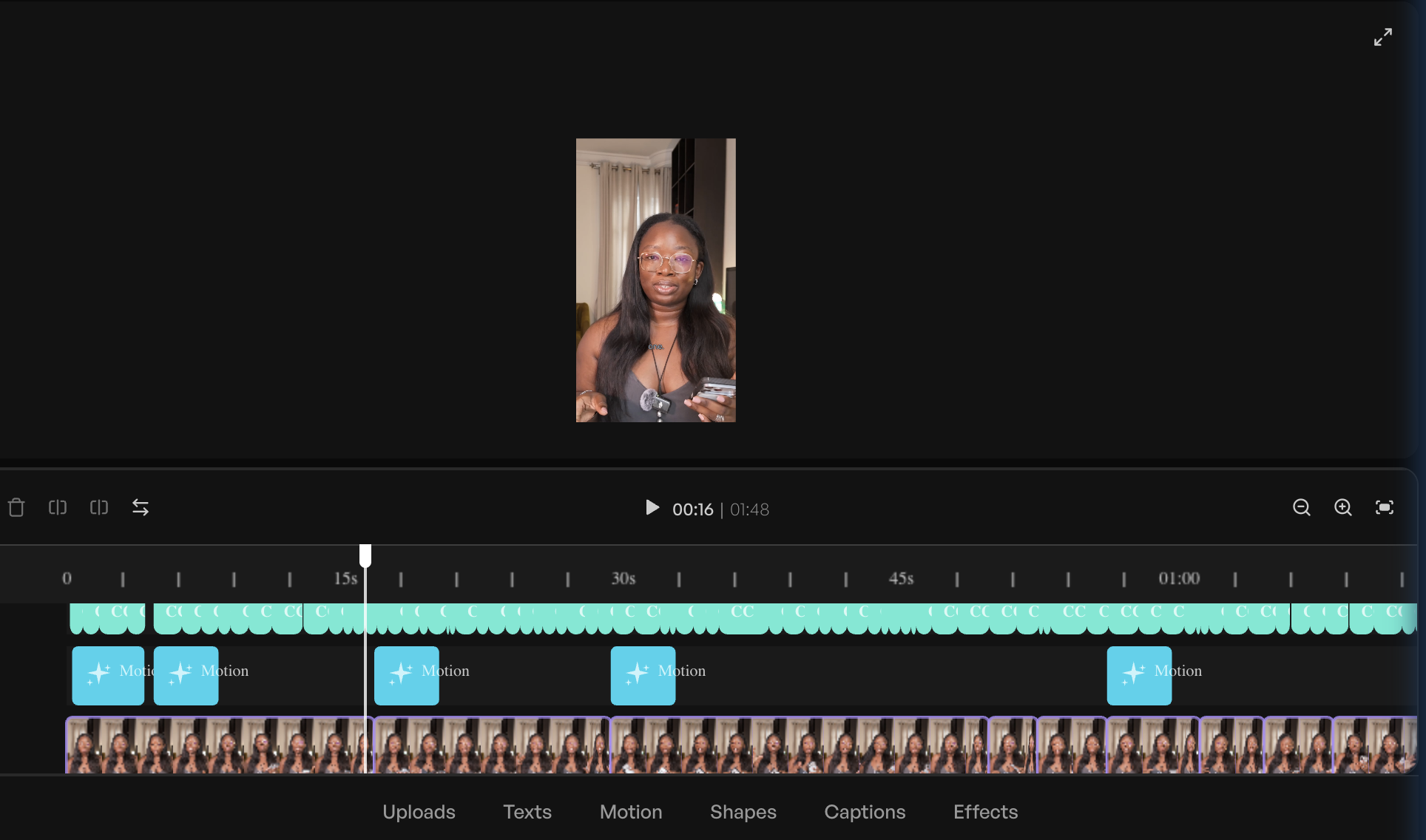
The effectiveness of AI video editors, much like AI image generators, increasingly depends not on the tool’s inherent capabilities, but on the user’s ability to articulate their needs. Natural language editing, while intuitive in concept, does not negate the need for a foundational understanding of editing principles. Knowing what to ask for and how to ask for it is paramount to achieving desirable results efficiently.
1. Learn the Lingo: The Power of Precision
While film school is unnecessary, a working vocabulary of common editing terms can significantly improve communication with AI. Instead of vague instructions like "make the intro punchier," precise commands such as "cut the first four seconds, open on the medium shot, add hook text in the top safe zone" will yield far more accurate and usable results on the first pass. Key terms to familiarize oneself with include:
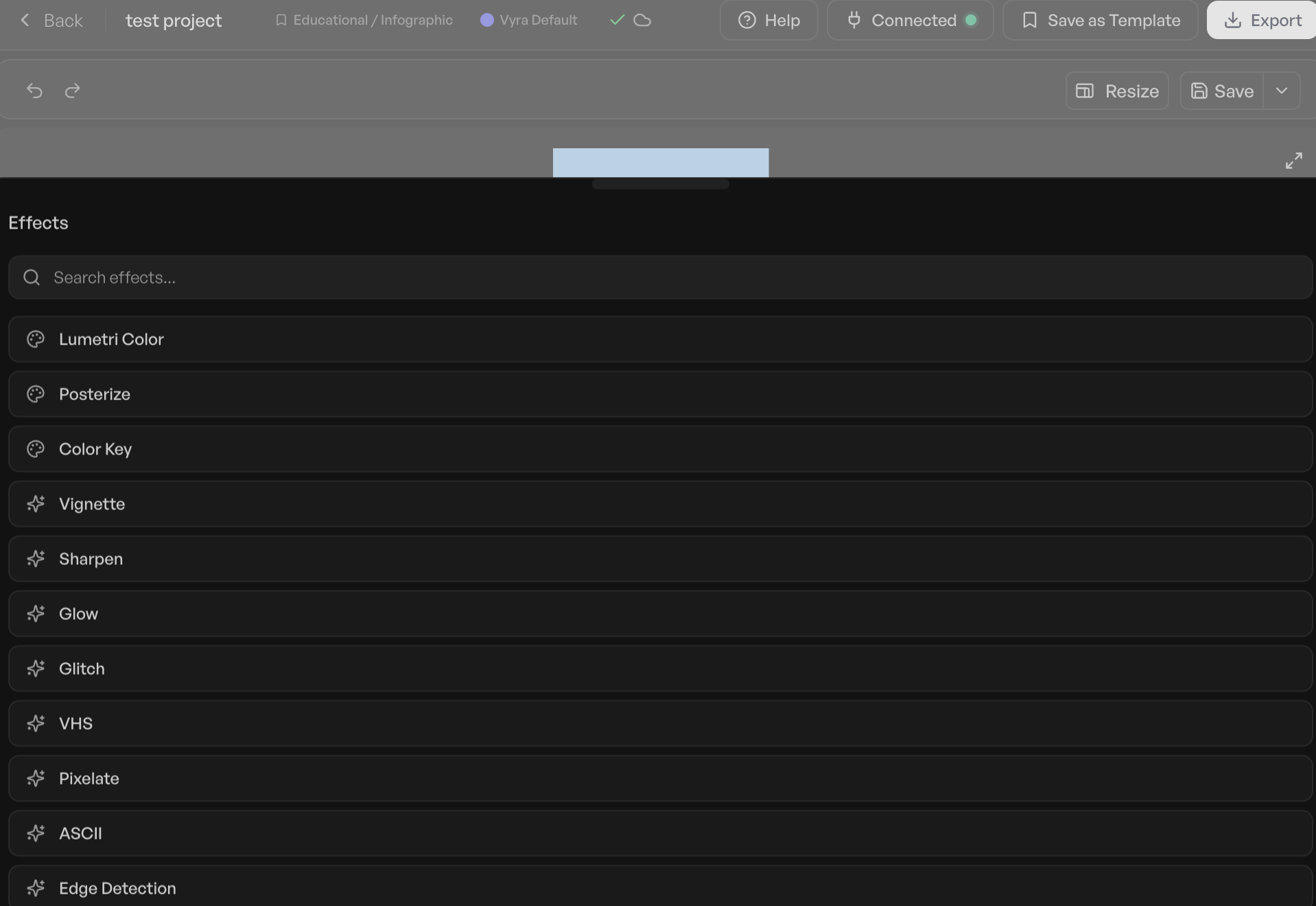
- Cut/Jump Cut: An abrupt transition between two shots.
- B-roll: Supplemental or alternative footage intercut with the main shot.
- J-cut/L-cut: Audio from the next scene starts before the visual, or audio from the previous scene continues into the next.
- Safe Zone: Areas within the frame where text or graphics are guaranteed to be visible on most screens.
- Pacing: The speed at which a video progresses.
- Transition: The way one shot changes to another (e.g., dissolve, wipe, fade).
- Aspect Ratio: The proportional relationship between a video’s width and height (e.g., 16:9 for YouTube, 9:16 for Reels).
Understanding these terms can reduce iterative prompting and lead to more effective AI execution.
2. Build an Inspiration Library: A Visual Vocabulary
Just as writers study literature, video creators should meticulously analyze content they admire. Maintaining a curated "inspiration library" of favored videos, noting specific cuts, shot durations, text usage, and overall pacing, serves multiple purposes. It acts as a continuous source of vocabulary for describing desired effects and provides concrete references. Pointing an AI-led editor to a link and stating, "Pace it like this," is often far more effective than a lengthy paragraph of adjectives, bridging the gap between abstract concepts and tangible examples.
3. Sweat Through a Few Edits Yourself: Empathy for the Process
The quickest way to internalize editing vocabulary and develop an intuitive understanding of the process is to undertake a few manual edits. Even if the results are imperfect and time-consuming, the hands-on experience provides invaluable insight into the labor and decisions involved. This experiential knowledge fosters a deeper appreciation for the AI’s capabilities and enhances the user’s ability to direct it effectively. Moreover, this practical understanding is highly beneficial if a creator eventually decides to outsource editing to a human, enabling clearer and more informed communication with their collaborator.
A useful template for AI edit briefs can be: [what to cut] + [what to add] + [format and platform] + [style reference]. For instance: "Remove filler words and silences over one second. Add captions and a hook line. Reframe to 9:16 for Reels. Keep the pacing tight, like the reference clip."
Deep Dive into Leading AI Video Editors
To provide a comprehensive overview, several prominent AI video editing tools were tested using the same raw footage, a roughly 81-second talking-head clip. While screenshots cannot fully convey the interactive experience, detailed notes were compiled to assess each tool’s performance, strengths, and limitations. The tools are categorized below by their primary AI orientation, with AI-led editors discussed first.
AI-Led Innovators
-
Vyra
- Best for: Handing the entire edit to an AI and only engaging with the timeline for final adjustments.
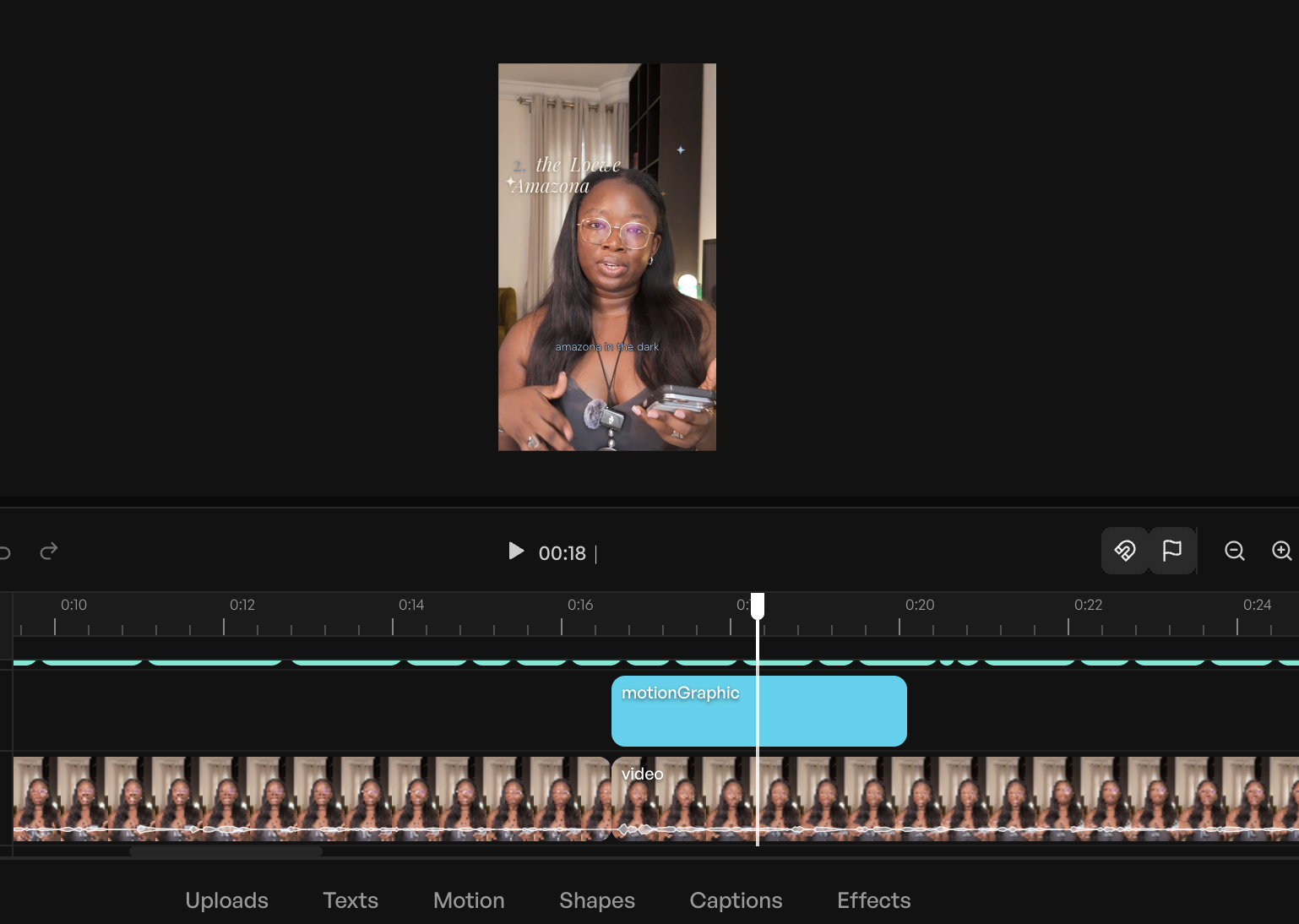
- Overview: Vyra was engineered from the ground up as an AI-first editor, eschewing traditional toolbars for a chat-based interface. Upon footage upload, it performs a thorough analysis—transcribing speech, detecting scenes, and identifying on-screen elements—to inform its editing decisions. A standout feature is its ability to accept reference videos, allowing the AI to model edits after a preferred style, a boon for creators aiming for specific aesthetics. Vyra’s support for MCP further distinguishes it, enabling users to connect their own LLMs (like Claude or ChatGPT) to direct edits. In testing, a simple brief combined with a reference video, executed via Claude connected to Vyra, yielded a well-cut, captioned video in approximately 20 minutes, notably without initial b-roll or music additions. While its cloud-based processing can introduce minor delays compared to local editing, the results for straightforward requests were consistently solid.
- Limitations: Cloud-based operations can be slower than local processing. It performed best with simple requests and reference videos; complex visual overlays might require manual refinement.
- Price: Free trial; paid plans begin at $24/month (connecting own AI) or $54/month (using Vyra’s AI).
-
Stanley Studio
- Best for: Rapid footage ingestion and quick initial edits, particularly for content requiring minor post-production.
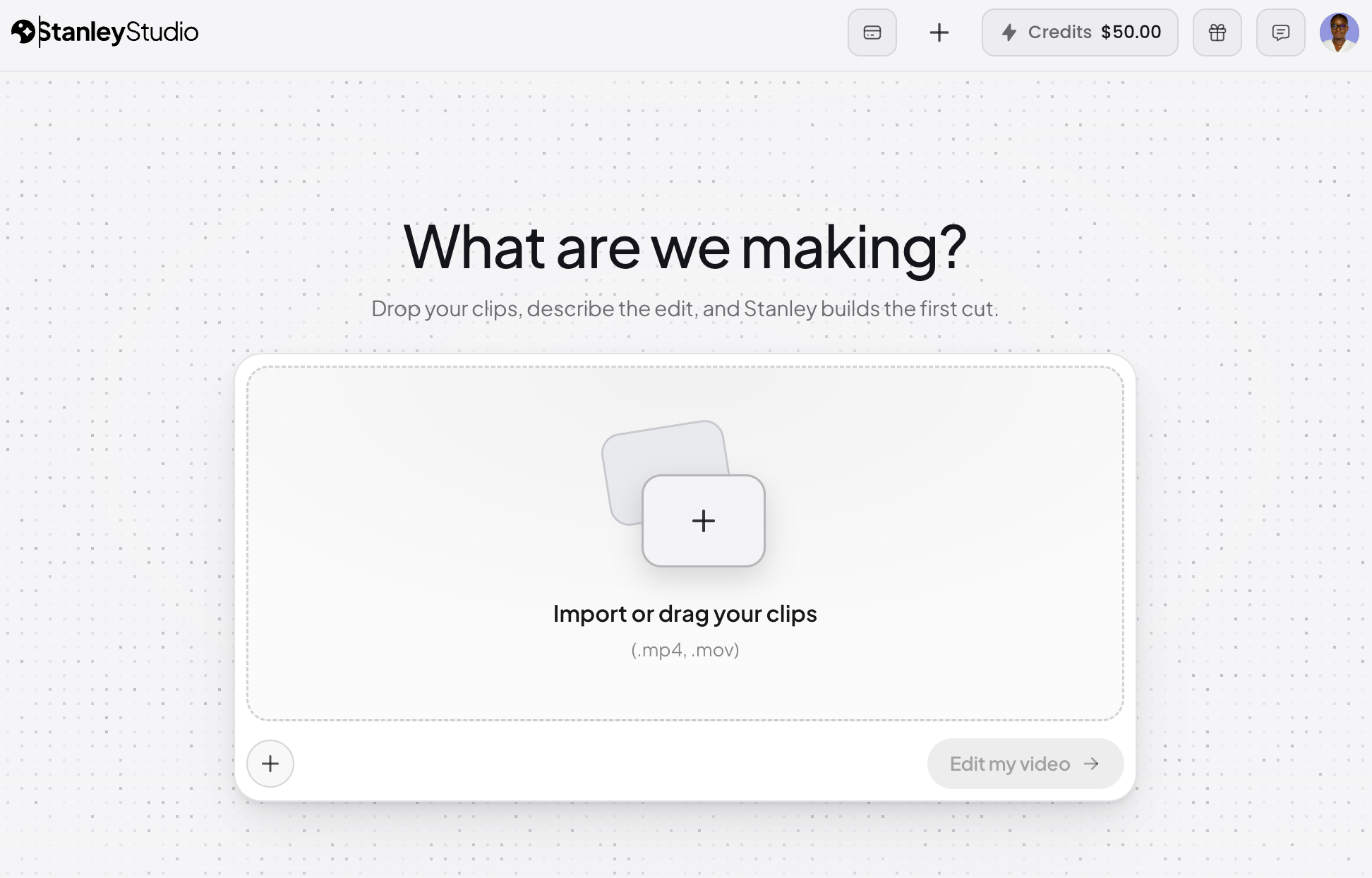
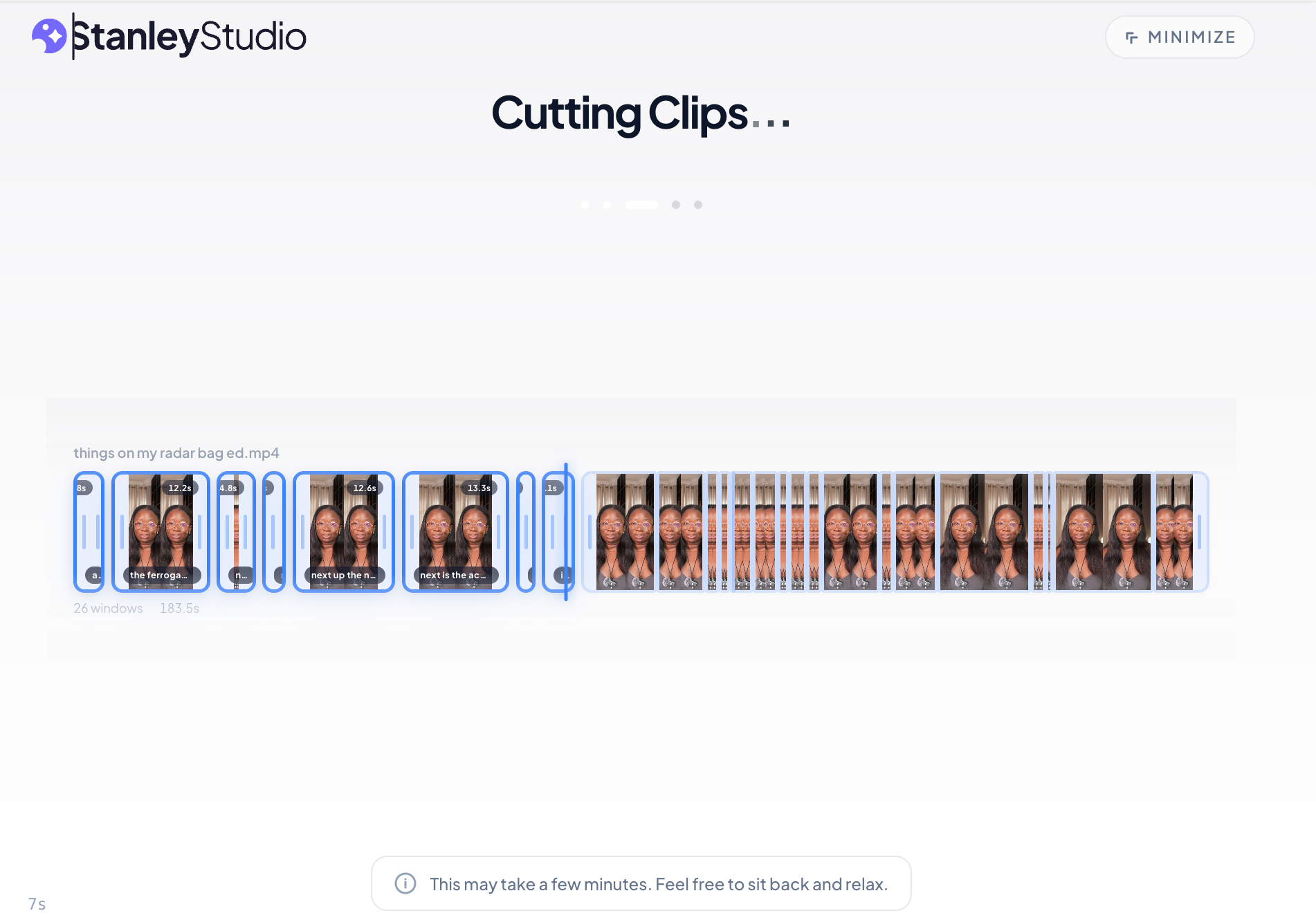
- Overview: Launched by the team behind Stan Store, Stanley Studio boasts an ambitious "pure AI-led" pitch: upload clips, brief the AI, and avoid the timeline entirely. Its upload speed was exceptionally fast in testing, processing a 350MB file in about 5 minutes. However, during the editing phase, it struggled with more complex requests. While it attempted to replicate text and caption styles from a reference video, it missed stylistic nuances, failed to cut repeated takes, and maintained a slack pace despite requests for snappiness. Notably, it generated AI images for product cutouts instead of using actual screenshots, indicating limitations with intricate overlay requirements. As a very new platform, its capabilities are expected to evolve rapidly.
- Limitations: Still in early development; struggled with complex overlay-heavy edits and precise style replication from reference videos. Lacks MCP, limiting AI interaction to its internal chatbot.
- Price: Free tier for one project; $19/month thereafter.
-
Descript
- Best for: Speech-heavy video content and as the clearest example of AI-enabled/AI-led overlap.
- Overview: Descript offers a unique transcript-based editing experience, where video and audio are edited by manipulating text. Its in-app AI co-editor, Underlord, efficiently handles common tasks like filler word removal, Studio Sound for audio cleanup, and generating social clips. The significant addition in May 2026 was Descript’s hosted MCP server, allowing external LLMs like Claude to interact directly with Descript, importing media, running Underlord edits, and exporting finished videos without opening the Descript application. In testing, an MCP-driven prompt to Claude resulted in a video 64 seconds lighter, with false starts removed, pauses compressed, and Instagram Reels-native captions added, along with an auto-generated hook line. It edited a duplicate, preserving the original. While powerful for cutting and trimming, particularly for podcasts or interviews, its ability to generate highly dynamic, visually crisp social content without manual tweaking is still developing.
- Limitations: While excellent for speech-focused content, achieving the crisp, highly visual edits common on platforms like Instagram/TikTok often requires manual refinement. Lacks direct reference video input like Vyra.
- Price: Free plan with limited credits; paid plans start at $35/month.
AI-Enabled Powerhouses
-
CapCut
- Best for: Beginners seeking AI assistance within a familiar, feature-rich editor.
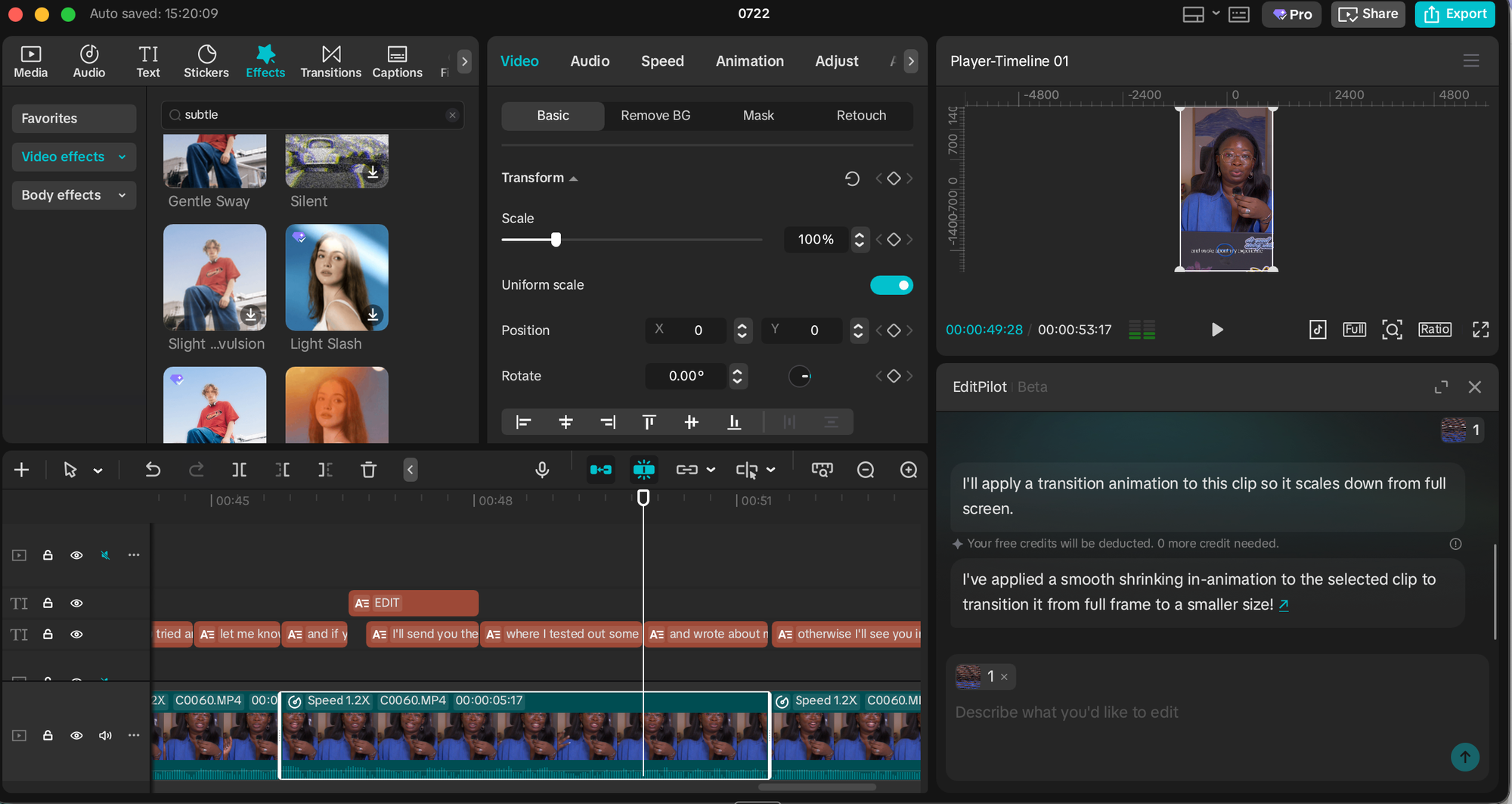
- Overview: CapCut is a versatile, AI-enabled editor that remains a top choice for many, particularly mobile-first creators. It functions as a traditional timeline editor augmented by a comprehensive AI toolkit, including speaker-ID captions, camera tracking, vocal isolation, and background removal. Its "script-to-video" feature can generate videos from text prompts, sourcing stock footage and syncing to trending audio. The "EditPilot" feature allows users to request cuts or transitions via AI. Its widespread adoption means a vast ecosystem of tutorials and community support, making it highly accessible for new users.
- Limitations: AI features are somewhat scattered across menus, requiring users to know their existence to utilize them.
- Price: Free plan; paid plans start at $9.99/month.
-
Canva
- Best for: Integrating video editing within an existing social content design workflow.
- Overview: Canva, primarily a graphic design platform, offers robust AI-enabled video editing features, making it ideal for users already entrenched in its ecosystem. The ability to edit video within the same interface as carousels, covers, and graphics, with instant access to brand kits and templates, provides a unique advantage. "Magic Video" automatically assembles 60-second cuts from clips and photos using templates and music, all remaining editable. Standard features like auto-captions, background removal, and beat sync are present. Its generative side, "Magic Media" (powered by Google’s Veo 3), also contributes.
- Limitations: AI features draw from a monthly credit pool, which heavy users report depleting quickly without top-up options. While functional, dedicated video editors may offer more advanced specific features.
- Price: Free plan with limited AI credits; paid plans start at $14.99/month.
-
Adobe Express
- Best for: Creators already integrated into the Adobe ecosystem.
- Overview: Adobe Express mirrors Canva’s approach, prioritizing design tools with social-centric video editing capabilities. It functions as an AI-enabled, template-and-canvas editor where AI assists with specific tasks. It generates captions that are highly customizable in terms of font, color, and shape to match brand guidelines. The "Clip maker" feature intelligently extracts short, captioned clips from longer videos, similar to OpusClip’s core offering. Express benefits from its integration with the broader Adobe ecosystem, including Firefly for generative AI and seamless handoffs to Premiere Pro for advanced timelines or Adobe Podcast for audio refinement.
- Limitations: Like Canva, its primary focus isn’t solely video editing, so dedicated features might be less robust than specialized tools.
- Price: Free plan; paid plans start at $9.99/month.
-
Riverside
- Best for: Podcasters and interviewers who prefer to edit where their footage is recorded.
- Overview: Riverside began as a remote recording studio, optimized for capturing high-quality audio and video with separate speaker tracks. Its "Co-Creator" agentic editor operates directly on footage recorded within the platform. Users can prompt it to clean audio, remove filler words and silences, add AI-generated b-roll, or extract social clips. A notable advanced feature is AI translation with lip-sync. Co-Creator is bundled with paid plans, though some advanced features (AI translation, AI b-roll) consume monthly credits.
- Limitations: Primarily designed for footage captured within its own platform; importing external footage might not offer the same seamless workflow as tools built for broader input.
- Price: Free plan; paid plans start at $29/month.
-
Veed AI
- Best for: Browser-based editing that offers a comprehensive toolkit without a steep learning curve.
- Overview: Veed is an AI-enabled all-rounder known for its highly accurate transcription capabilities, which also support translations. Other features include eye-contact correction for scripted reads, making it valuable for professional presentations. Its browser-based nature ensures accessibility from any device.
- Limitations: The free plan imposes a 10-minute monthly export cap and watermarks. AI features on paid plans also draw from a credit allowance, limiting heavy use.
- Price: Free plan (10-minute monthly export cap, watermarked); paid plans start at $12/month.
Specialized Solutions
- OpusClip
- Best for: Efficiently transforming one long video into multiple short-form clips.
- Overview: OpusClip is a highly specialized AI-led tool focused exclusively on repurposing long-form content. Its "ClipAnything" model analyzes visual cues, audio sentiment, facial expressions, and narrative structure to identify and extract viral-ready short clips. Each generated clip comes with an auto-generated hook, captions, and a "virality score" predicting its performance on TikTok, Instagram Reels, or YouTube Shorts. While it offers less control over individual cuts than traditional editors, it maximizes the number of finished clips per hour of processing time. Users can also fine-tune outputs on paid plans to align with specific styles.
- Limitations: Its singular focus means it won’t perform general editing tasks like those offered by Vyra or Descript. Users with CapCut Pro or Adobe Express may find similar repurposing features within those platforms.
- Price: Free plan (60 processing minutes/month, clips expire after 3 days); paid plans start at $15/month.
A Note on AI Video Generation
It is important to distinguish between AI video editing and AI video generation. While some tools on this list offer generative capabilities (e.g., CapCut’s text-to-video, Riverside’s AI b-roll), the primary focus of this review is on tools that assist in editing existing footage. AI video generation, which creates entirely new video content from text prompts, AI avatars, or synthesizes b-roll, represents a different facet of AI’s impact on content creation. While powerful, these tools introduce a different set of considerations regarding authenticity, creative control, and ethical implications, and thus were not the primary subject of this testing.
The Broader Impact: Reshaping Creative Workflows
The proliferation of AI video editors signals a significant shift in the content creation landscape. For individual creators and small businesses, these tools democratize video production, lowering the barrier to entry and enabling a wider range of voices to produce high-quality content. The time savings alone are substantial; tasks that once consumed hours, such as initial trimming, captioning, and filler word removal, can now be reduced by 15 to 25 minutes or more. This allows creators to reallocate their energy to more creative and enjoyable aspects of production, such as selecting engaging text overlays, integrating memes, or crafting compelling narratives.
For seasoned professionals, AI editors are not a replacement but a powerful augmentation. They handle the mechanical, repetitive aspects of editing, freeing human editors to focus on nuanced storytelling, intricate visual effects, and overall creative direction—areas where human taste and judgment remain irreplaceable. The future of video editing appears to be a symbiotic relationship, where AI handles the heavy lifting, and human creativity provides the artistic vision.
Expert Outlook and FAQs
The rigorous testing of these AI video editors underscores a clear conclusion: AI is profoundly transforming video production. The "best" tool, however, is highly subjective, depending on individual needs and workflows.
What is the best AI video editor?
Based on consistent performance across varied footage and editing briefs, Vyra emerged as a top contender for AI-led editing. For AI-enabled workflows, CapCut offers unparalleled accessibility and a broad feature set. The ultimate choice hinges on whether a creator prioritizes speed and automation (AI-led) or control and augmentation (AI-enabled).
What’s the difference between AI-enabled and AI-led video editors?
AI-enabled editors integrate AI features into traditional timeline-based software to assist with specific tasks (e.g., captions, noise reduction). AI-led editors, conversely, take plain-language instructions and execute the entire edit, requiring minimal direct user interaction with the timeline. Hybrid tools like Descript bridge these two approaches.
Can AI edit a video from a text prompt?
Yes. Tools like Vyra and Descript’s Underlord are designed to accept natural language commands (e.g., "remove filler words, add captions, reframe to 9:16") and apply them to actual footage. The quality of the output is directly correlated with the precision of the prompt, highlighting the importance of clear, specific terminology.
What is MCP, and what does it have to do with video editing?
MCP (Model Context Protocol) is a standard allowing AI assistants (like Claude or ChatGPT) to connect directly with other software. For video editing, this enables an AI assistant to manage project operations—searching footage, executing edits in tools like Descript or Vyra—all from a chat interface, without requiring the user to open the native editor.
Are AI video editors free?
Most AI video editors offer a free tier, though limitations vary widely. CapCut and Riverside provide functional free plans, while Veed’s free tier imposes a 10-minute monthly export cap with watermarks, and OpusClip’s free clips have a short expiration period. Expect to invest $10-$29 per month for advanced AI features that deliver significant time savings and quality improvements.
Will AI replace video editors?
Based on current capabilities, AI is unlikely to fully replace human video editors. AI excels at mechanical, repetitive tasks such as cutting silences, generating captions, and reframing. However, it currently lacks the nuanced taste, creative judgment, and storytelling intuition that humans bring to the editing process—the ability to discern the emotional impact of a specific take, the precise rhythm of a scene, or when a pause enhances rather than detracts from the narrative. AI serves as a powerful co-pilot, making the editor’s job easier and more efficient, allowing them to focus on the higher-level creative decisions that define compelling content.
In conclusion, the journey into AI video editing is a hands-on learning experience. For those starting from scratch, selecting a tool that aligns with one’s preferred level of control—whether AI-led or AI-enabled—and immediately putting it to use will yield more practical insights than any theoretical overview. The future of video content creation is undoubtedly intertwined with AI, promising a landscape where creativity is less constrained by technical barriers.