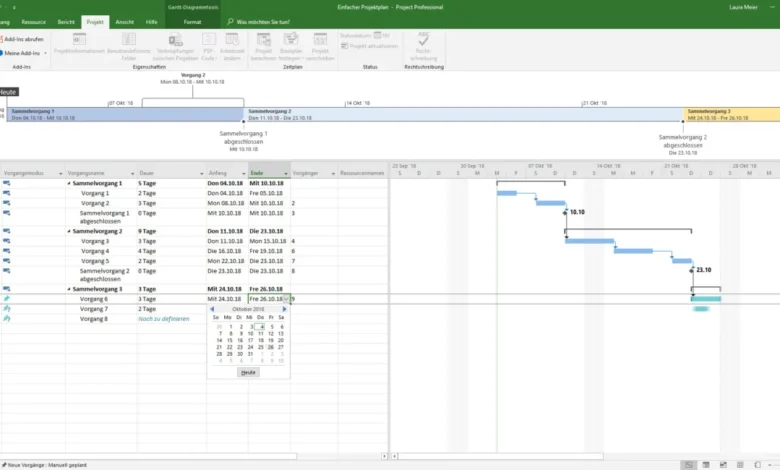
Microsoft’s sprawling ecosystem of project management software has undergone significant structural reorganization, leaving organizations with a diverse array of applications tailored to distinct workplace demands. At the core of Microsoft’s current offerings are Microsoft Planner—which spans a basic tier included within standard Microsoft 365 packages and advanced premium levels—and the traditional Project desktop software, available via perpetual licenses as Project Standard and Project Professional 2024. While basic Planner accommodates teams requiring straightforward Kanban boards and shared task tracking, premium variants cater to managers demanding critical path analysis, timelines, and inter-task dependencies. Simultaneously, specialized local scheduling is preserved through desktop applications running on Windows infrastructure.

To comprehend the current landscape of Microsoft’s productivity suite, one must examine the chronological evolution of these tools. For decades, Project desktop served as the primary scheduling engine for complex engineering and construction initiatives. In parallel, Planner originated as a lightweight task-management utility embedded in Microsoft 365. Over recent years, Microsoft embarked on a strategic consolidation: absorbing Project for the web capabilities into the Planner framework, sunsetting legacy platforms like Project Online, and repositioning Planner as the flagship cloud-based project management utility. Accompanying utilities such as Microsoft Teams, To Do, Lists, Excel, and Dynamics 365 Project Operations fulfill highly specific localized functions rather than operating as standalone enterprise-grade project management solutions, though many enterprises heavily rely on them for daily coordination.
An analysis of market positioning reveals that Microsoft’s ecosystem is broadly partitioned into three tiers: cloud-centric management via Planner, heavy scheduling via desktop clients and server editions, and everyday productivity applications. Pricing structures reflect this division, scaling from no-cost inclusions within existing Microsoft 365 licensing to specialized enterprise solutions costing upwards of $135 per user per month.
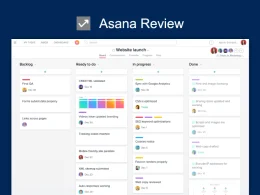
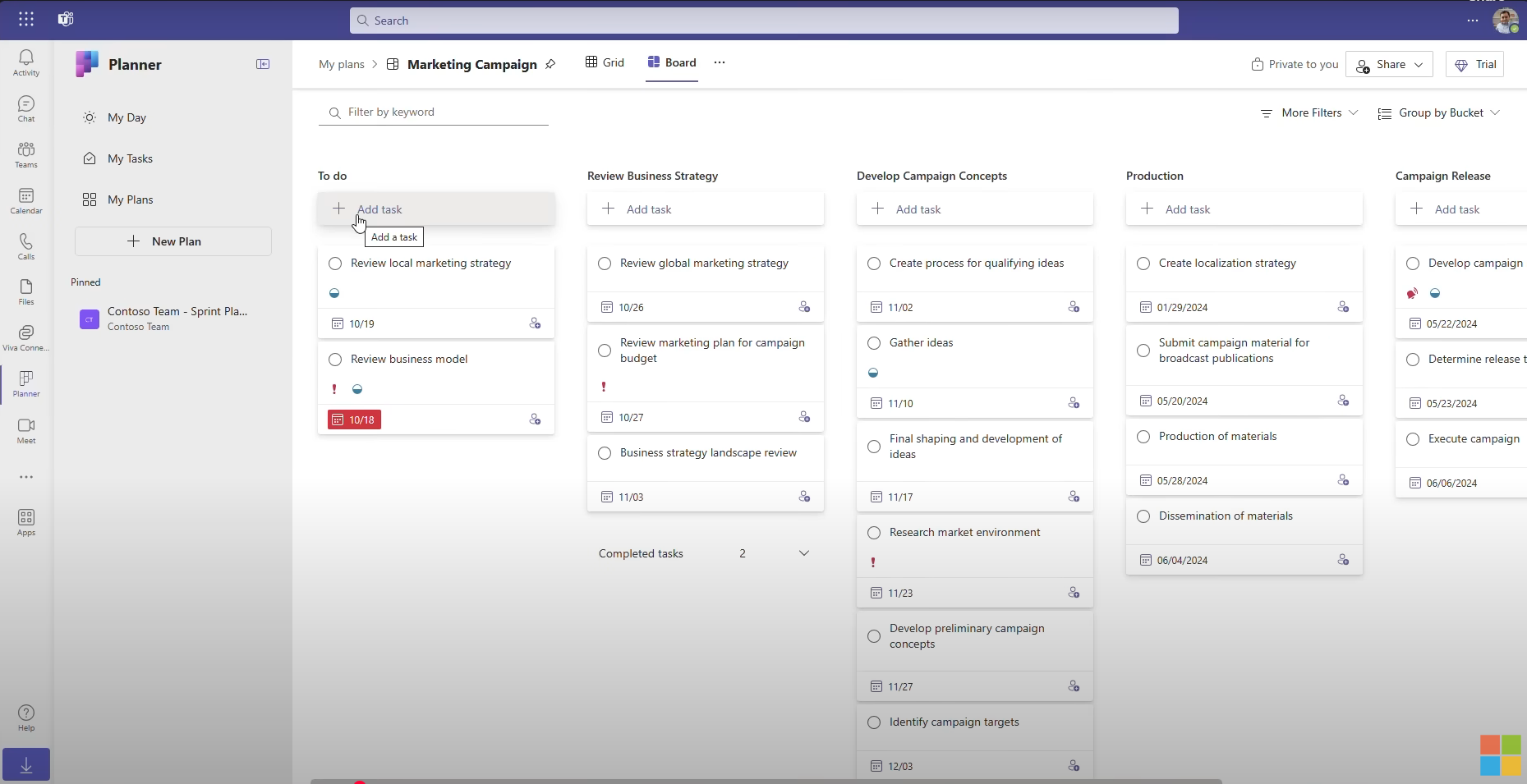
Microsoft Planner (Basic) serves as the entry-level standard for modern organizations. Built directly into Microsoft 365 business and enterprise subscriptions, it empowers teams to construct Kanban boards, assign cards to specific project buckets, and monitor schedules through calendar and chart views. While it lacks native Gantt charts, critical path calculations, and advanced dependency management, its deep integration with Microsoft Teams, Outlook, and To Do makes it an efficient utility for collaborative workspaces requiring minimal administrative overhead.
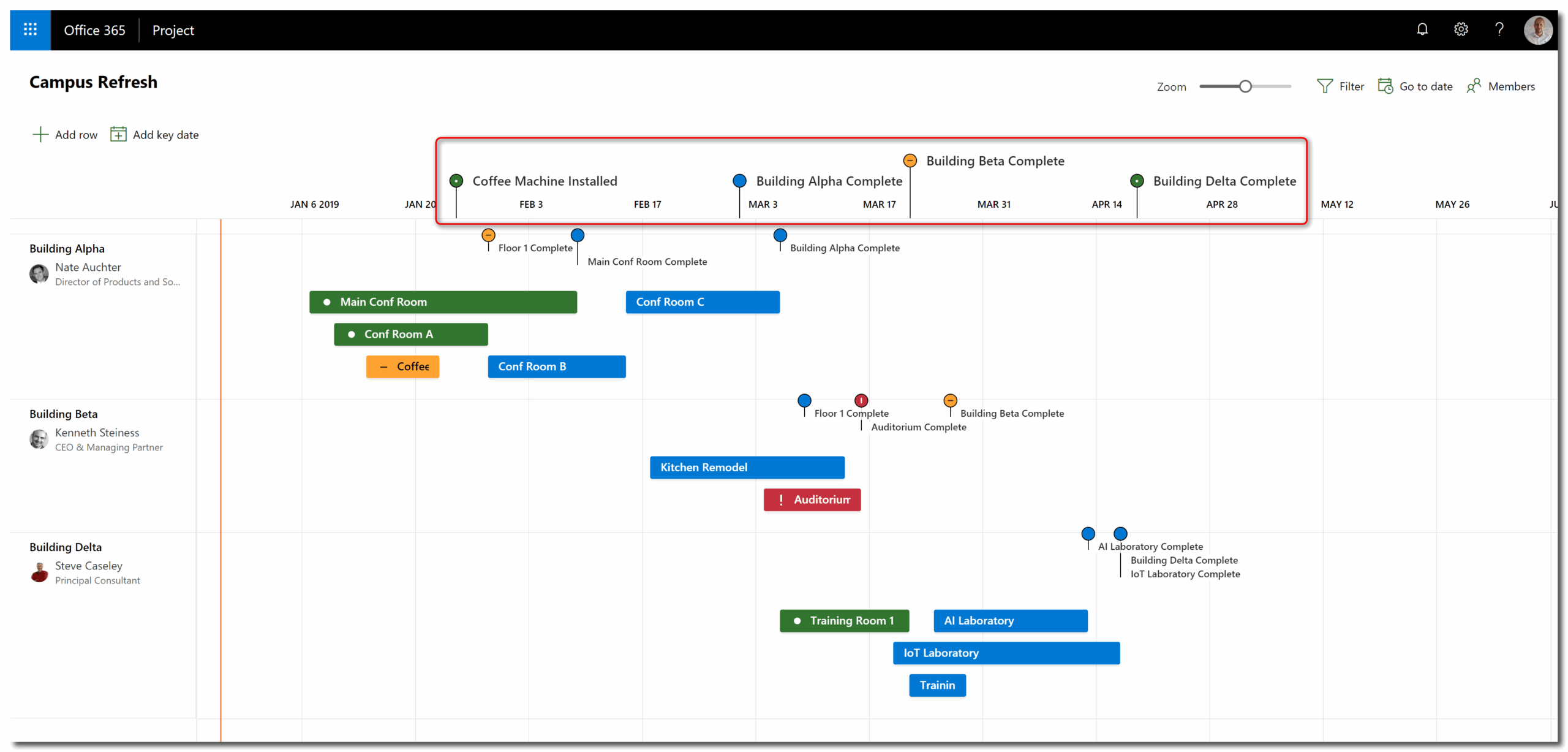
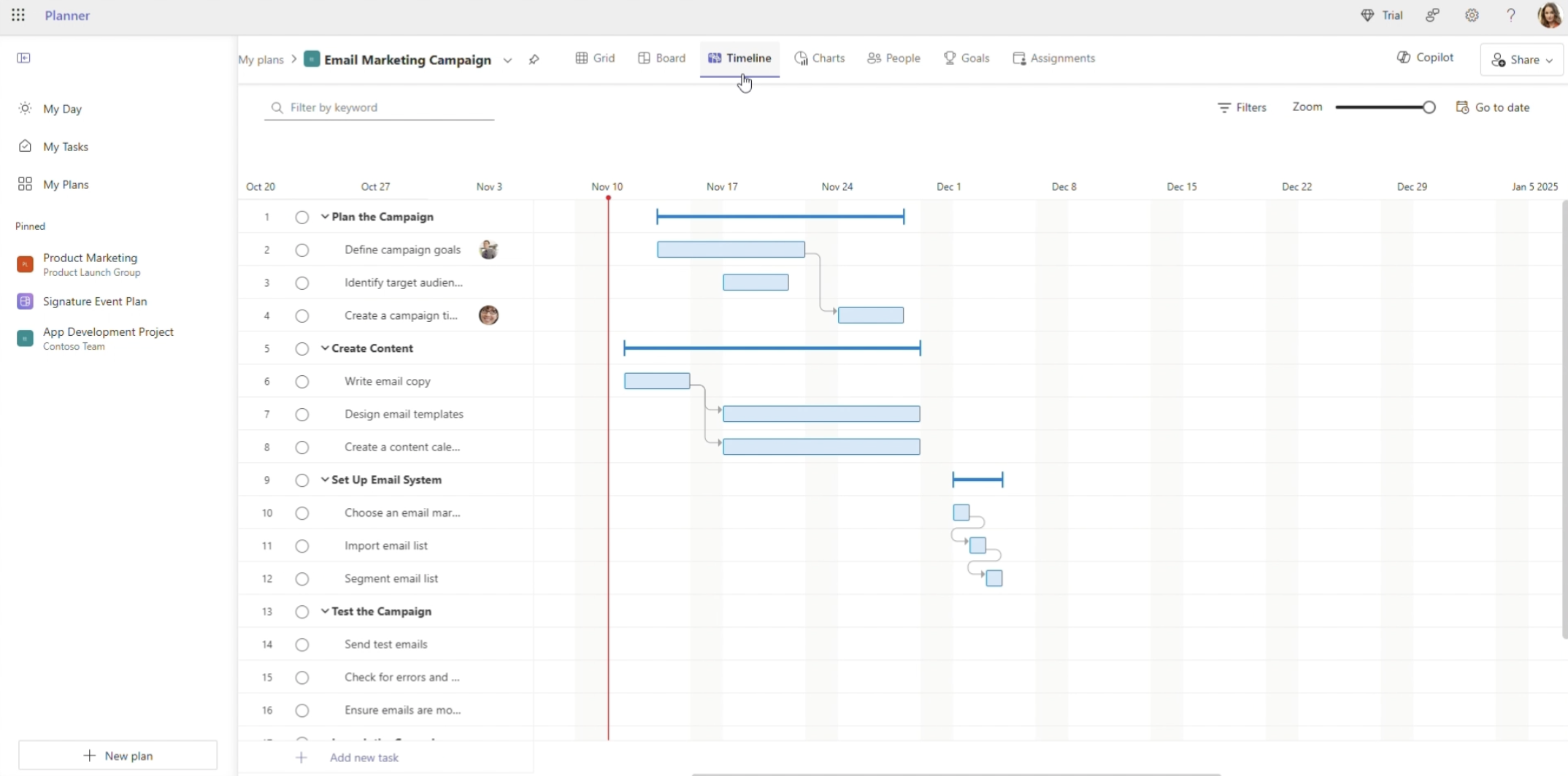
For groups outgrowing basic task boards, Microsoft Planner Plan 1 introduces timeline views, sprint backlogs, custom fields, and task dependencies previously housed within Project for the web. Priced at $10 per user per month when billed annually, Plan 1 bridges the gap between basic task tracking and formal scheduling, though it intentionally omits critical path auditing and advanced baseline tracking.
Organizations demanding comprehensive cloud-native capabilities increasingly adopt Planner and Project Plan 3. At $30 per user per month, this tier delivers advanced dependencies, baseline creation, critical path tracking, resource requests, and editorial portfolio oversight. Crucially, Plan 3 bundles the subscription-based variant of the Project Professional desktop client, establishing a bridge for organizations transitioning away from decommissioned legacy architectures like Project Online.
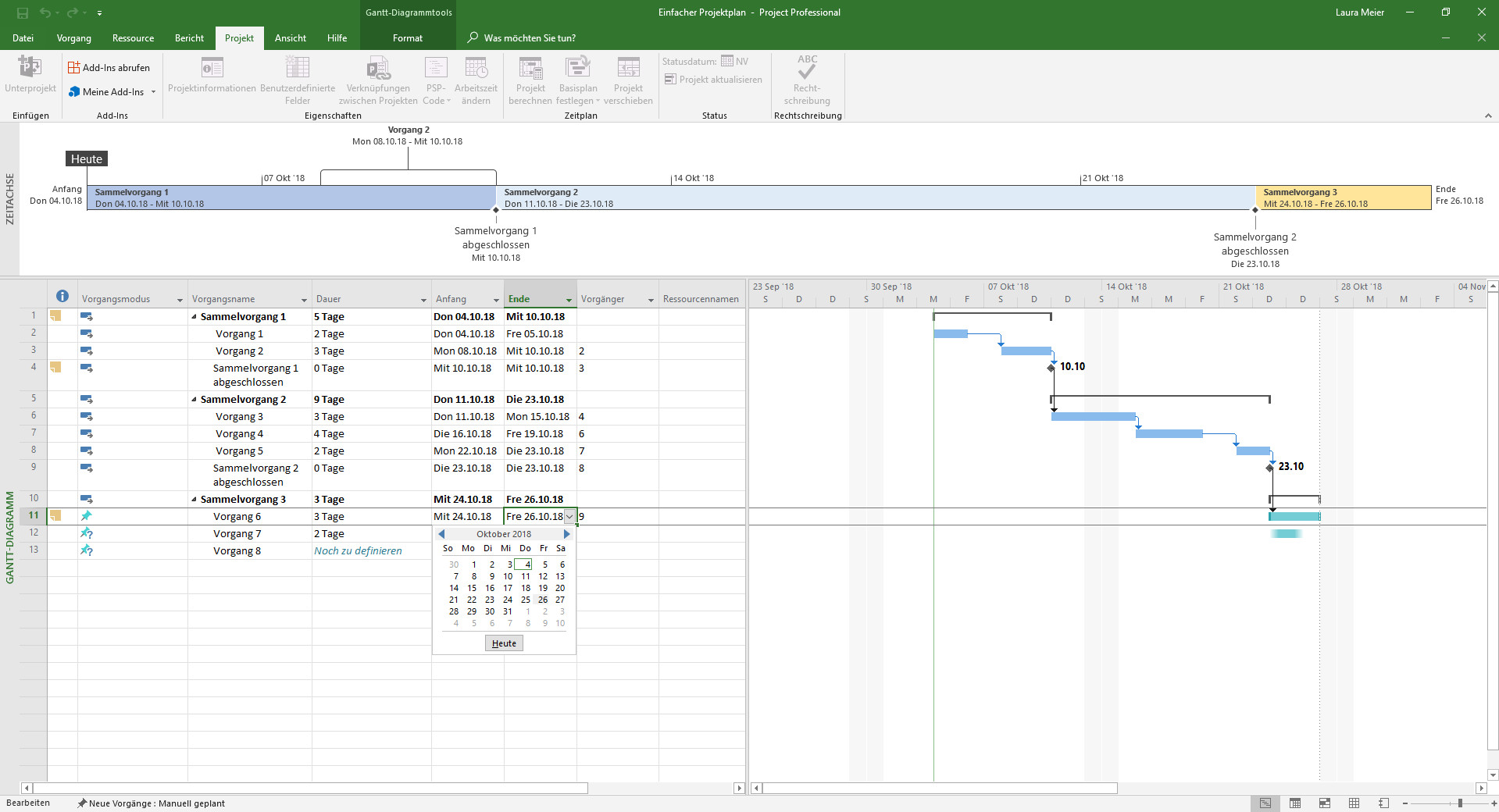
For environments reliant on traditional local workflows, Project Standard 2024 and Project Professional 2024 provide powerful, offline-capable Gantt scheduling. Sold as one-time perpetual licenses for single Windows PCs—priced at $679.99 and $1,129.99 respectively—these applications remain the industry standard for traditional project schedulers managing complex MPP files. Microsoft has committed to mainstream support for the 2024 desktop generation through October 2029, successfully phasing out the preceding 2021 iterations.
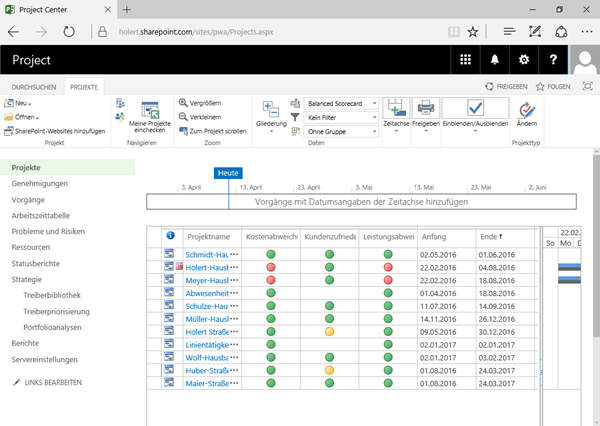
Enterprise environments bound by strict data residency, security, or compliance mandates continue to utilize Project Server Subscription Edition. Operating on SharePoint Server infrastructure and accessed via Project Web App or Project Professional, this on-premises solution allows large corporations to retain absolute control over sensitive project portfolios, albeit at the cost of deploying dedicated IT server management.
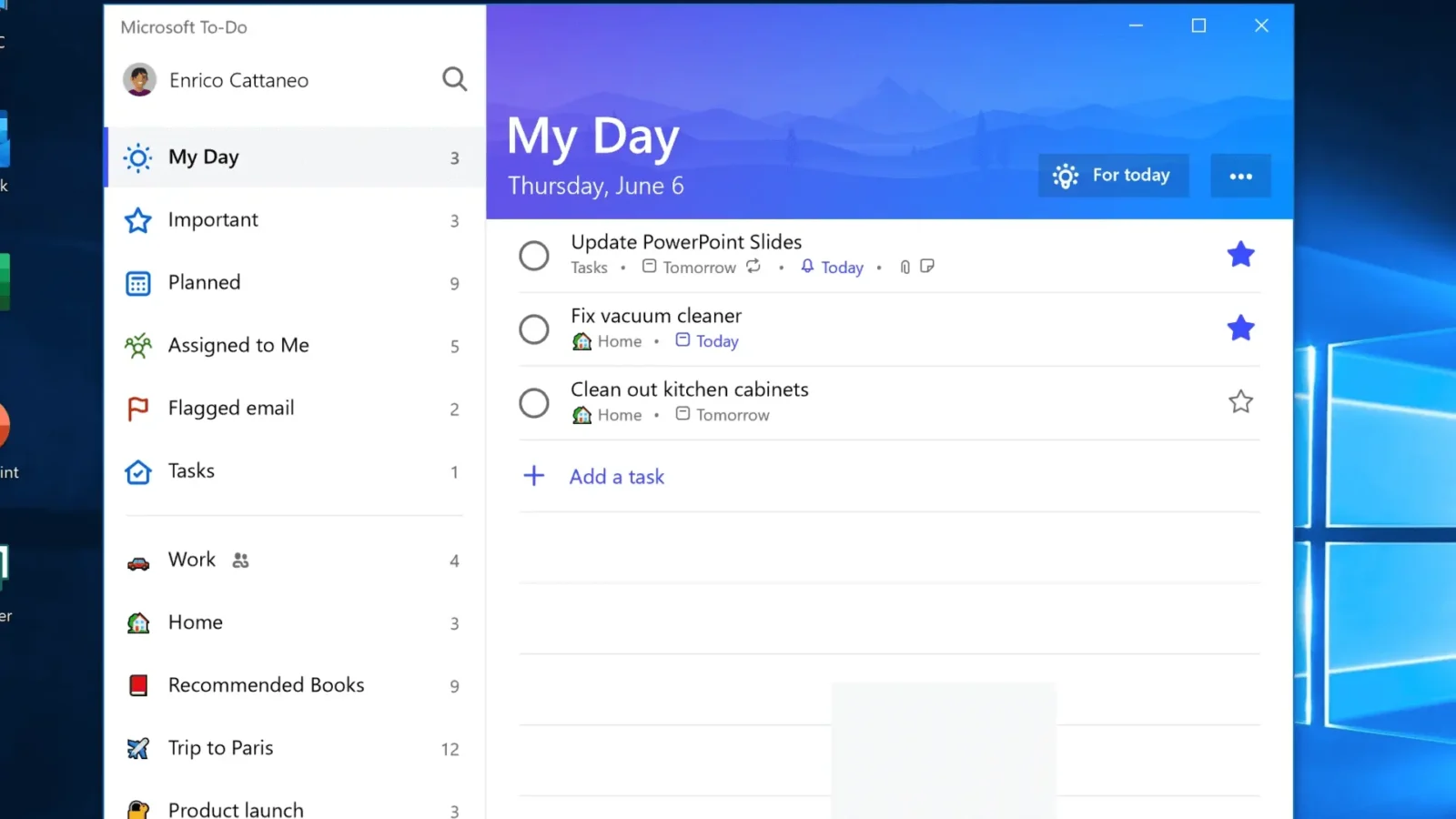
Complementing these core scheduling engines are several peripheral applications. Microsoft Teams integrates Planner directly into digital collaboration channels, minimizing context switching for remote and hybrid workforces. Microsoft To Do acts as an individual aggregation point, pulling personal assignments across multiple organizational plans into a unified daily agenda. Microsoft Lists provides structured data tracking for assets, issues, and risks, functioning effectively as a lightweight database within SharePoint architecture. Meanwhile, Microsoft Excel remains ubiquitous for informal budgeting and ad-hoc visual schedules, despite lacking native automated Gantt scheduling capabilities. Finally, Dynamics 365 Project Operations targets professional services firms, unifying project planning, resource allocation, time tracking, and financial billing into a singular enterprise resource planning environment priced at $135 per user per month.
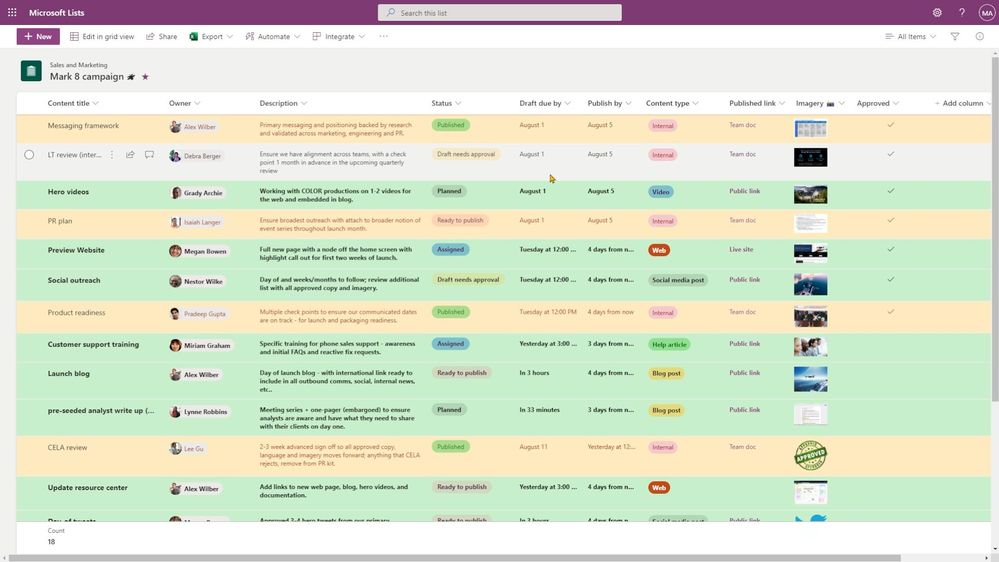
The systematic retirement of legacy products—most notably the formal discontinuation of Project Online—signals Microsoft’s definitive shift toward unified cloud infrastructure centered around modern Planner architecture. Industry analysts note that while Microsoft’s comprehensive suite covers the vast majority of internal corporate requirements, organizations with specialized cross-platform needs, advanced portfolio simulation demands, or non-Windows primary operating systems frequently evaluate third-party alternatives. Software solutions such as ProjectManager provide seamless MPP import and export capabilities, robust multi-platform browser support, and sophisticated resource management tools that operate effectively alongside or independently of the Microsoft 365 environment, ensuring that project managers maintain operational flexibility regardless of their underlying technological stack.