In the fast-paced world of digital marketing, discovering that a high-priority web page has suddenly dropped in search engine rankings or failed to convert traffic can be alarming. Whether dealing with a sliding product listing, an outperforming competitor post, or a stagnant client landing page, digital marketers and search engine optimization (SEO) professionals often require immediate diagnostic insights without launching a time-consuming, full-scale site crawl. To address this demand, tools like Semrush’s SEOquake browser extension have transformed how technical specialists and content creators triage web performance directly from the browser interface.
Understanding the Mechanics of SEOquake
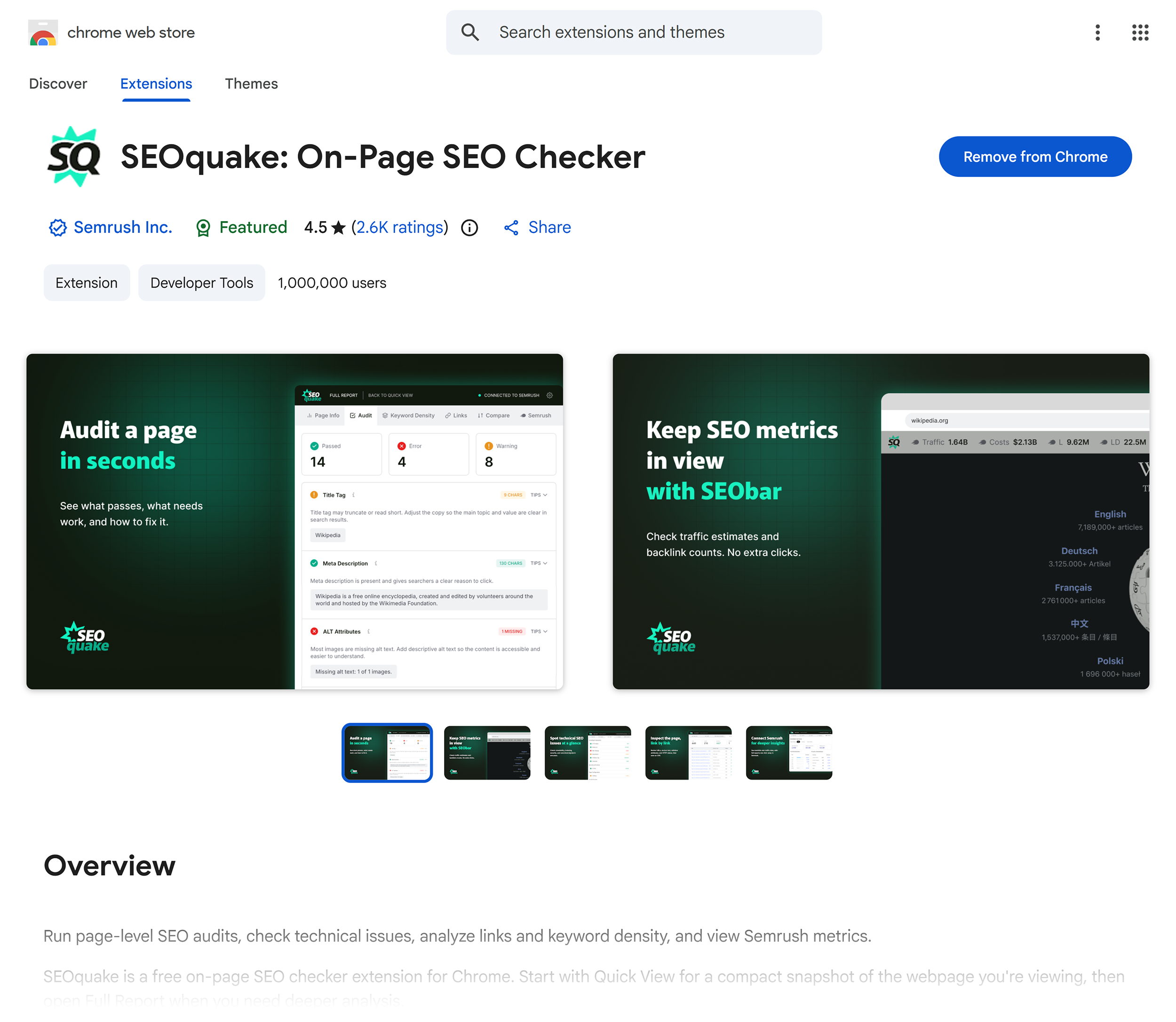
SEOquake is a widely adopted, complimentary Chrome extension designed to provide instant, on-page SEO audits. Developed by Semrush, the tool evaluates a webpage’s technical signals, linking architecture, on-page optimization factors, and foundational visibility metrics. By installing the extension and clicking the browser icon on any active URL, users can bypass the friction traditionally associated with generating comprehensive site reports.
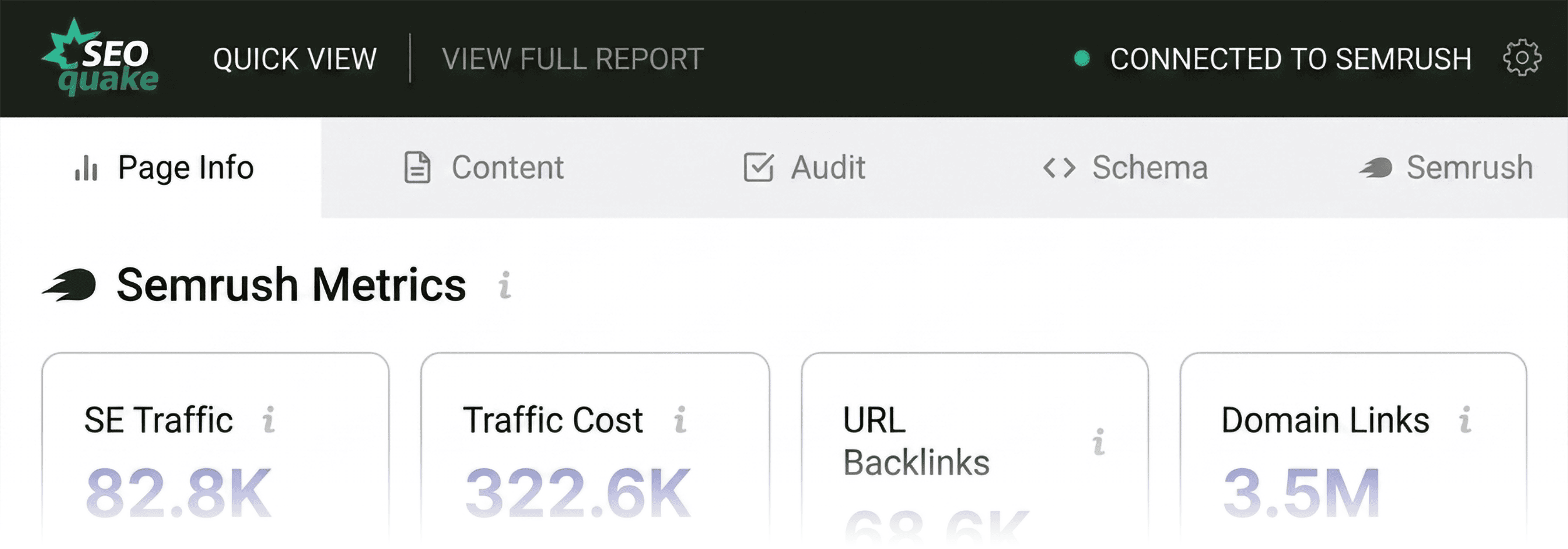
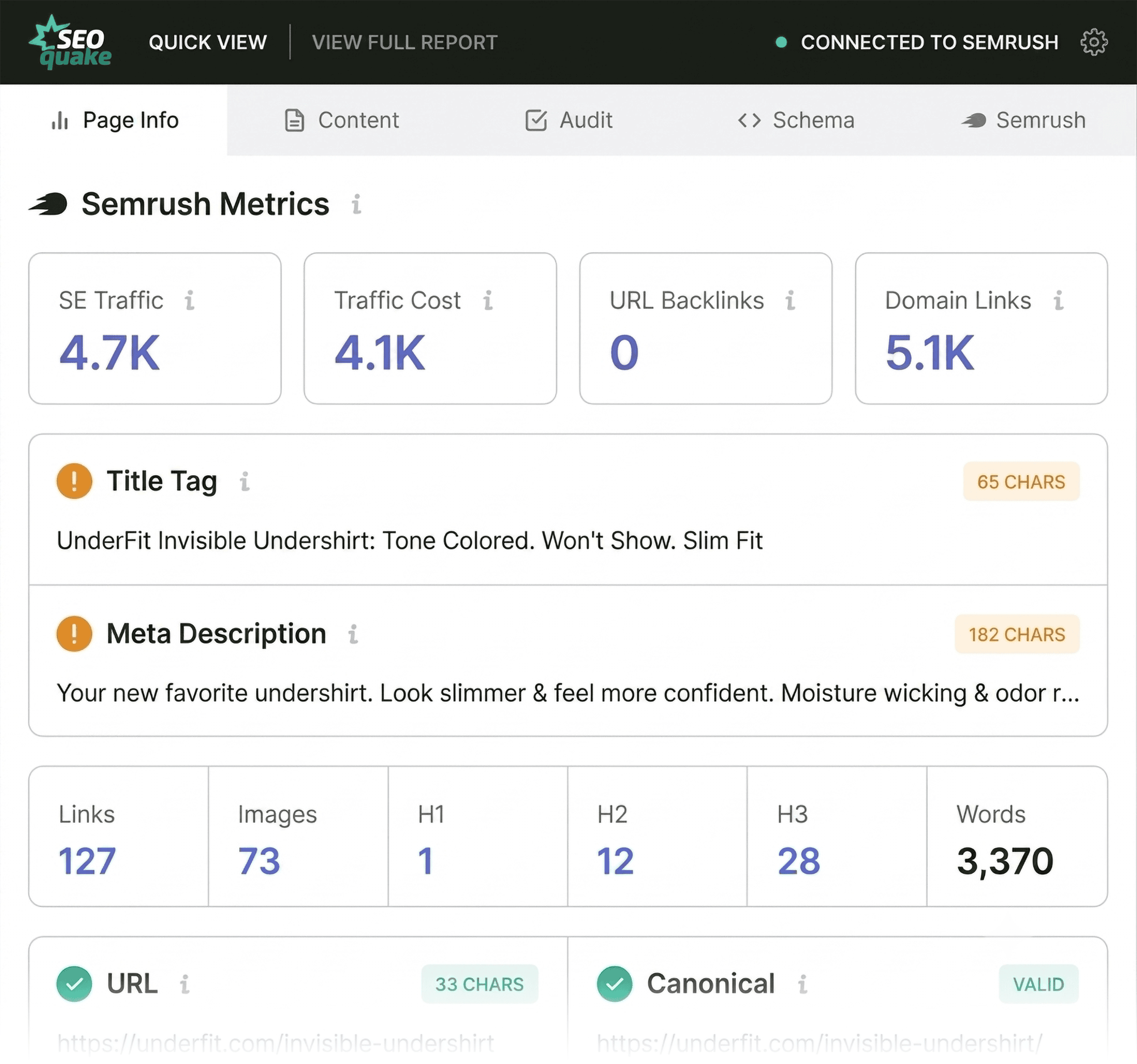
The extension facilitates evaluations through two primary modes: a rapid Quick View pop-up and an in-depth Full Report panel. Throughout these interfaces, findings are organized via a color-coded hierarchy—green indicates optimal performance, orange highlights potential warnings requiring contextual judgment, and red signals critical technical or structural errors. This systematic categorization allows practitioners to triage emergency issues and prioritize remediation workflows efficiently within minutes.
Phase One: Triage via the Quick View Pop-Up (Minute One)
The initial phase of a rapid SEO audit is triage, designed to be completed within the first 60 seconds of interaction. The primary objective during this window is answering a fundamental question: Is there an obvious, critical failure impacting the page’s ability to rank or convert?
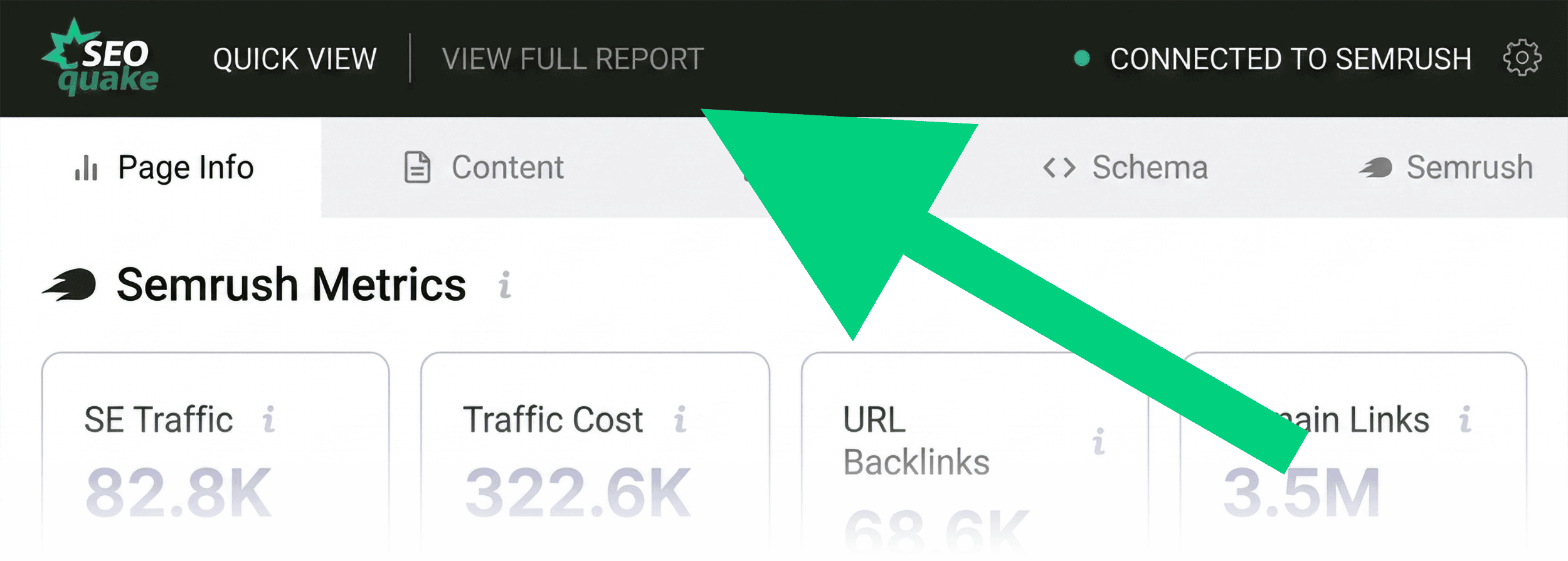
The Quick View pop-up features five distinct tabs, with three holding immediate diagnostic value: Page Info, Audit, and Content. Dedicating roughly twenty seconds to each tab enables an auditor to establish a baseline health check.
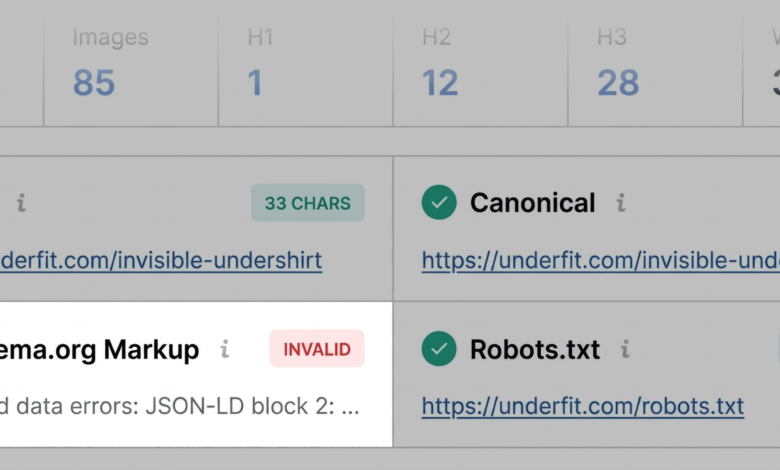
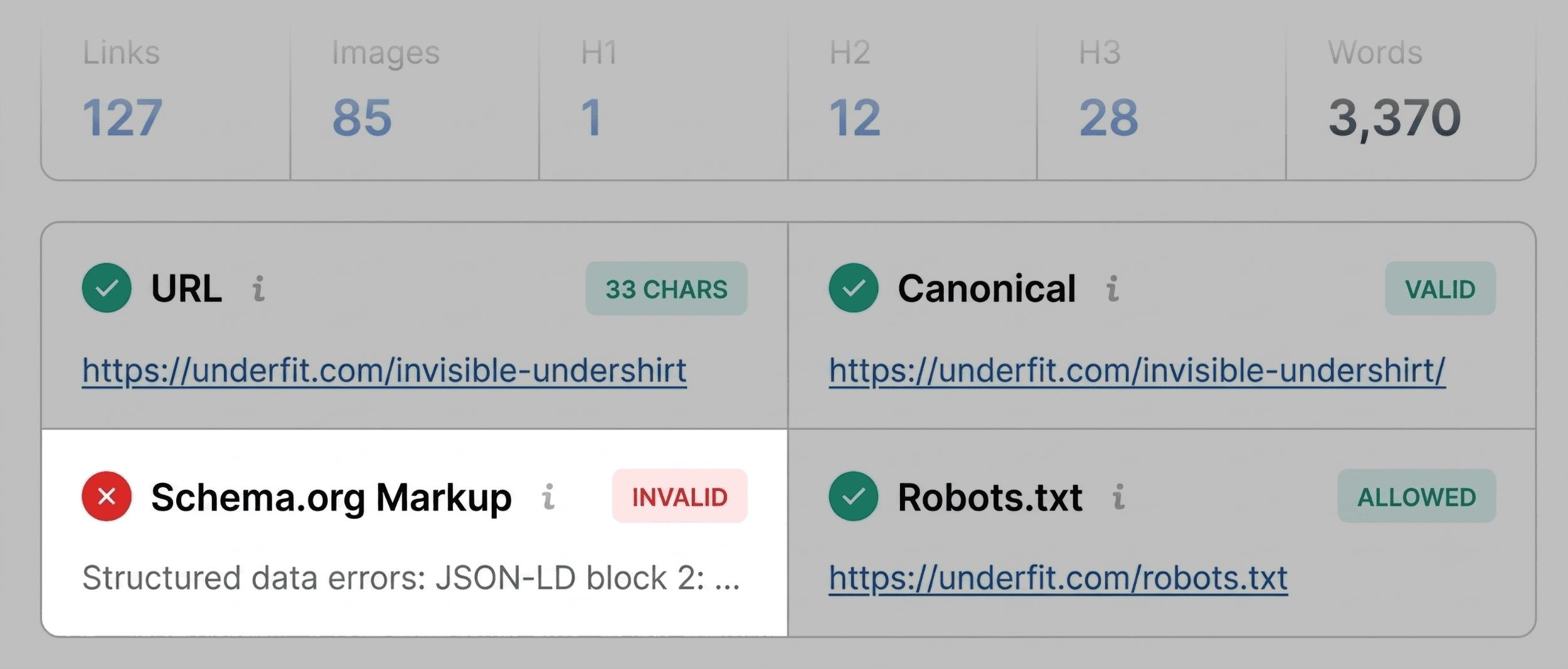
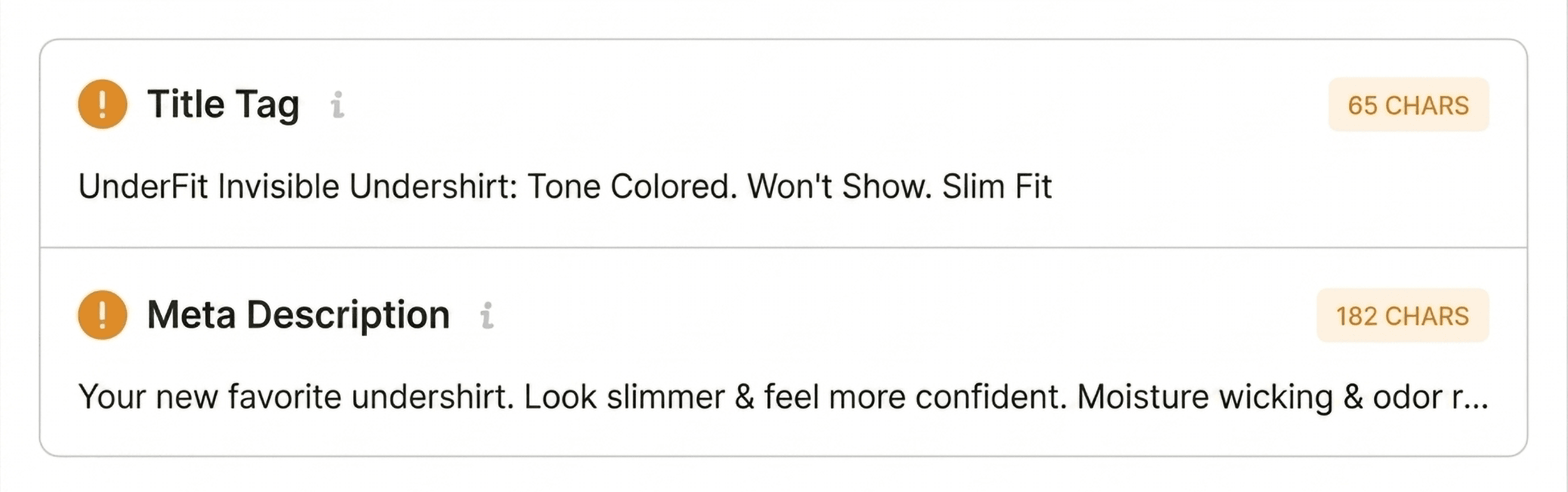
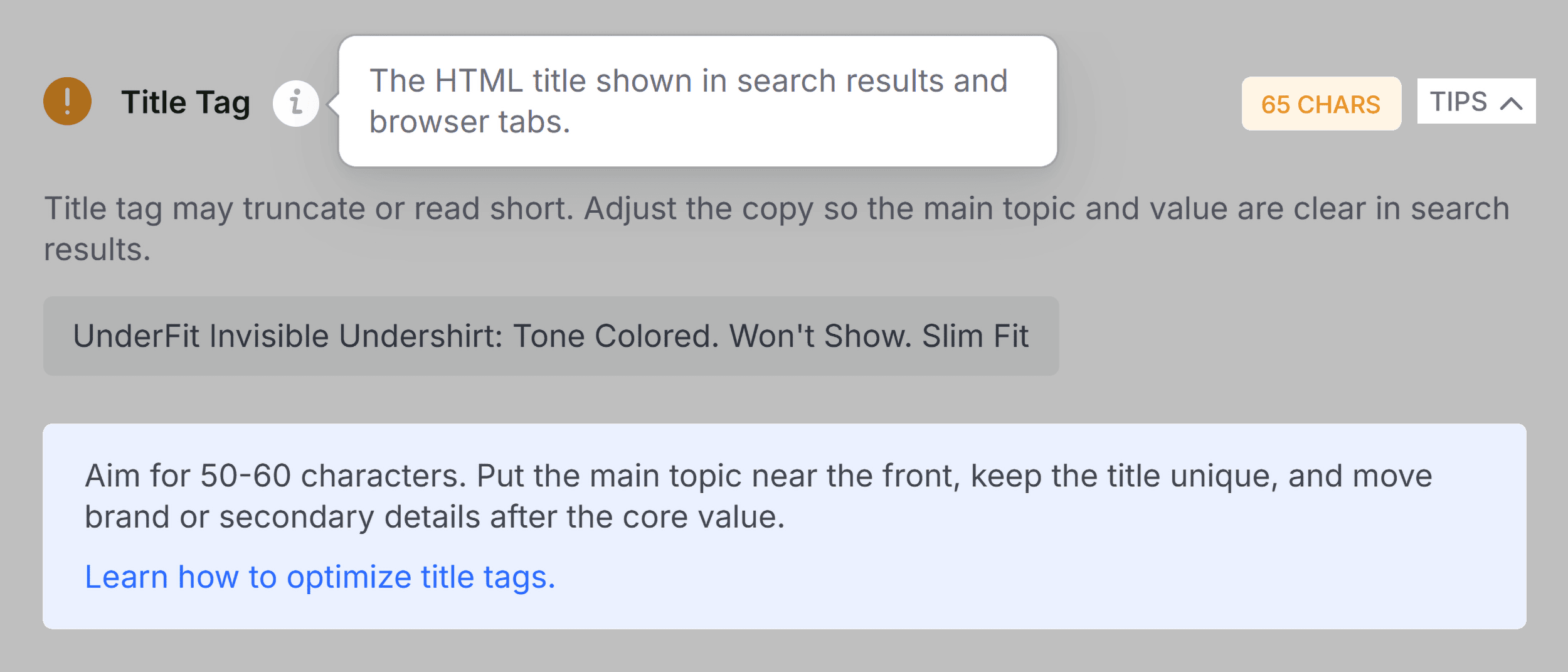
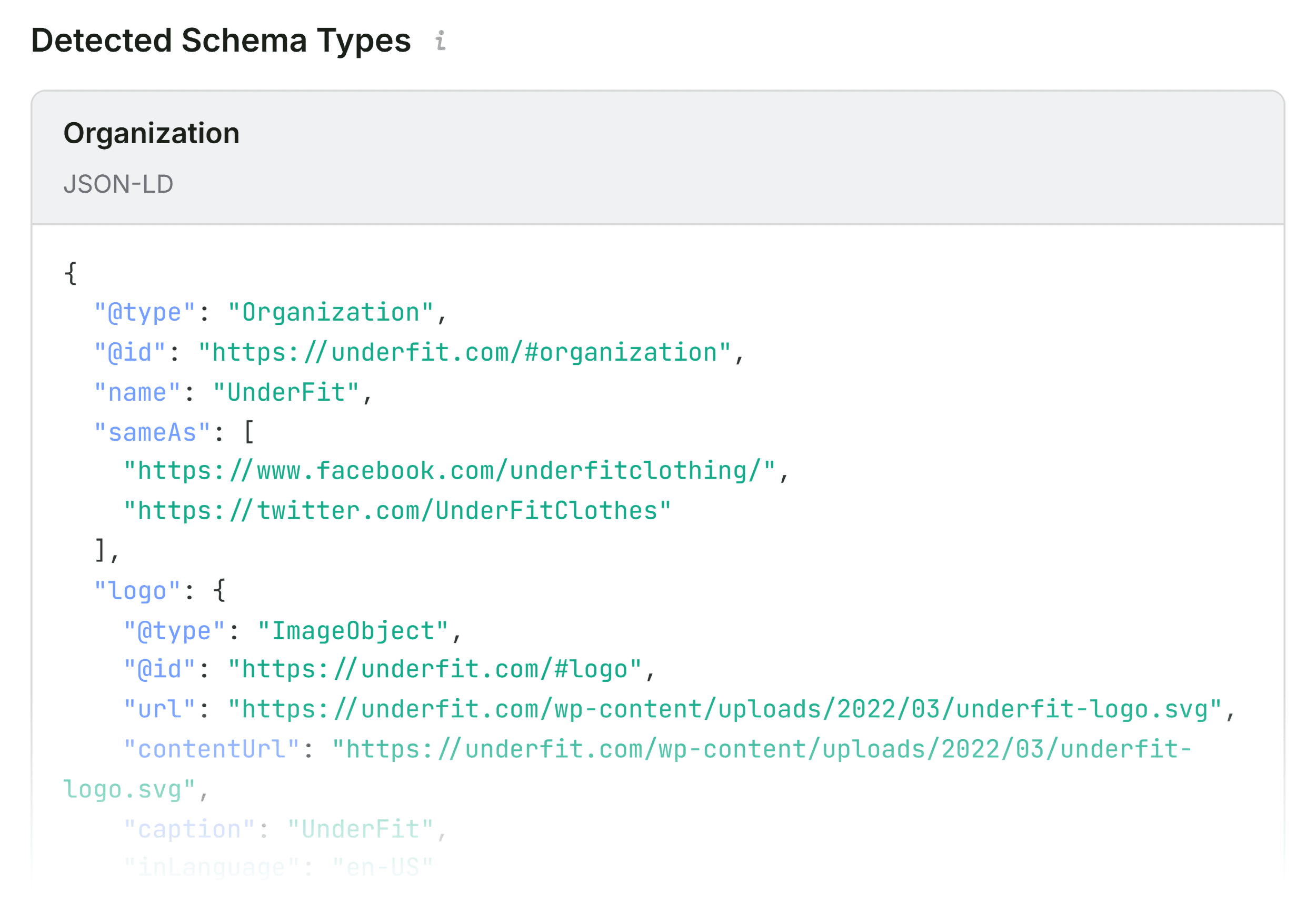
Beginning with the Page Info tab, users can scan vital on-page elements, including title tags, meta descriptions, canonical URLs, and HTTP status codes. During a standard evaluation of an e-commerce product page, an auditor looks for anomalies such as missing meta tags or character counts exceeding standard search engine display limits. In many cases, critical flags emerge here—such as invalid Schema.org structured data highlighted in red. Because incorrect JSON-LD markup can render a product page ineligible for rich snippets containing pricing, availability, and review stars, such errors immediately ascend to the top of the remediation queue.

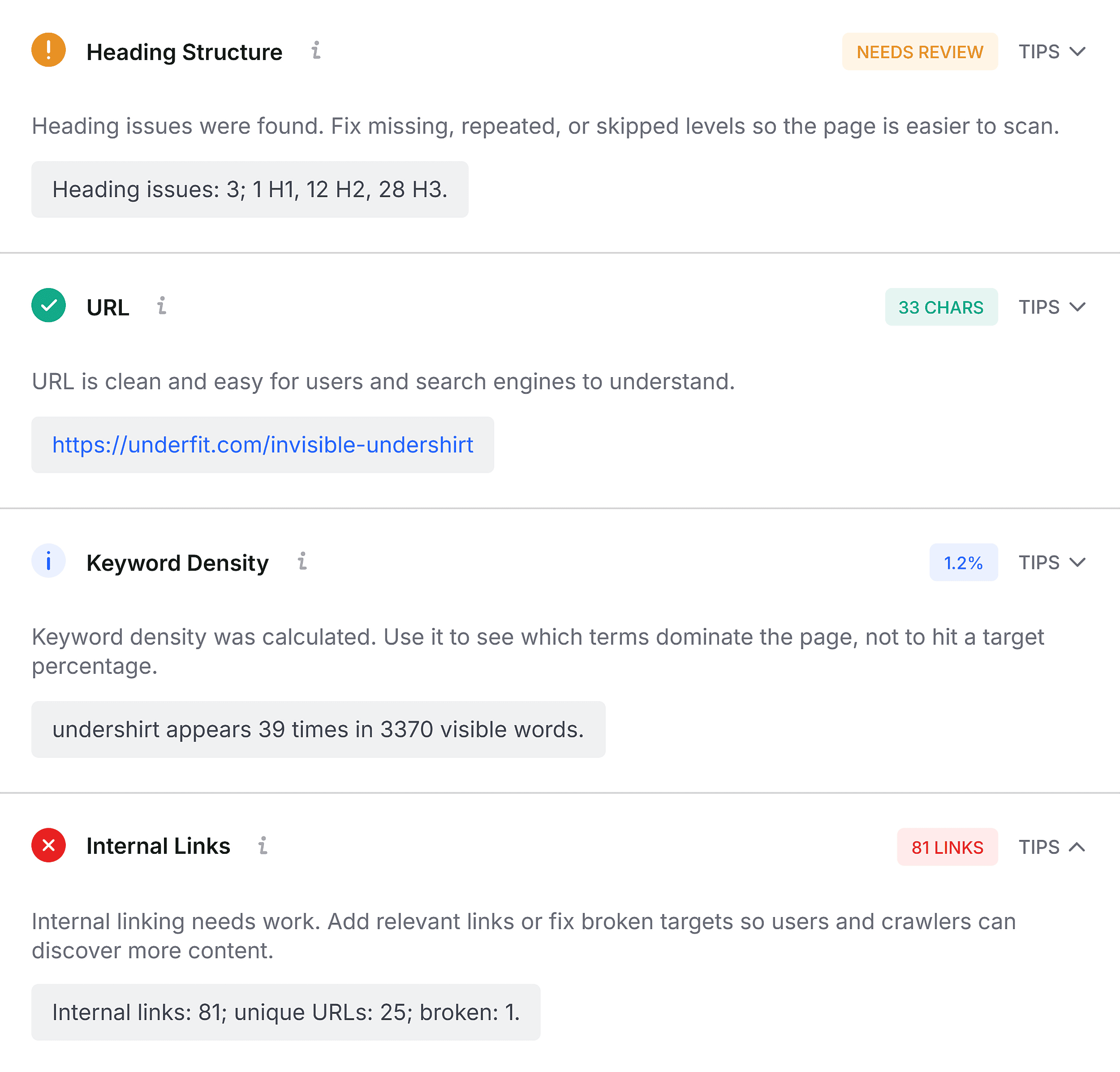
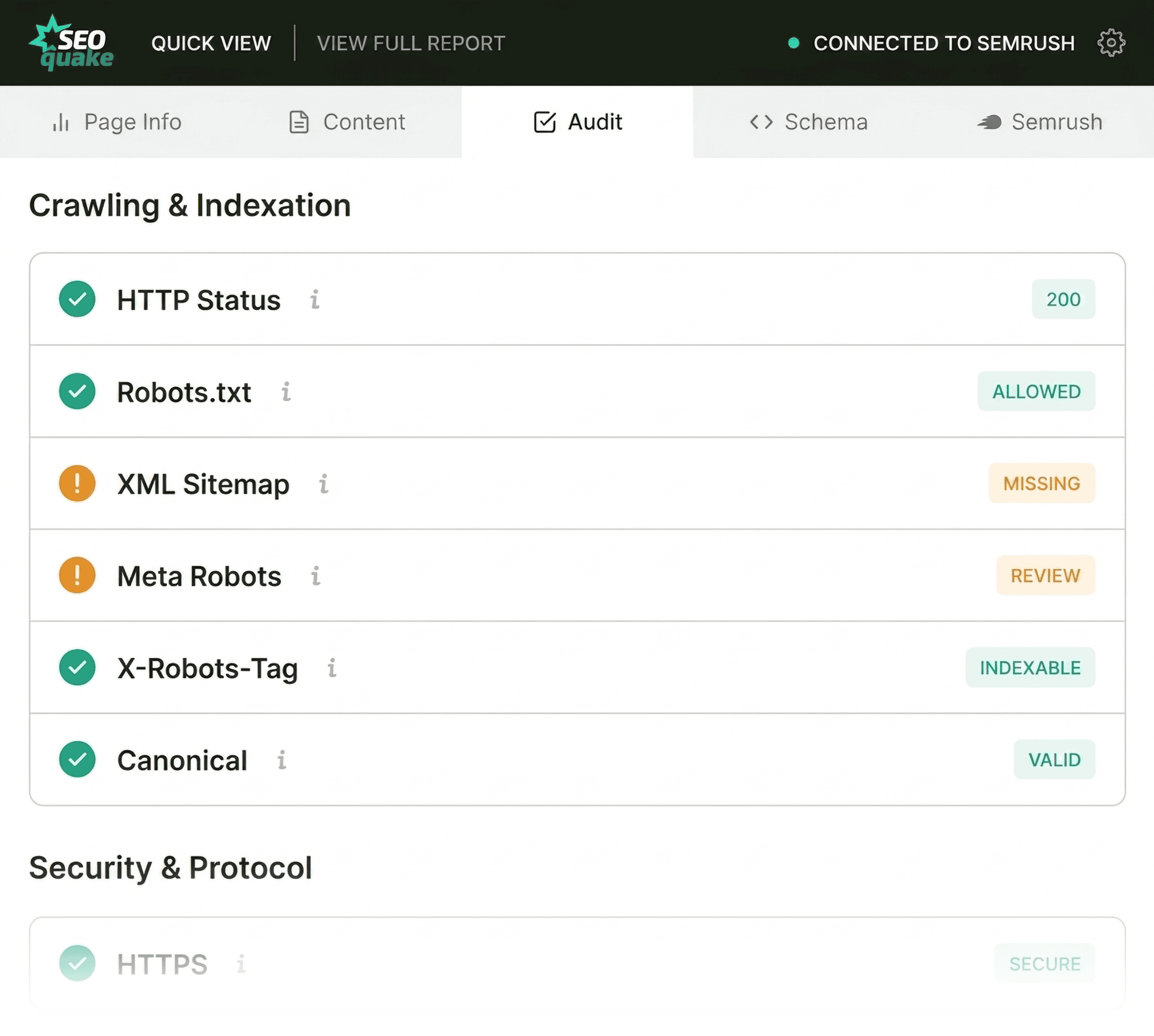
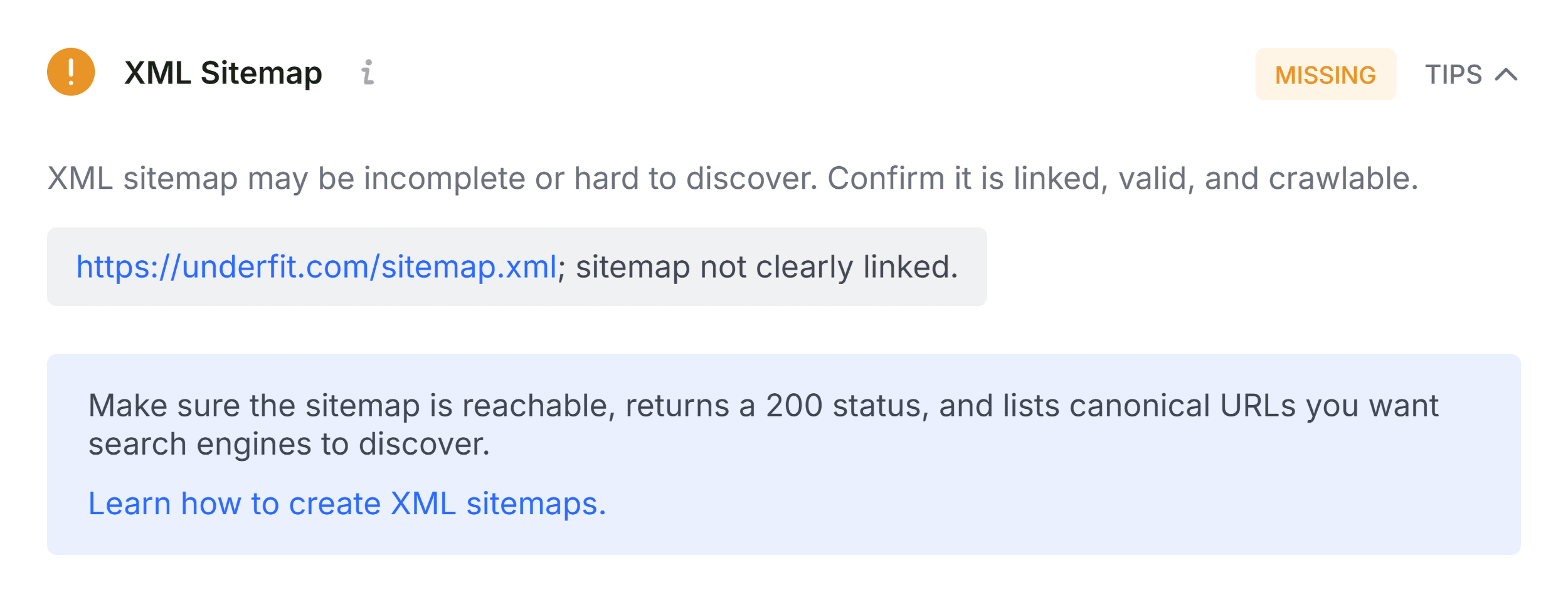
Next, transitioning to the Audit tab uncovers technical SEO parameters, including mobile responsiveness, indexation directives, and sitemap connectivity. While green indicators offer reassurance, orange warnings demand careful risk assessment. For instance, warnings regarding hreflang implementation or canonical tags must be weighed against the specific international targeting strategy of the domain.
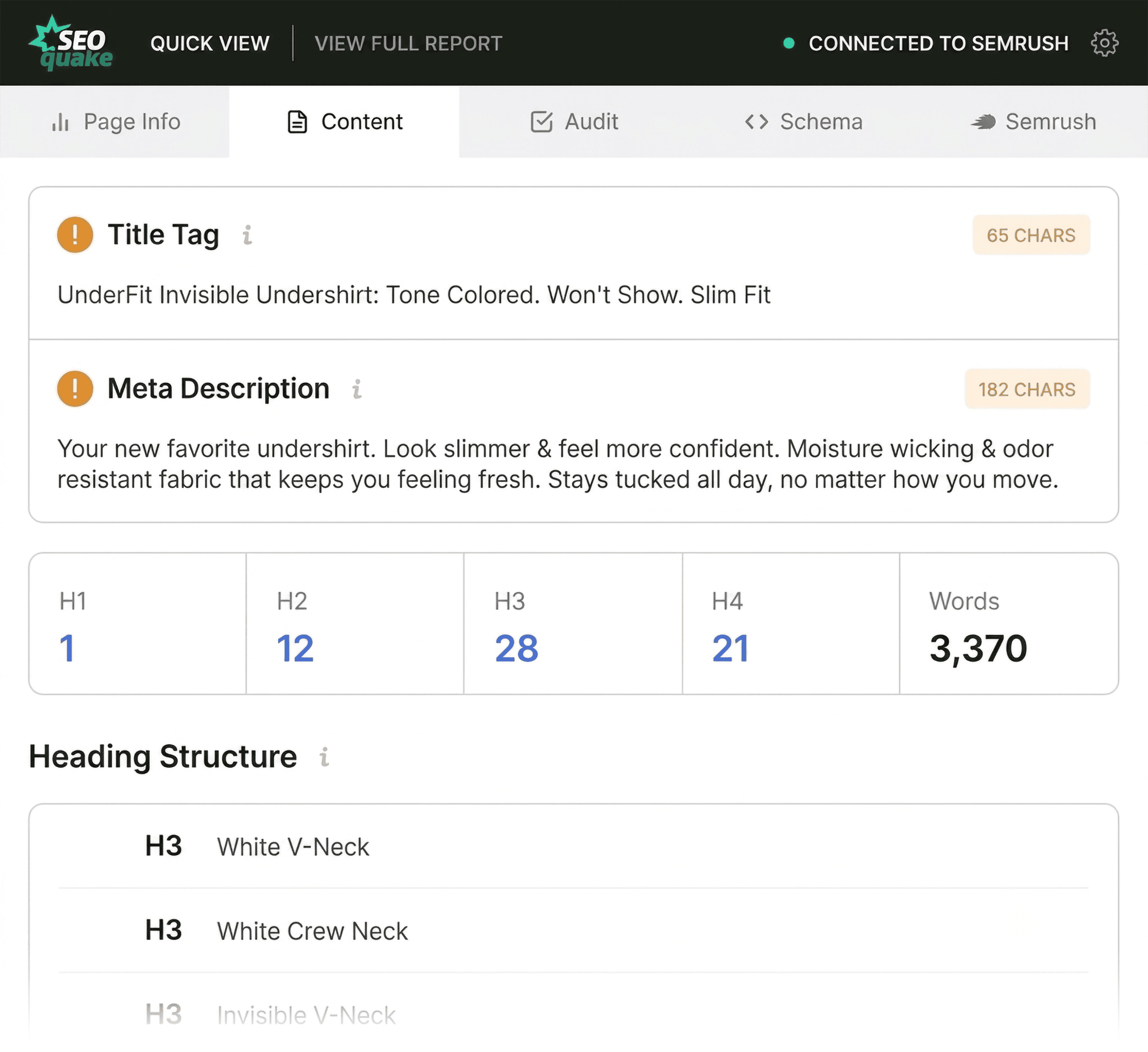
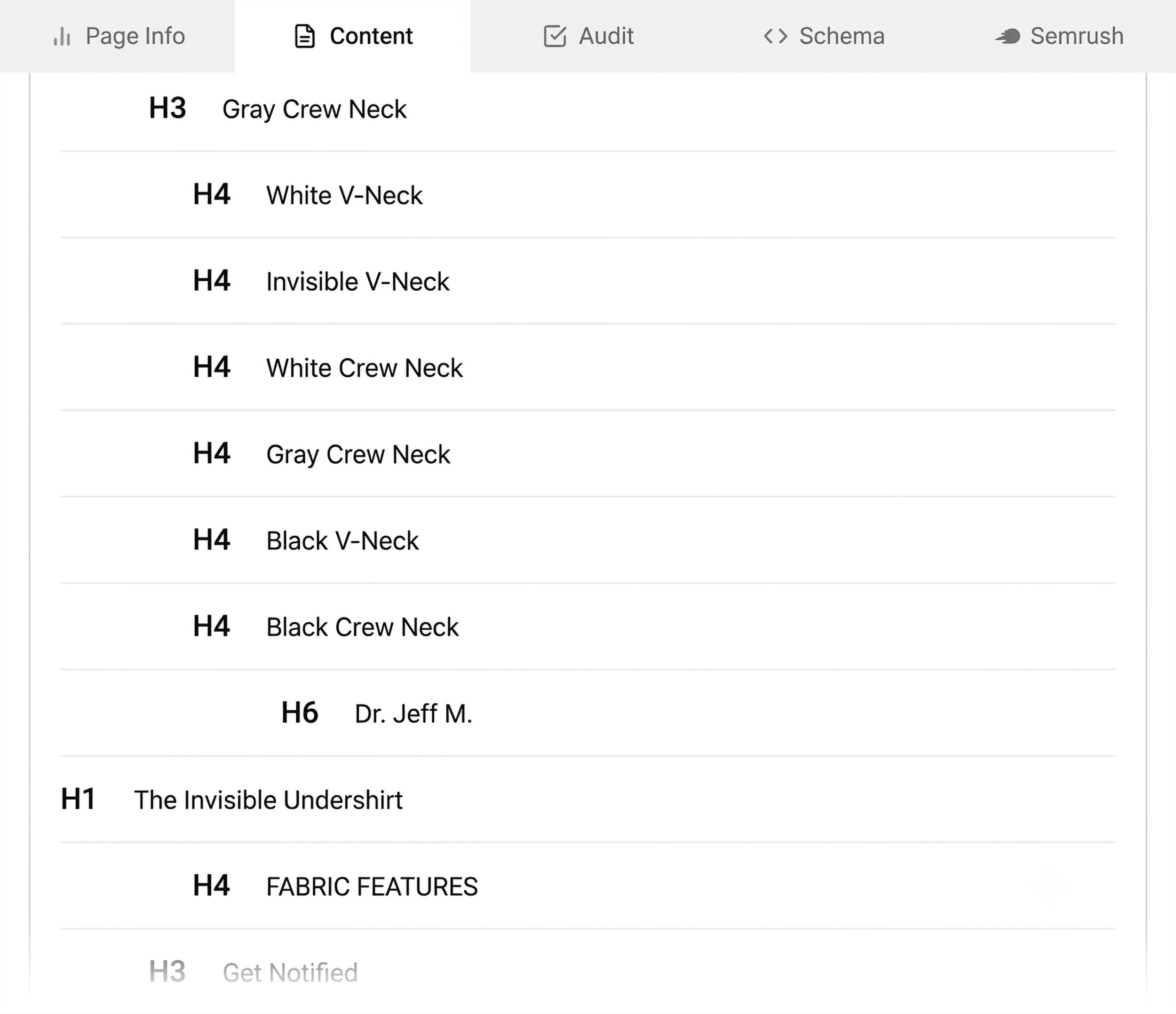
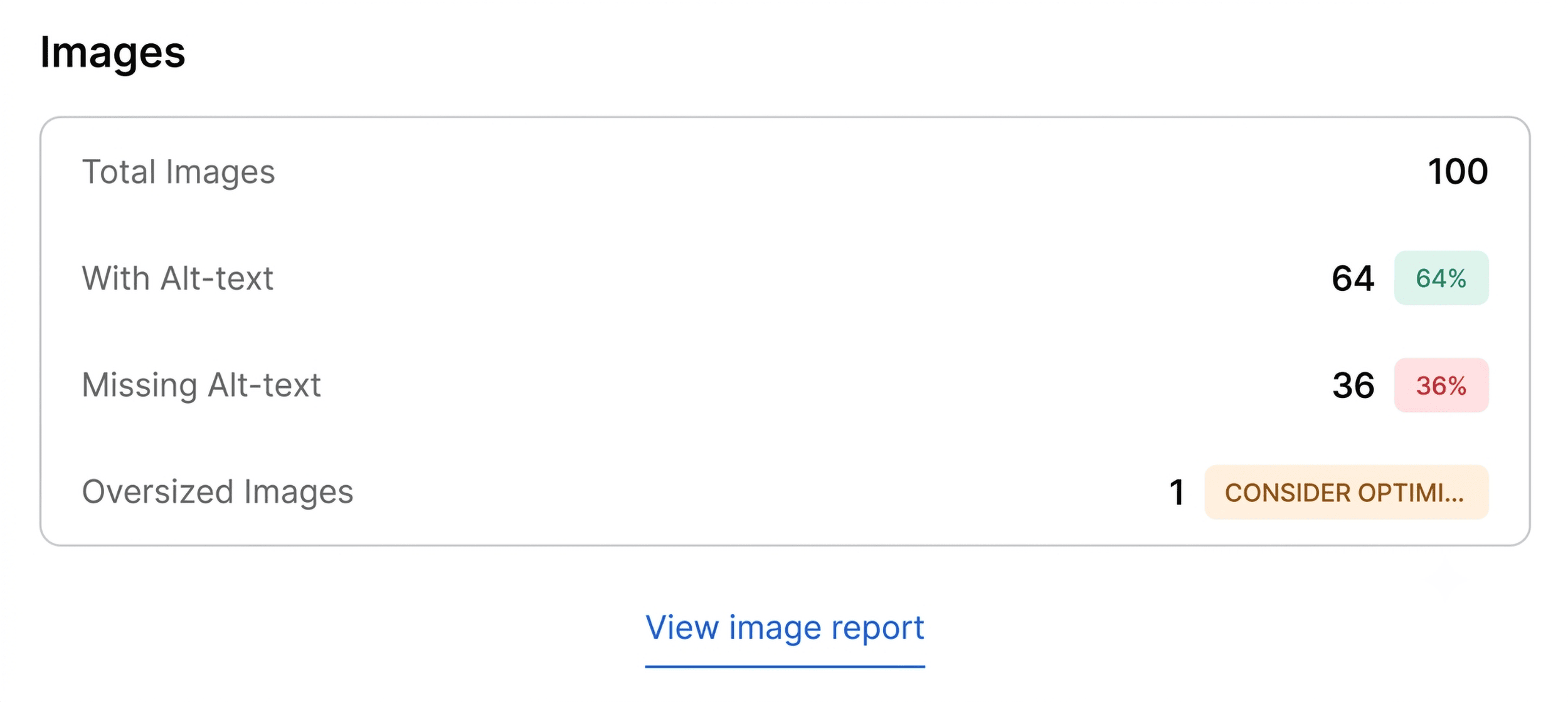
Finally, reviewing the Content tab sheds light on information architecture and keyword distribution. Analyzing heading tag structures (H1 through H6) often reveals structural flaws, such as missing H1 tags, deep-page placement of primary headers, or illogical hierarchical jumps (e.g., transitioning directly from an H1 to an H4). Furthermore, image optimization summaries frequently expose missing alternative (alt) text across dozens of media assets, diminishing both accessibility standards and image search visibility.
Phase Two: Deep Diagnostics in the Full Report (Minutes Two and Three)
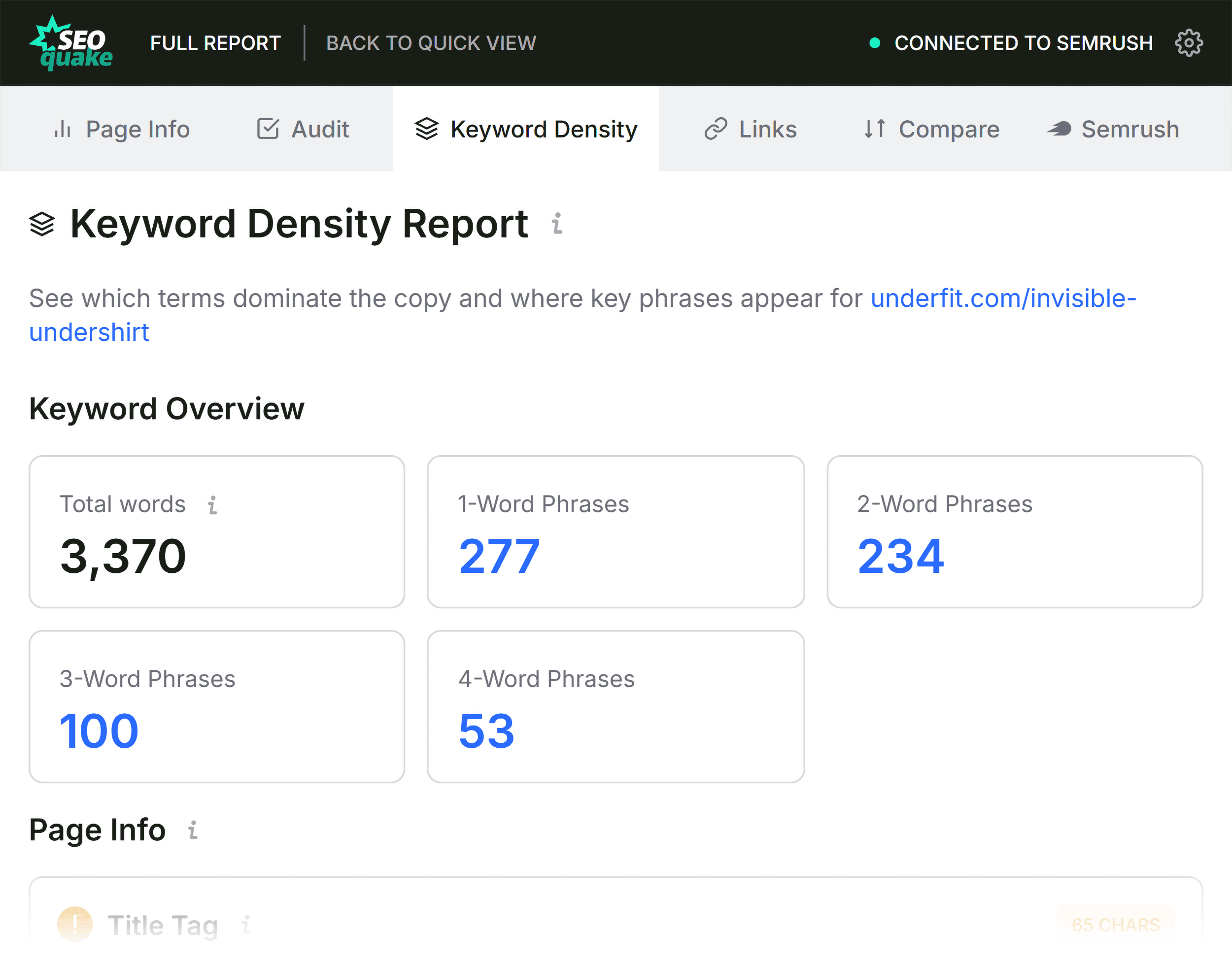
Once initial triage flags are identified, the remaining two minutes of the rapid audit are dedicated to diagnosis using the Full Report panel. Accessible via the "View Full Report" button, this interface divides data into six specialized panels: Overview, Diagnostics, Internal Links, External Links, Keyword Density, and Semrush data.
Drilling Down into Technical and Link Health
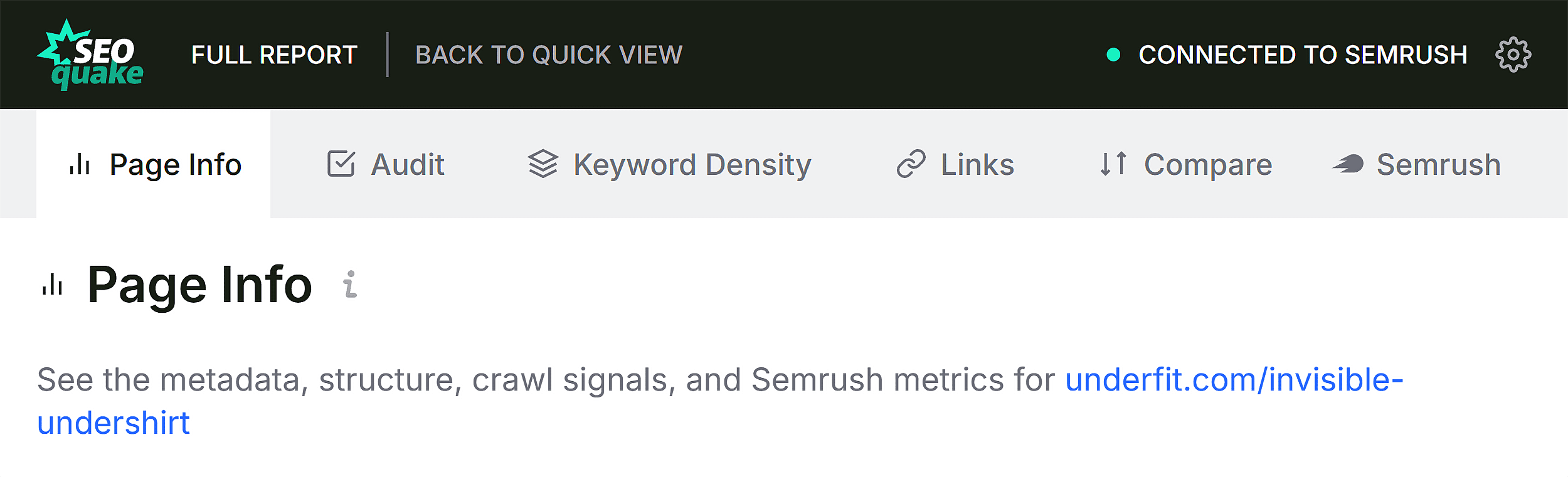
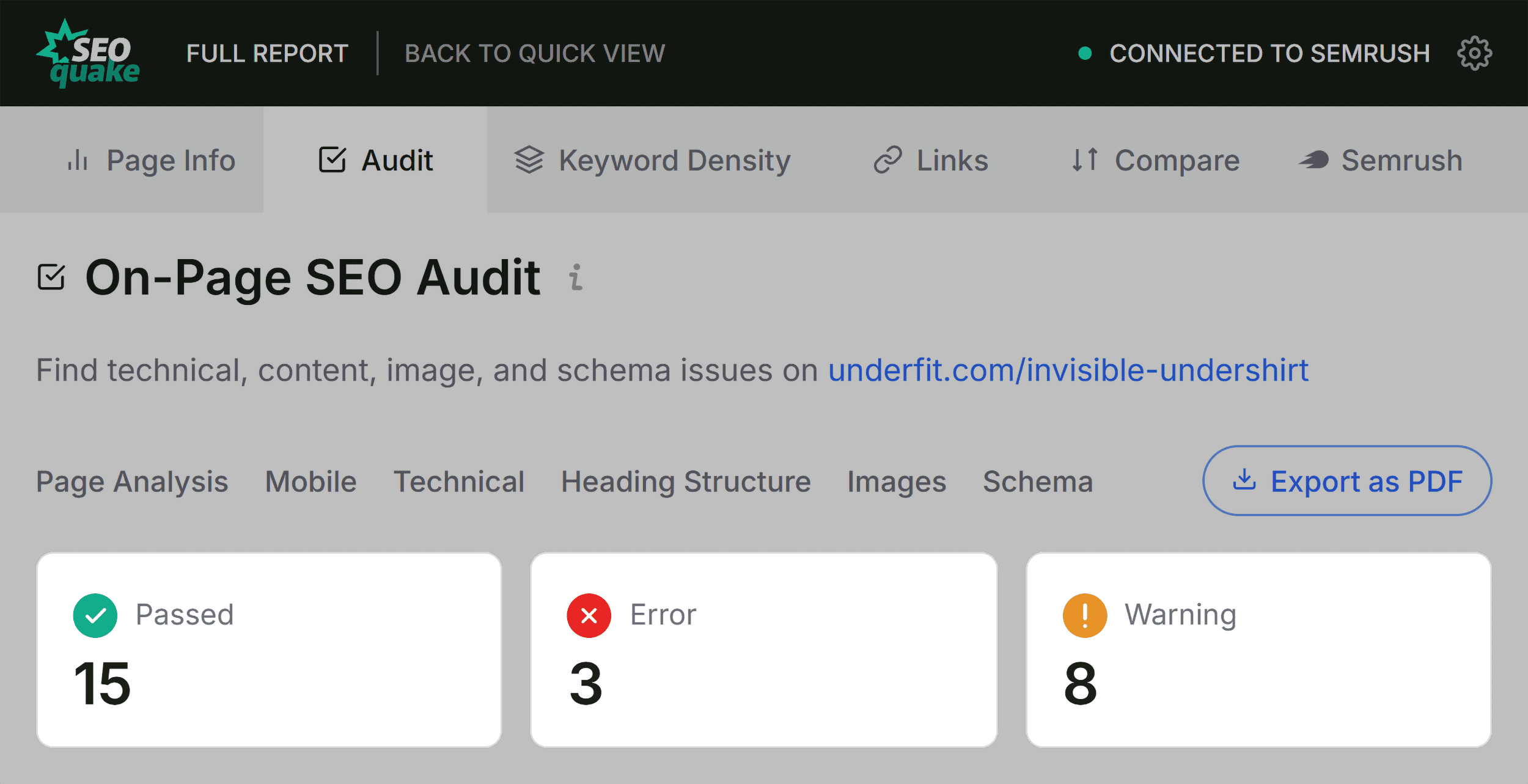
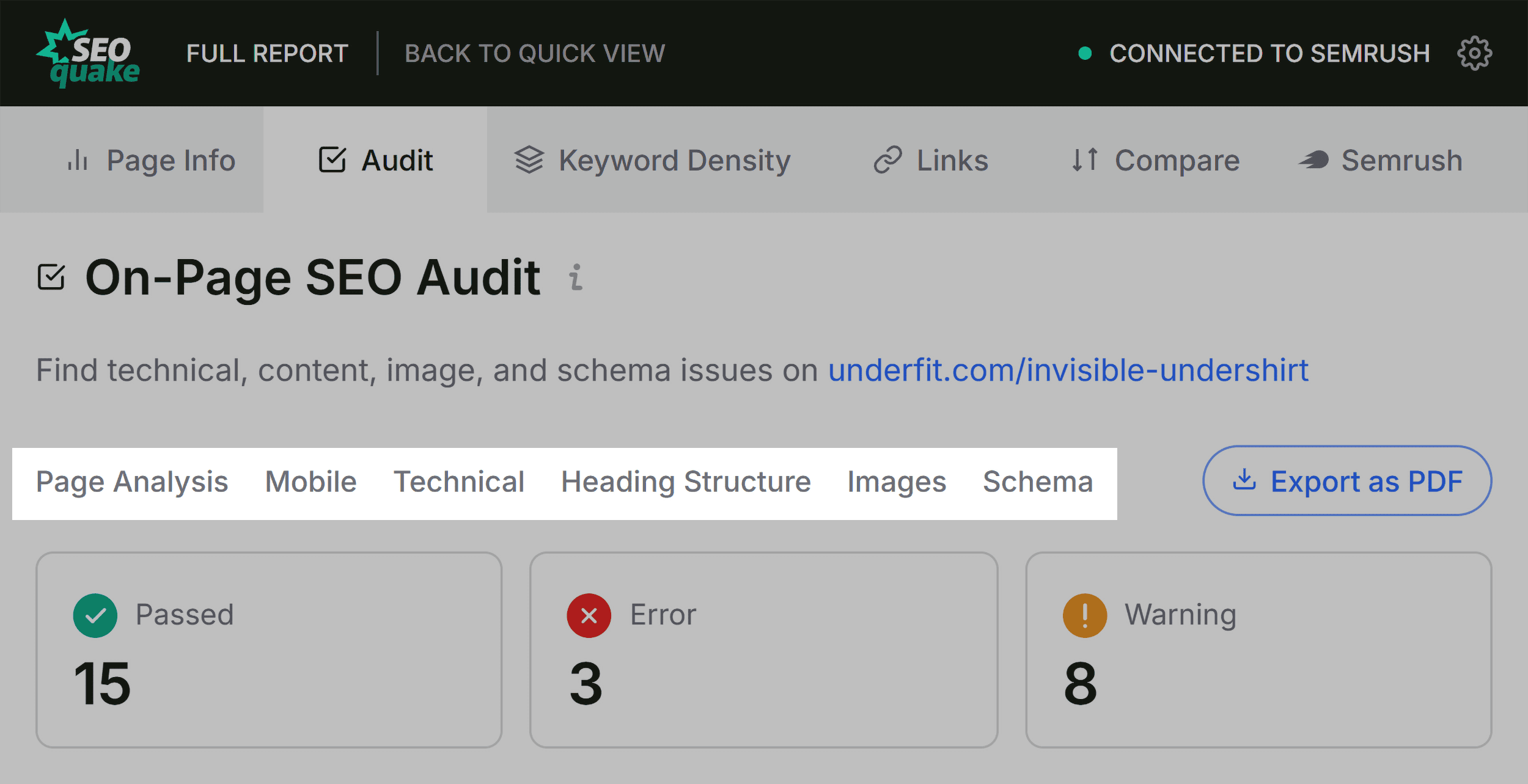
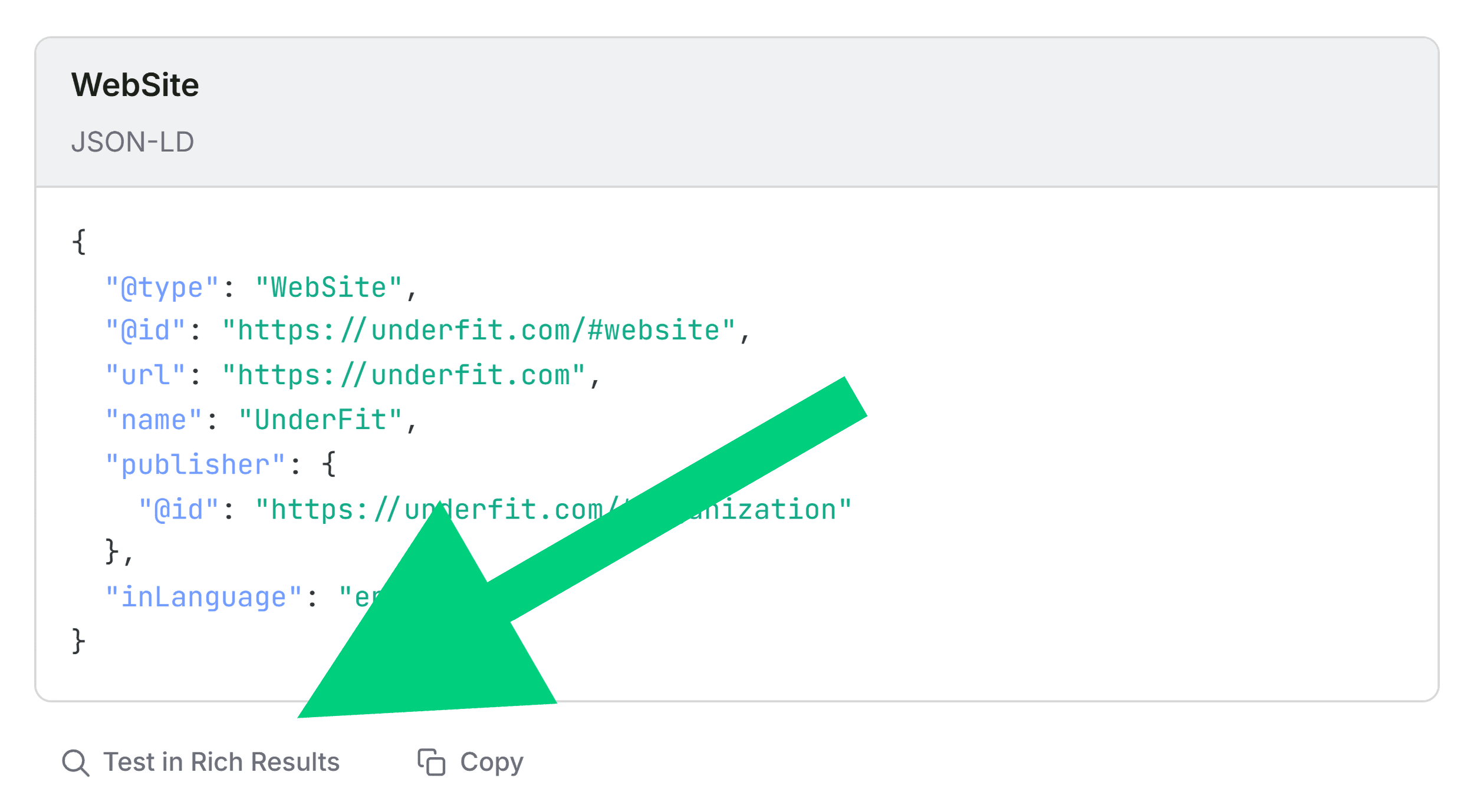
In the Full Audit panel, practitioners can investigate specific crawlability, indexation, and schema compliance issues. Utilizing internal menu navigation allows auditors to jump straight to flagged items rather than manually scrolling through extensive logs. Clicking features like "Test in Rich Results" automatically routes the URL to Google’s official testing tools, validating whether JSON-LD errors prevent search engines from parsing product attributes correctly.
Concurrently, evaluating the Links panel is vital for maintaining user experience and crawl efficiency. Broken internal links and non-functional external links—frequently built on dynamic JavaScript elements—can disrupt user navigation and waste crawl budget. Exporting link data into CSV formats allows technical teams to isolate broken assets and systematically repair or replace them.
Evaluating Topic Coverage via Keyword Density
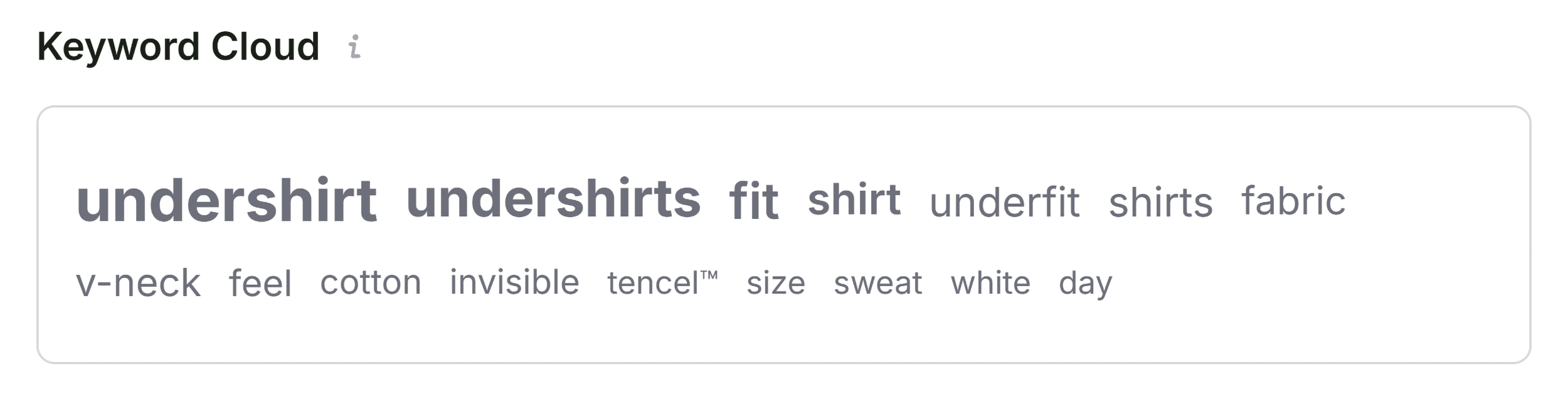
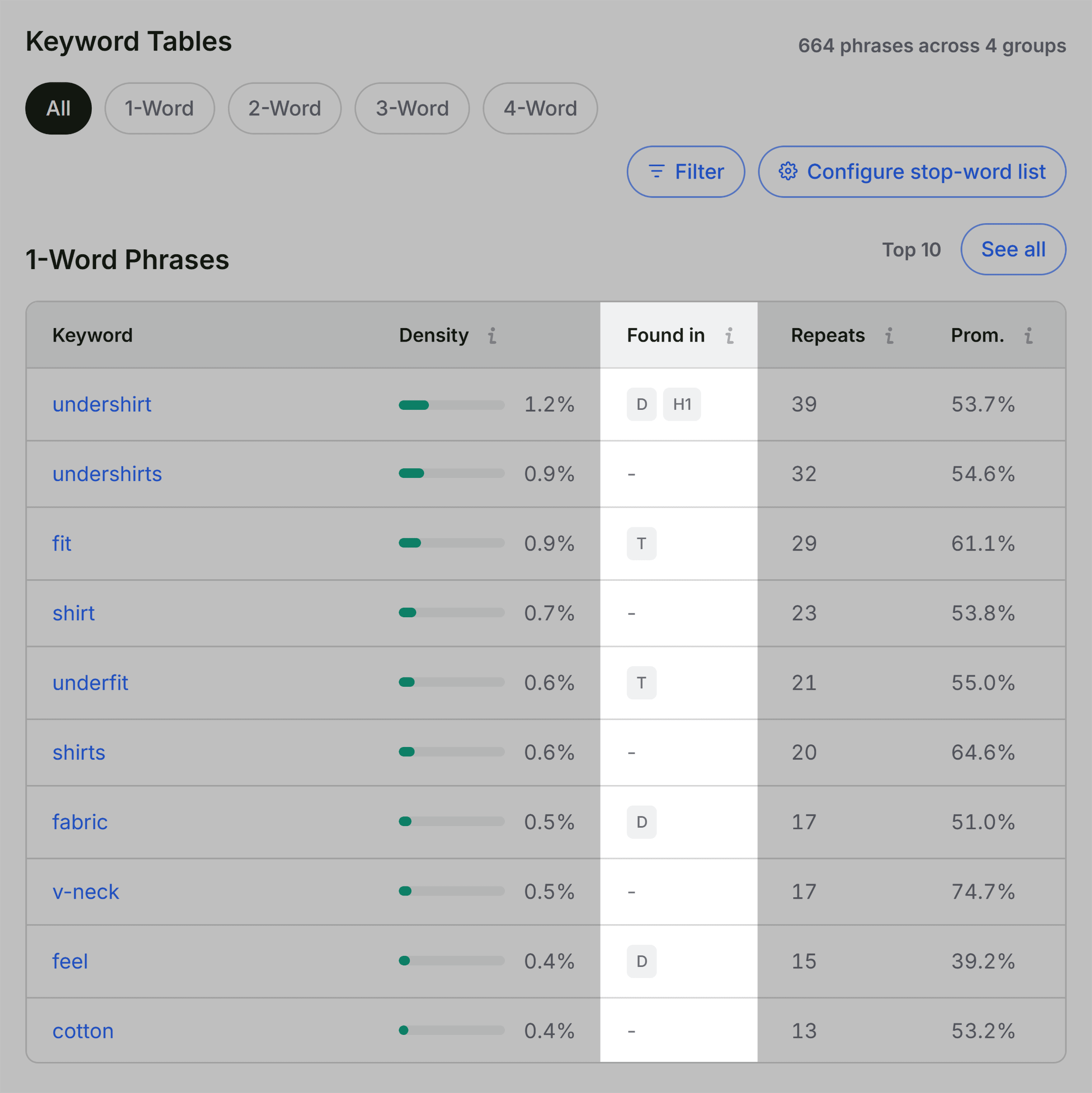
When a page underperforms despite sound technical foundations, the Keyword Density panel offers crucial visibility into topic coverage. By analyzing the Keyword Cloud and the frequency tables for single- and multi-word phrases, auditors can confirm whether core semantic concepts align with the intended search intent. While auxiliary terms originating from interactive widgets or HTML buttons (such as navigation labels) occasionally appear in these reports, verifying that primary commercial keywords appear in prominent locations—such as title tags, meta descriptions, and primary headings—ensures the page maintains strong topical relevance.
Contextualizing Performance with Domain-Level Metrics
Before finalizing a remediation strategy, determining the scope of the problem is essential. The Semrush panel within SEOquake provides domain-level and page-level metrics, offering a broader view of authority, organic search traffic volume, and backlink profiles.
When a structurally flawed page resides on a high-authority domain with robust organic visibility, the issue is typically isolated to page-level execution, such as copy updates, tag corrections, or schema repairs. Conversely, issues like missing XML sitemaps or widespread template errors usually reflect site-wide architectural challenges. For these broader concerns, page-level tools must be supplemented with comprehensive site crawlers, such as Semrush Site Audit, to uncover systemic vulnerabilities across thousands of URLs.
The Evolution of Agile SEO Diagnostics
The introduction of agile, browser-based diagnostic tools reflects a broader shift within the digital marketing industry toward efficiency and real-time data access. As search algorithms increasingly prioritize user experience, structured data integrity, and semantic relevance, the ability to isolate and resolve technical friction points rapidly has become a core competency for digital agencies and in-house marketing teams alike.
By standardizing a three-minute triage and diagnostic workflow, professionals can dramatically reduce the time required to identify performance bottlenecks. Whether utilized for daily client management, competitive benchmarking, or emergency troubleshooting, leveraging browser extensions like SEOquake bridges the gap between high-level analytics and actionable, page-level execution.
Related posts: