The enterprise project management software market continues to evolve rapidly as organizations demand more specialized, high-performing tools to coordinate cross-functional teams, manage complex resource allocations, and maintain strict scheduling tolerances. In the landscape of 2026 project planning solutions, two platforms frequently emerge at the top of the evaluation list for small-to-midsize businesses and large enterprises alike: ProjectManager and GanttPRO. While both applications center their core functionalities around sophisticated Gantt chart architectures, their overarching design philosophies, pricing structures, and feature ecosystems cater to distinctly different operational environments.
A comprehensive evaluation of ProjectManager and GanttPRO reveals that the ideal choice depends heavily on a team’s specific workflow requirements, external file-sharing obligations, and budget constraints. GanttPRO has solidified its reputation as an intuitive, highly focused tool optimized for smaller teams that prioritize a rapid onboarding curve and robust Gantt functionality at an accessible price point. Conversely, ProjectManager positions itself as a comprehensive work management suite, tailor-made for organizations that require seamless integration with Microsoft Project, integrated timesheet tracking, deep analytical dashboards, and multi-view project visualization capabilities.
Background Context and Evolution of Modern Scheduling Tools
Over the past decade, project management software has transitioned from static, desktop-bound applications to dynamic, cloud-native collaborative environments. Historically, Microsoft Project dominated the enterprise landscape, establishing the baseline standard for task dependencies, critical path methodology (CPM), and work breakdown structures (WBS). However, the rigid nature and steep licensing costs of legacy desktop software paved the way for agile, web-based competitors.

GanttPRO entered the market to bridge the gap between complex scheduling logic and user-friendly web interfaces. By prioritizing visual clarity and minimizing administrative overhead, the platform captured a significant share of the small-to-midsize team market. Meanwhile, ProjectManager evolved from a cloud-based scheduling utility into an all-encompassing operational hub. By expanding its architecture to support hybrid methodologies—accommodating traditional Gantt planning alongside Kanban boards, list views, calendars, and real-time workload heatmaps—ProjectManager positioned itself to compete directly with enterprise-tier suites while maintaining its foundational strength in precise schedule control.
Core Scheduling Mechanics and Gantt Chart Capabilities
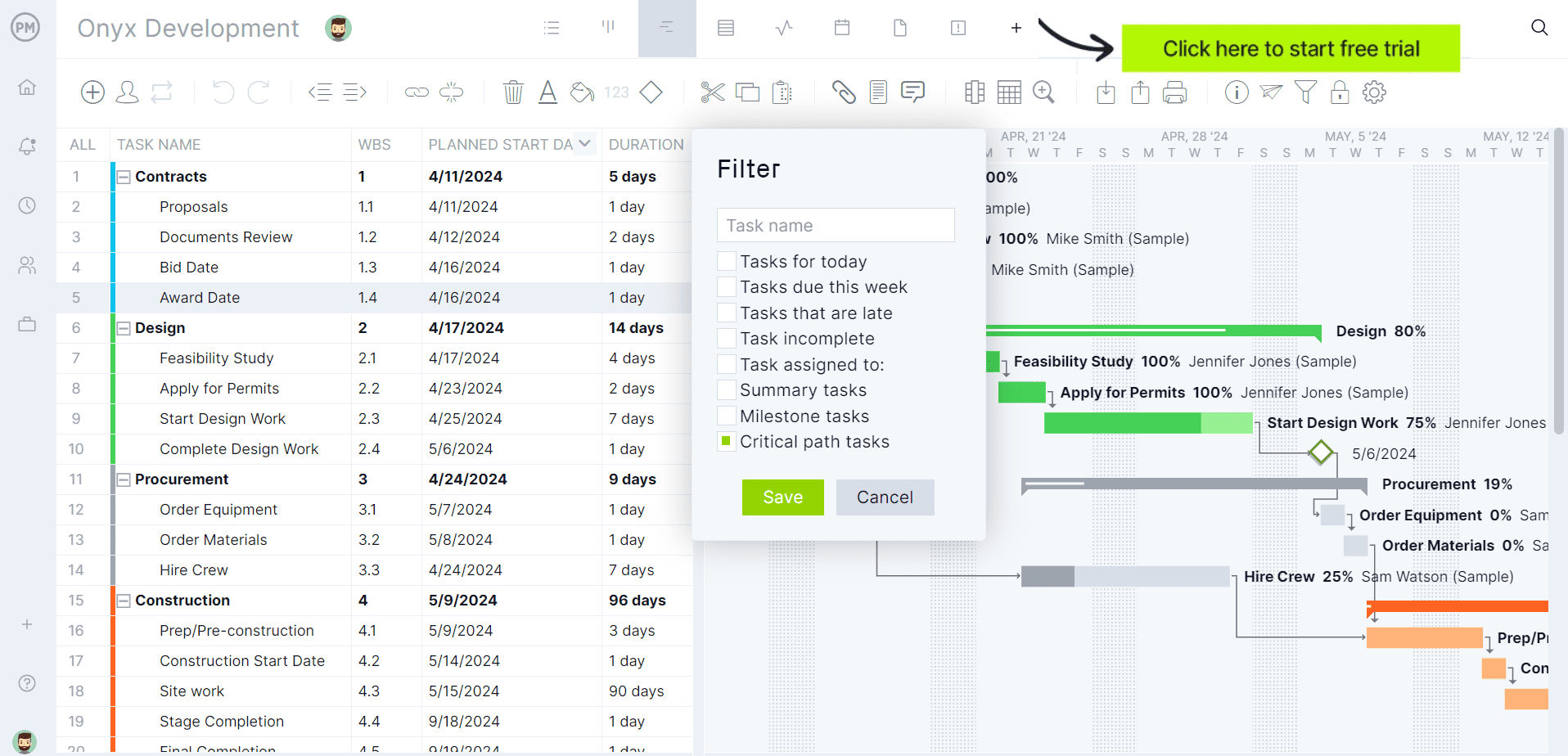
At the heart of both platforms lies professional-grade scheduling architecture. GanttPRO provides all four fundamental task dependency types—finish-to-start, start-to-start, finish-to-finish, and start-to-finish—along with lag and lead time configurations. When project variables shift, GanttPRO’s auto-scheduling engine dynamically recalculates linked tasks to preserve timeline integrity. Furthermore, critical path identification and baseline tracking are built into every tier of the platform, including the entry-level Core plan. A standout addition to GanttPRO’s feature set is its AI-powered Gantt chart generator, which allows project managers to draft comprehensive project blueprints from brief natural-language text descriptions.
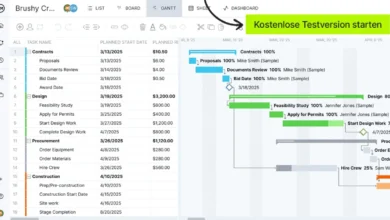
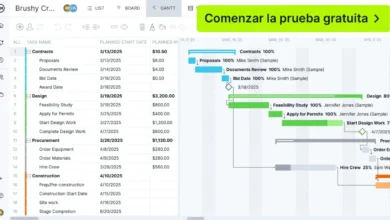
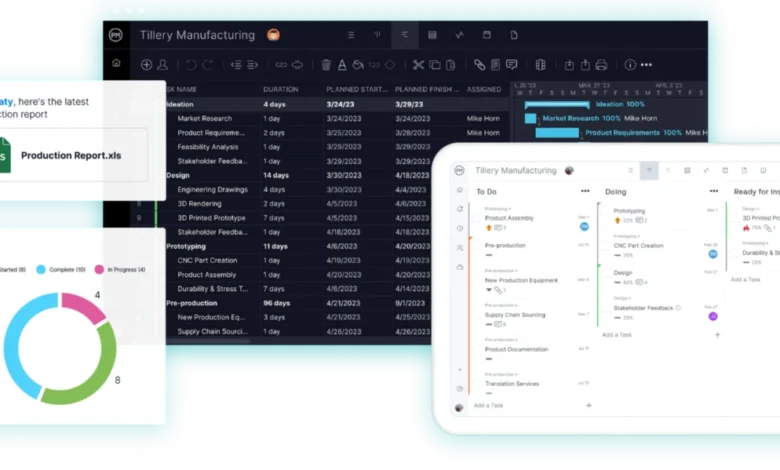
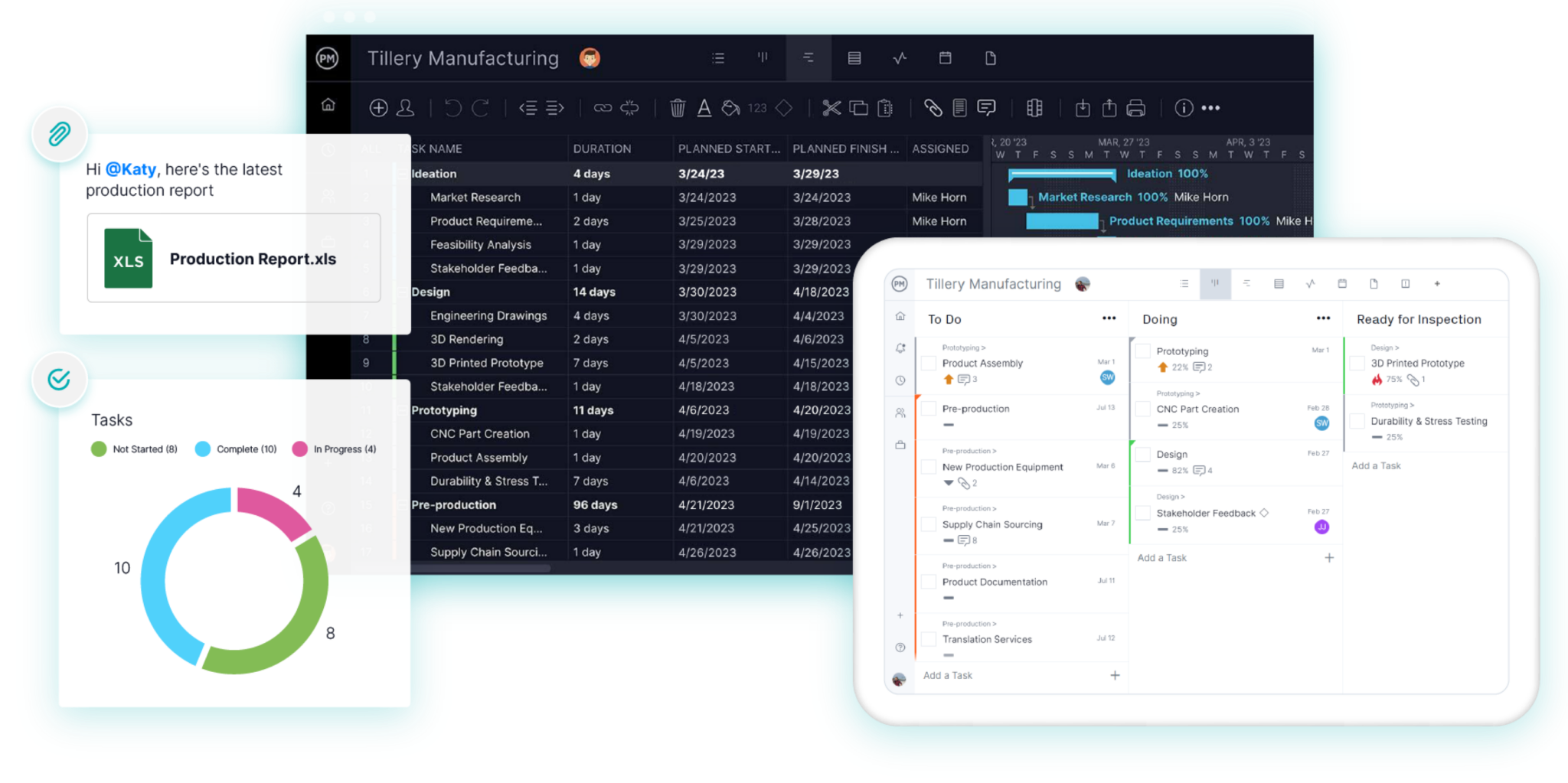
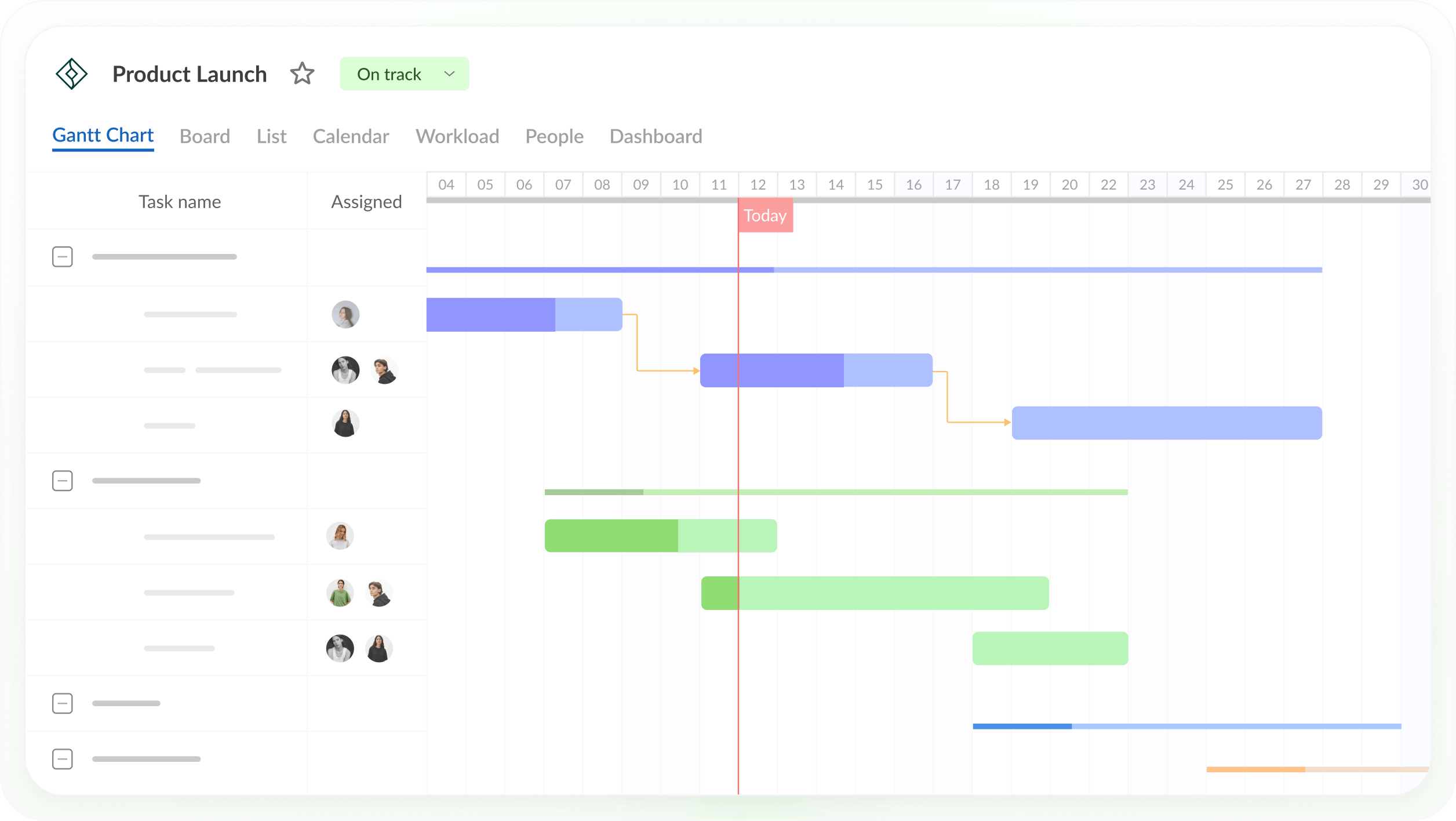
ProjectManager matches this scheduling rigor, offering the same comprehensive dependency framework, automatic schedule adjustments, critical path filtering, and baseline variance reporting. However, ProjectManager distinguishes itself through its multi-view flexibility. Project managers and team members are not restricted solely to the Gantt timeline; the exact same task data can be manipulated instantly within a spreadsheet-like grid view for rapid bulk editing, visualized on Kanban boards for workflow tracking, organized in simple lists, or reviewed via calendar layouts. Additionally, ProjectManager incorporates automated workflows and structured task approvals to enforce operational governance.
In a direct comparison of core scheduling, both platforms achieve parity regarding timeline calculation accuracy. GanttPRO excels for teams seeking an immediate, distraction-free environment centered entirely on the Gantt chart, whereas ProjectManager suits organizations that demand diverse perspectives on the same underlying schedule data.

Resource Allocation and Workload Management
Effective resource management remains a critical differentiator for organizations operating under tight labor budgets and multi-project portfolios. Both GanttPRO and ProjectManager reserve their most advanced resource monitoring tools for their higher-tier Business plans, though their execution methodologies differ slightly.
GanttPRO’s Business plan introduces a centralized workload view that evaluates task distribution across active projects. Project leaders can quickly identify underutilized team members, spot over-allocated personnel, and redistribute assignments directly from the resource matrix. The platform also supports customizable resource calendars, distinct resource types, and unlimited virtual resources across all subscription levels.
ProjectManager approaches enterprise resource tracking with a dedicated workload management page that aggregates assigned hours by day across an entire project portfolio. Over-allocated days are flagged instantly in high-visibility red, allowing managers to reassign tasks without navigating away from the resource dashboard. Furthermore, ProjectManager accommodates non-human assets—such as specialized equipment, machinery, and external subcontractors—as resources without incurring additional per-user licensing costs.
Time Tracking, Dashboards, and Reporting Analytics
Project visibility relies heavily on accurate time recording and real-time analytics. GanttPRO handles time management on its Business plan by incorporating an integrated task time tracker, detailed time log reports, and granular cost analytics that track actual expenditures against forecasted budgets.
ProjectManager embeds formal timesheet management directly into its core offering, enabling team members to log actual hours worked against specific tasks for payroll and client billing purposes. This data feeds directly into high-level dashboards and portfolio views, which roll up critical health indicators, schedule progress metrics, and financial summaries. ProjectManager’s reporting engine allows teams to generate professional PDF and CSV reports tailored for executive stakeholders and external clients.
While GanttPRO offers capable time logs and cost reports within its Business tier, ProjectManager provides a more robust, accounting-grade timesheet and dashboard ecosystem designed for organizations that bill clients by the hour or require rigorous financial tracking.
Microsoft Project Compatibility and Ecosystem Integration
For organizations entrenched in traditional corporate ecosystems, file compatibility with Microsoft Project (MPP) is often the deciding factor in software selection.
GanttPRO provides competent import capabilities, allowing users to transition projects seamlessly from Microsoft Project, Excel, and Jira Cloud. Export options include standard web and document formats such as PNG, PDF, XML, and Excel. However, native MPP export is notably absent from GanttPRO’s supported output formats, meaning teams that must return updated project schedules directly to Microsoft Project users may encounter friction.
ProjectManager offers comprehensive, lossless bidirectional compatibility with Microsoft Project. The platform imports and exports MPP files, Microsoft Project XML, Excel, and CSV formats. Critical project attributes—including task durations, precise start and finish dates, complex dependencies, and WBS hierarchies—remain intact during round-trip transfers. This capability makes ProjectManager an ideal middleware solution for hybrid organizations where internal teams utilize modern cloud software while external stakeholders or enterprise clients mandate the use of Microsoft Project.
Pricing Structures and Subscription Flexibility
Budget considerations heavily influence software adoption rates. GanttPRO generally undercuts ProjectManager in direct per-user cost, particularly for teams committed to annual billing cycles.
For teams of up to 15 members, GanttPRO’s Core, Advanced, and Business tiers are priced competitively on annual contracts, with scaled discounts for larger teams of 20 or more. However, single-user subscriptions for GanttPRO are restricted to annual billing models, and monthly payment options carry higher per-user rates with minimum team size requirements. GanttPRO offers a standard 14-day free trial without requiring credit card details.
ProjectManager structures its pricing around Team and Business tiers billed annually, alongside enterprise custom quotes and a generous 30-day free trial. Unlike GanttPRO, ProjectManager permits monthly billing options even for single-user accounts, providing essential financial flexibility for independent consultants, freelancers, and solo project managers who wish to avoid twelve-month financial commitments. When comparing enterprise-tier features like multi-project workload management, buyers must weigh GanttPRO’s lower price point against ProjectManager’s broader suite of native tools, including advanced timesheets and lossless Microsoft Project compatibility.
Strategic Decision Framework: Which Platform to Choose?
Selecting between ProjectManager and GanttPRO ultimately requires an honest assessment of internal operational workflows, external stakeholder demands, and technical requirements:
- Choose GanttPRO if your organization is a small-to-midsize team seeking a clean, dedicated Gantt chart application with an exceptionally short learning curve, built-in AI assistance, and robust baseline and critical path features on every pricing tier.
- Choose ProjectManager if your workflows require seamless bidirectional Microsoft Project file exchanges, comprehensive team timesheets, multi-view flexibility (Gantt, Kanban board, list, calendar, and sheet views), and executive-level portfolio dashboards.
By carefully aligning software capabilities with organizational objectives, project management leaders can ensure long-term adoption, improved resource efficiency, and successful project delivery across their portfolios.