The construction industry has long relied on standardized enterprise productivity software to coordinate field offices, subcontractors, and home-office administrators. Among these tools, Microsoft Planner has historically served as an accessible entry point for builders due to its seamless integration within the ubiquitous Microsoft 365 ecosystem. However, as modern construction projects grow increasingly complex—demanding sophisticated timeline tracking, multi-trade dependencies, stringent regulatory compliance, and cross-project crew allocation—general contractors and specialized subcontractors are increasingly finding native Microsoft Planner configurations inadequate for comprehensive project management.

While basic versions of Planner handle localized task lists, punch lists, and high-level checklists effectively, the software’s fragmented tier system forces organizations to invest in higher-priced packages or distinct applications like Project Plan 3 to unlock essential construction metrics such as full dependency types, lag management, and the critical path. Consequently, a robust market of specialized and cross-functional alternatives has emerged, offering tailored solutions for builders, project managers, and field superintendents navigating the realities of modern project delivery.
The Limitations of Microsoft Planner in Construction Schedules
Construction scheduling is fundamentally distinct from general office administration. It requires a high degree of precision where a single-day delay in structural framing cascades into mechanical, electrical, and plumbing (MEP) rough-ins, subsequent regulatory inspections, and final occupancy certifications.

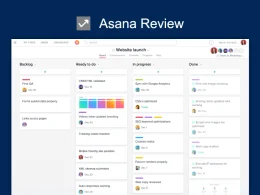
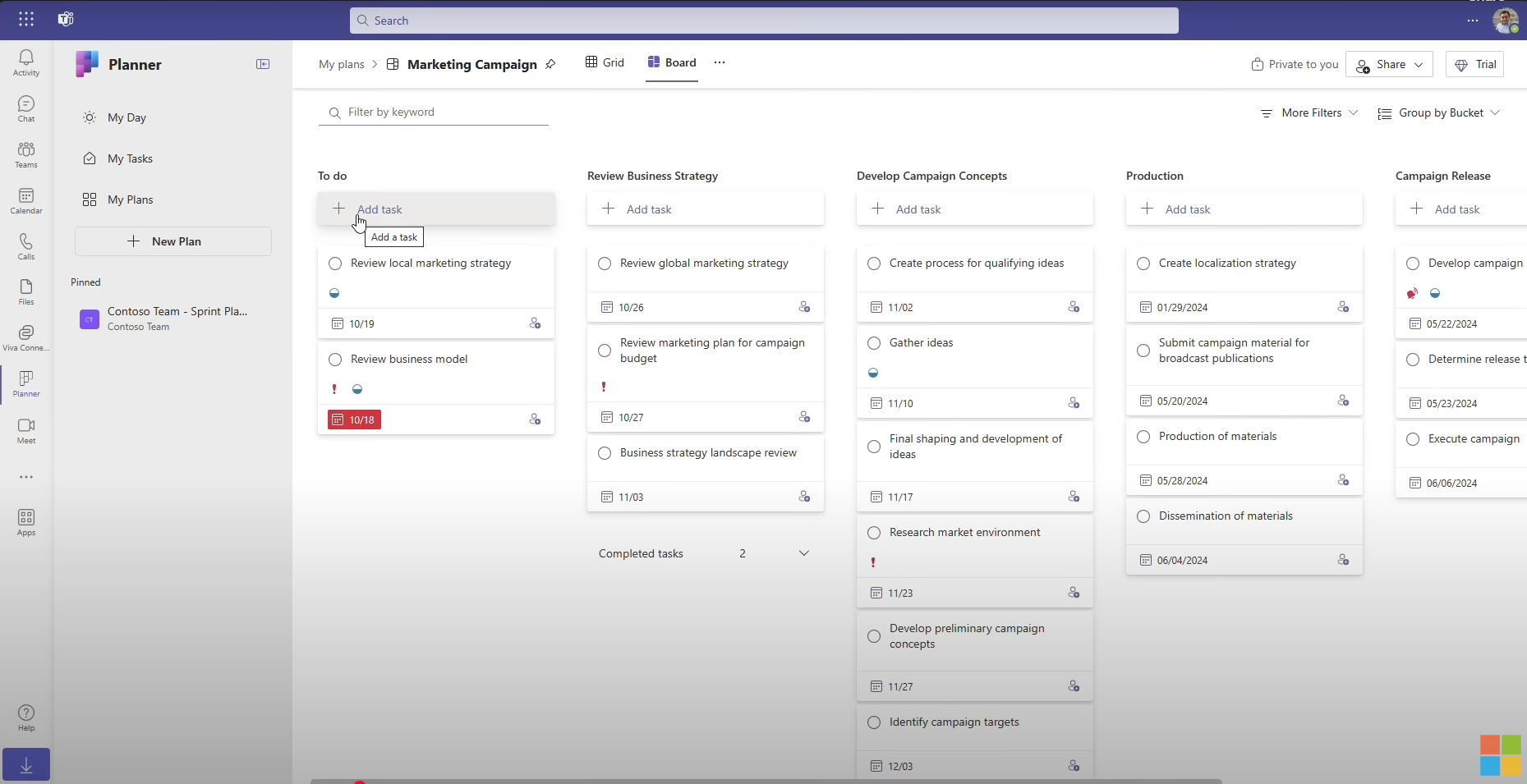
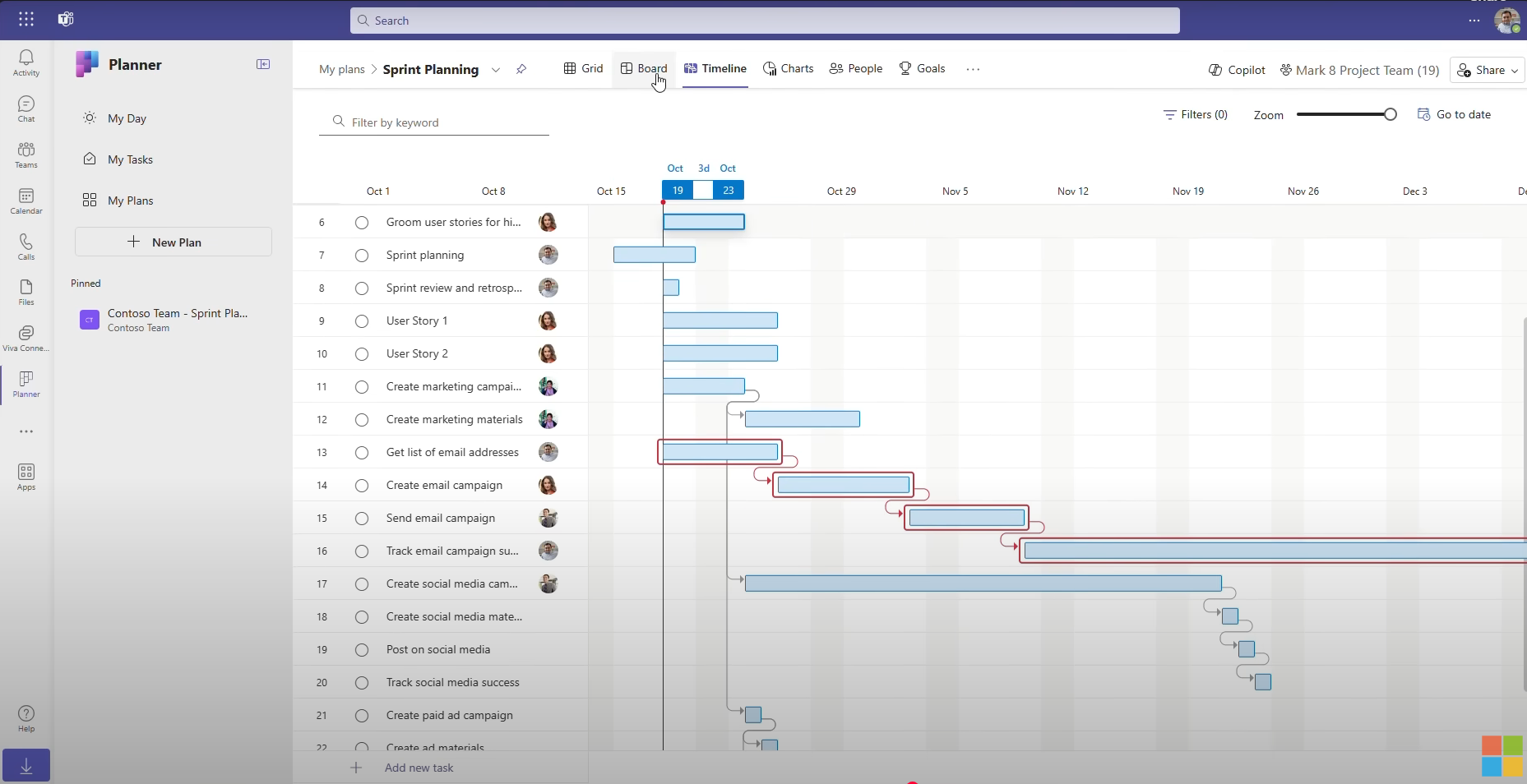
Basic Microsoft Planner deployments lack a native timeline or Gantt chart view, restricting users to static Kanban-style boards that obscure overarching project trajectories. Upgrading to Planner Plan 1 introduces a rudimentary timeline, but restricts dependencies to a strict finish-to-start format without critical lead or lag variables. For general contractors who must account for curing times, weather contingencies, or complex trade overlaps, these limitations create severe bottlenecks. Furthermore, true construction management often necessitates calculating the critical path—the sequence of stages determining the minimum time needed for an entire project—and establishing baseline comparisons to measure schedule variance against original budgets and timelines.
Beyond structural scheduling deficiencies, Microsoft Planner poses collaboration challenges when bridging internal teams with external stakeholders. Bringing subcontractors, architects, and owners into a Planner environment typically requires provisioning them as guests within an organization’s broader Microsoft 365 tenant, introducing administrative friction and security hurdles that many external partners prefer to avoid.

Key Alternatives Evaluation and Market Landscape
To address these operational gaps, construction firms are evaluating alternative platforms based on specific organizational needs, ranging from comprehensive general contracting software to agile spreadsheet interfaces.
1. ProjectManager
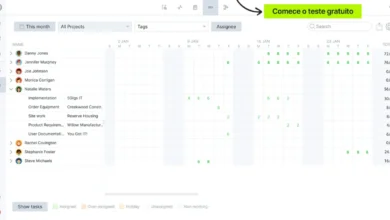
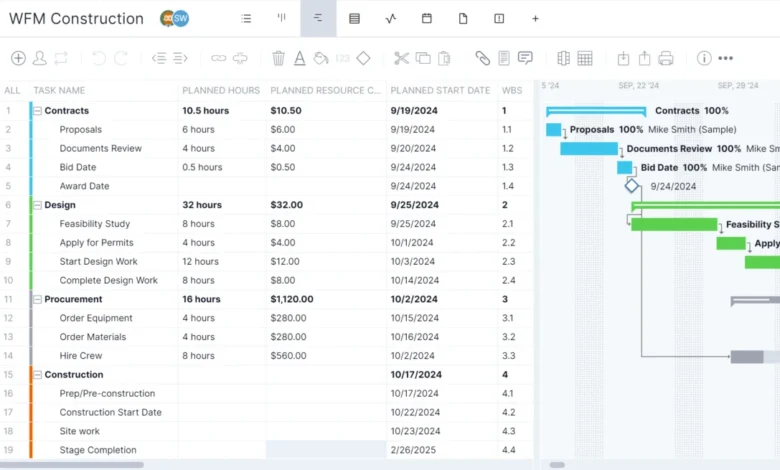
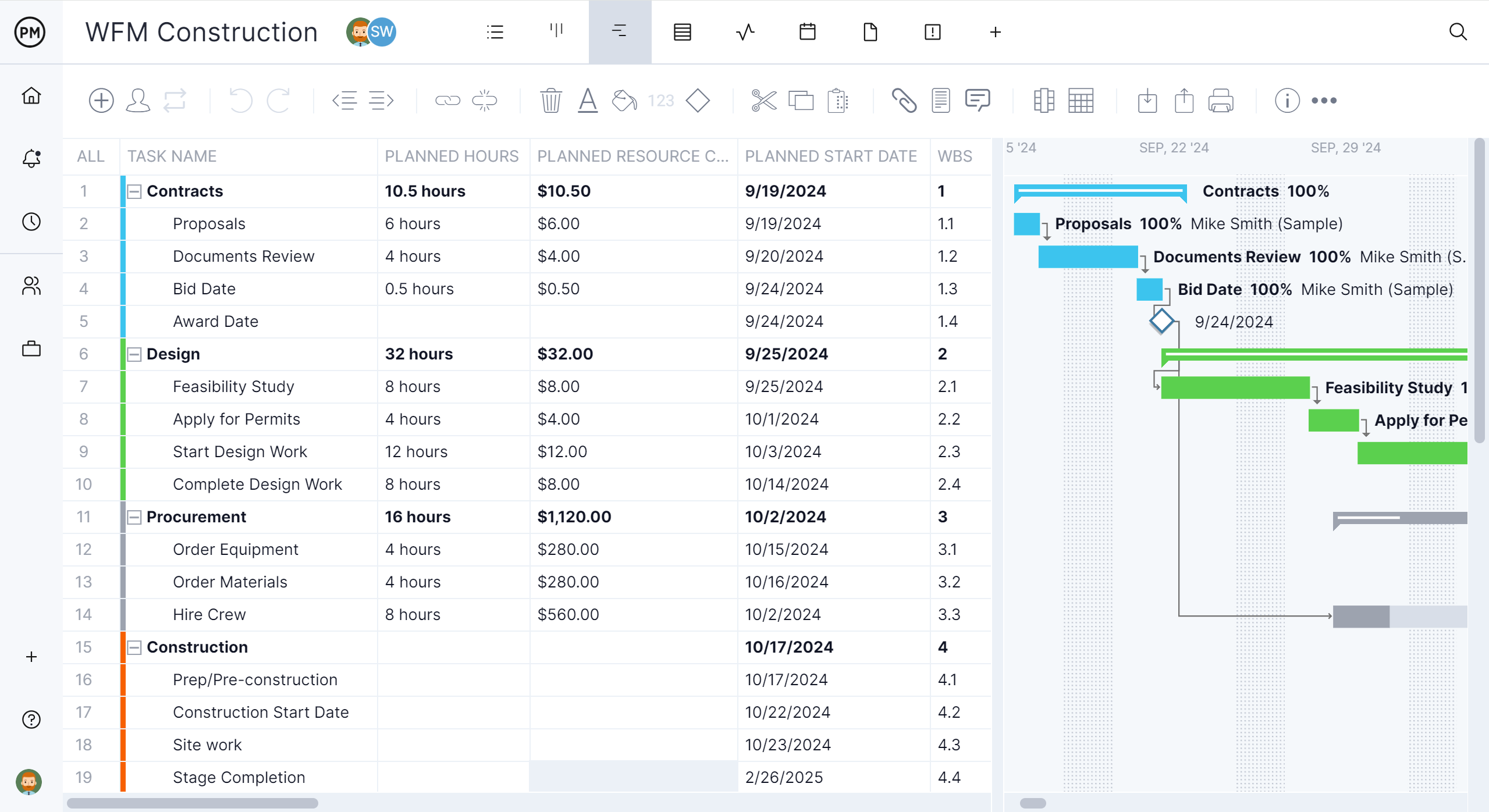
For general contractors and trade subcontractors transitioning away from Microsoft Planner, ProjectManager represents a comprehensive alternative engineered specifically for rigorous construction scheduling. The platform supports all four dependency types (finish-to-start, start-to-start, finish-to-finish, and start-to-finish) alongside complex lag intervals. This ensures that when a foundational task slips, downstream trades and inspection holds adjust dynamically. Additionally, ProjectManager features robust critical path filtering, historical baseline variance reporting, and multi-project resource management that tracks crew hours and equipment utilization across various job sites simultaneously. Subcontractors can access shared schedules as read-only guests without requiring a Microsoft 365 tenant license, while field superintendents leverage dedicated mobile applications for real-time updates.
2. Planner and Project Plan 3
For organizations deeply committed to the Microsoft software environment, upgrading to the combined Planner and Project Plan 3 tier bridges many capability gaps. Priced at approximately $30 per user per month annually, this tier unlocks all four dependency types, lead and lag mechanics, critical path analytics, and task history. Crucially, it includes the Microsoft Project desktop client for Windows, which allows project controls teams to manage up to 11 concurrent baselines and seamlessly process Microsoft Project (.mpp) files traditionally requested by project owners and municipal agencies. Nevertheless, the solution remains constrained by Windows-exclusive desktop client requirements and a lack of consolidated cross-project resource views.
3. Procore
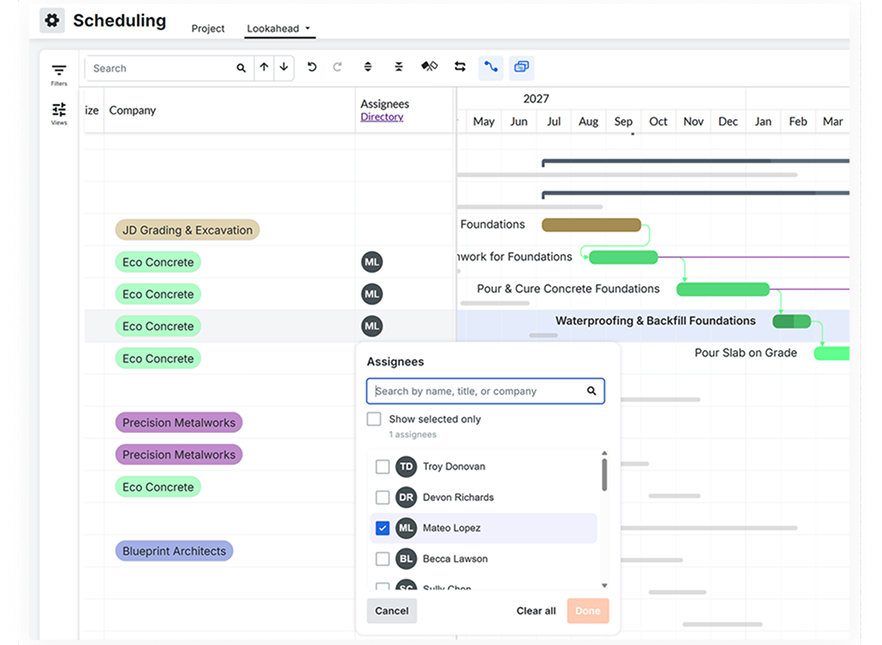
Procore functions as an enterprise-grade construction management platform tailored for general contractors prioritizing document control, field coordination, and financial tracking. While historically reliant on third-party integrations for advanced scheduling, the platform’s native Procore Scheduling tool incorporates comprehensive dependency logic, critical path visualization, and lookahead capabilities. Procore’s greatest strength lies in its unified ecosystem, which centralizes Requests for Information (RFIs), submittals, architectural drawings, and safety logs. However, its pricing model—structured around annual construction volume rather than per-seat licensing—makes it a significant financial investment primarily suited for mid-sized to large enterprise general contractors.
4. Smartsheet
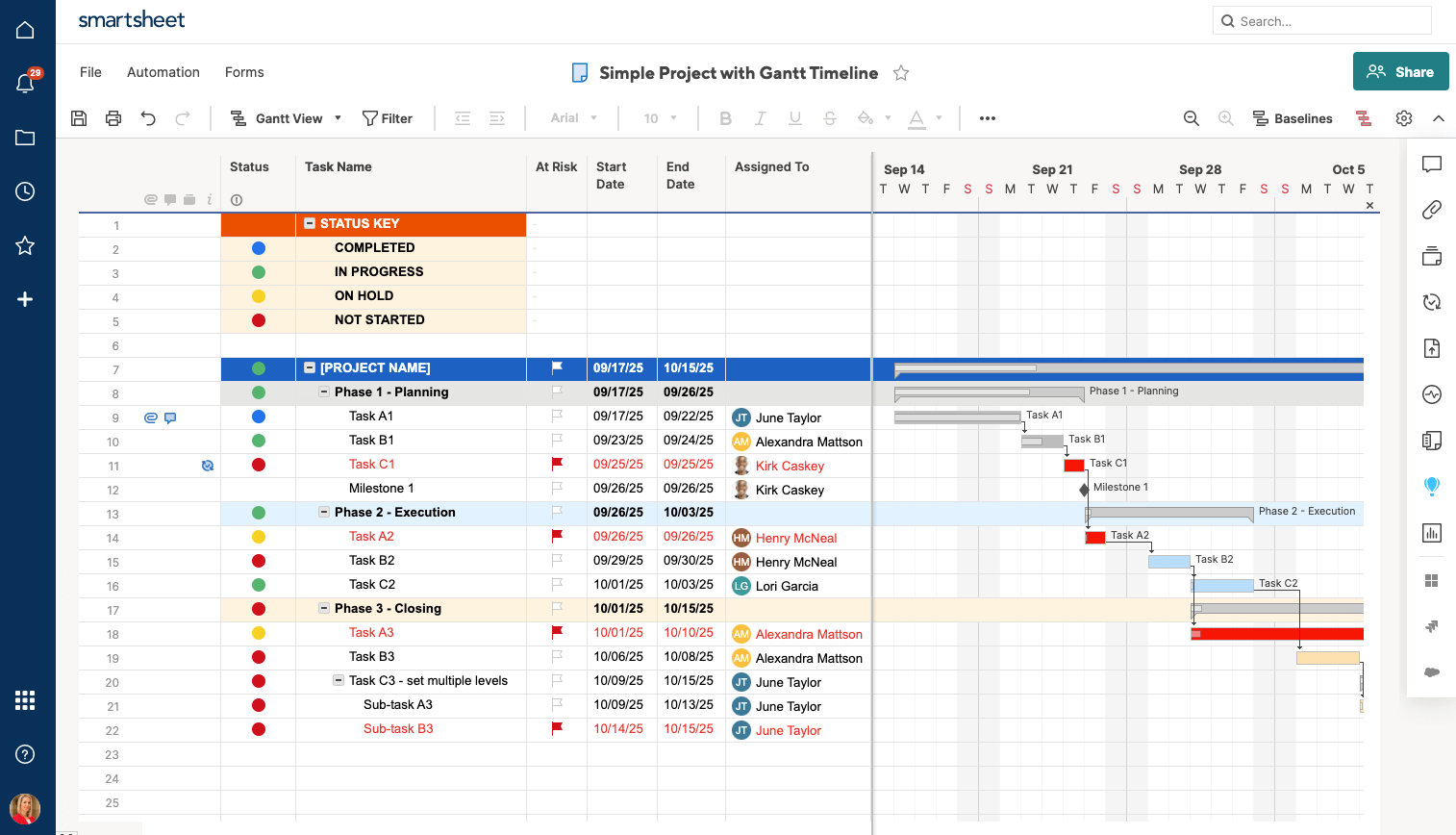
Sm
artsheet appeals to construction planners who prefer a familiar, spreadsheet-style interface enhanced by powerful project management architecture. Its Gantt chart infrastructure accommodates multi-type dependencies, lag parameters, critical path calculations, and multi-sheet rollups. External collaborators and subcontractors can engage with project data securely without incurring standard user licensing fees. While ideal for administrative financial tracking and timeline forecasting, Smartsheet requires supplementary resource management add-ons to effectively monitor complex crew allocations across multiple simultaneous job sites.
5. TeamGantt
TeamGantt provides an intuitive, drag-and-drop scheduling experience structured around flat-rate organizational pricing rather than per-user fees. Its Builder Edition is specifically curated for residential and commercial builders requiring clear lookahead schedules and direct subcontractor confirmation workflows. Although it simplifies timeline communication, TeamGantt offers limited resource import capabilities from traditional Microsoft Project files and restricts mobile applications to list views rather than interactive Gantt charts.
6. Contractor Foreman
Contractor Foreman positions itself as an all-in-one, cost-effective solution designed for budget-conscious contractors seeking a balance between scheduling and operational management. Priced at a predictable company-wide rate, its scheduling module supports advanced dependencies, lead and lag times, critical path tracking, and crew schedule distribution. By combining estimating, change order management, and Gantt charts into a single platform, it eliminates the need for fragmented software stacks, though advanced automated scheduling features require mid-to-high-tier plan subscriptions.
7. Fieldwire
Fieldwire targets field-centric teams whose daily operations revolve around blueprint markup, task tracking, and punch lists rather than high-level master scheduling. While Fieldwire features a task-oriented Gantt view and manpower tracking, its "related tasks" mechanism does not function as a true automated dependency engine; altering a predecessor’s date does not dynamically adjust downstream successor timelines. Consequently, field teams frequently deploy Fieldwire alongside a dedicated scheduling engine to maintain master timeline integrity.
Strategic Implications for Construction Tech Stacks
The decision to migrate from Microsoft Planner to an alternative construction management solution carries significant operational and financial implications. Organizations must carefully balance software licensing expenses against efficiency gains in the field. A poorly coordinated schedule resulting from primitive dependency tracking can lead to costly subcontractor idle time, liquidated damages, and strained owner relations.
Industry analysts emphasize that construction technology adoption must align directly with organizational maturity. Small specialty trade contractors requiring straightforward task lists and document sharing may find sufficient utility within basic Microsoft 365 packages or cost-effective flat-rate tools. Conversely, general contractors managing complex commercial builds, demanding critical path visibility, and coordinating extensive multi-tier subcontracting networks require purpose-built scheduling engines capable of maintaining absolute data fidelity across both office and job-site environments.