In the fast-paced digital economy, website performance dictates commercial success. When a high-priority product page slips in search engine rankings, a competitor outpaces your latest content, or a prospective client page fails to convert, digital marketers and site owners need rapid, reliable answers. Traditionally, diagnosing these setbacks required exhaustive, multi-page site crawls that consumed valuable hours. Today, however, search engine optimization professionals can leverage streamlined tools designed for instantaneous diagnostics without ever leaving the active browser tab.
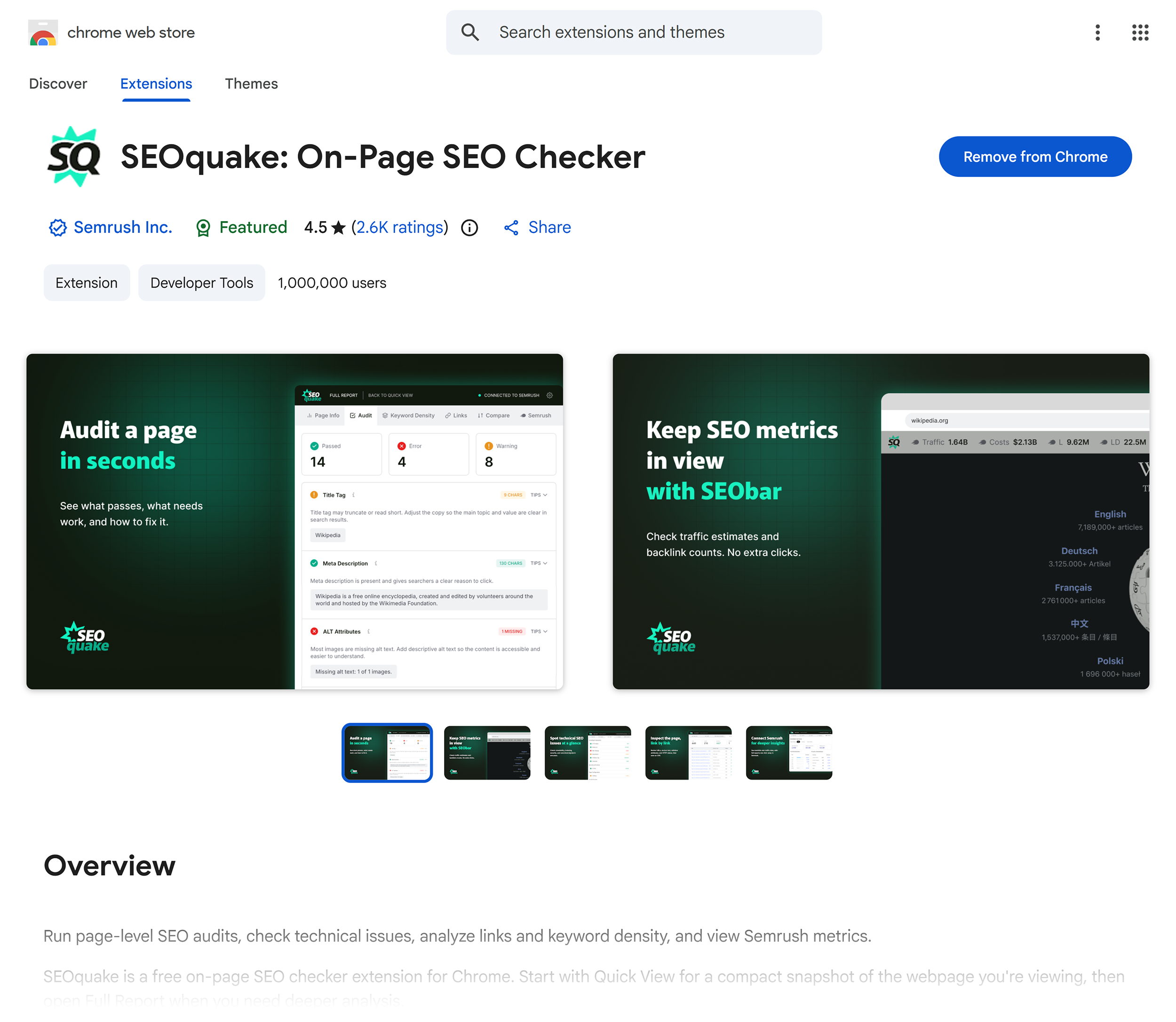
The SEOquake Chrome extension, developed by digital marketing platform Semrush, provides a comprehensive solution for auditing individual webpages on demand. By analyzing technical signals, on-page search engine optimization metrics, linking strategies, and core Semrush data points directly from the browser, this tool transforms how professionals approach initial web page troubleshooting. This guide explores a structured, three-minute workflow that takes digital strategists from rapid triage to deep diagnosis, empowering teams to identify performance bottlenecks and execute targeted corrective actions efficiently.
Understanding the Landscape of Web Page Diagnostics
The modern search environment is increasingly competitive. Search engine algorithms continuously evolve to prioritize user experience, content relevance, technical health, and structured data accuracy. Consequently, minor oversights—such as broken schema markup, improper heading hierarchies, or missing image alternative text—can significantly impede a page’s visibility and conversion potential.
Historically, identifying these issues necessitated running broad site-wide audits. While comprehensive crawls remain vital for macro-level site architecture evaluations, they are often inefficient when addressing isolated page-level anomalies. Triage requires speed. Digital marketers frequently need to isolate whether a ranking drop is localized to a specific URL or indicative of a systemic site-wide failure. By utilizing browser-based extension technology, analysts can perform immediate preliminary evaluations, drastically reducing the time required to formulate a remediation hypothesis.
Minute One: Triage and Rapid Assessment via the Quick View Pop-Up
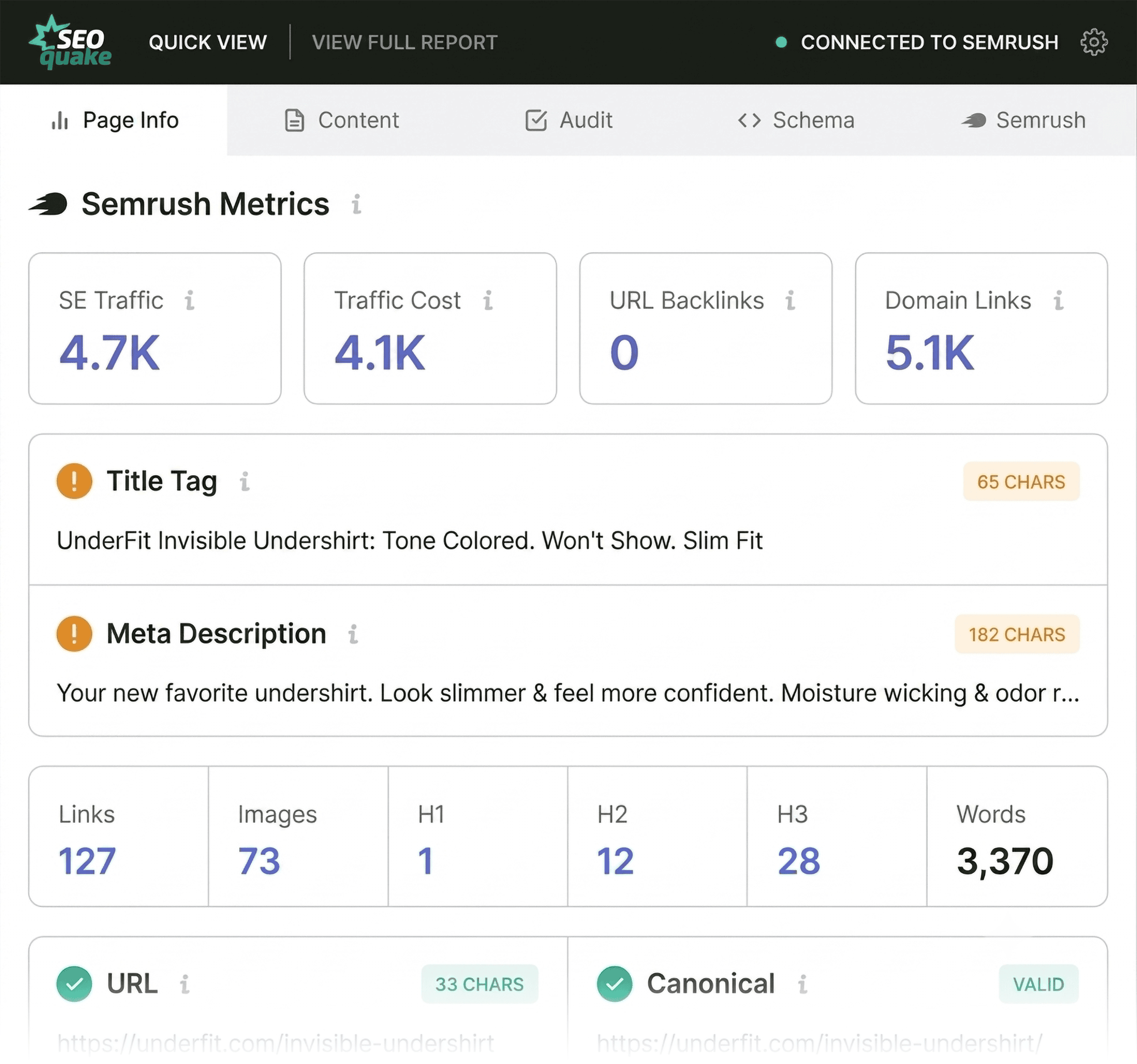
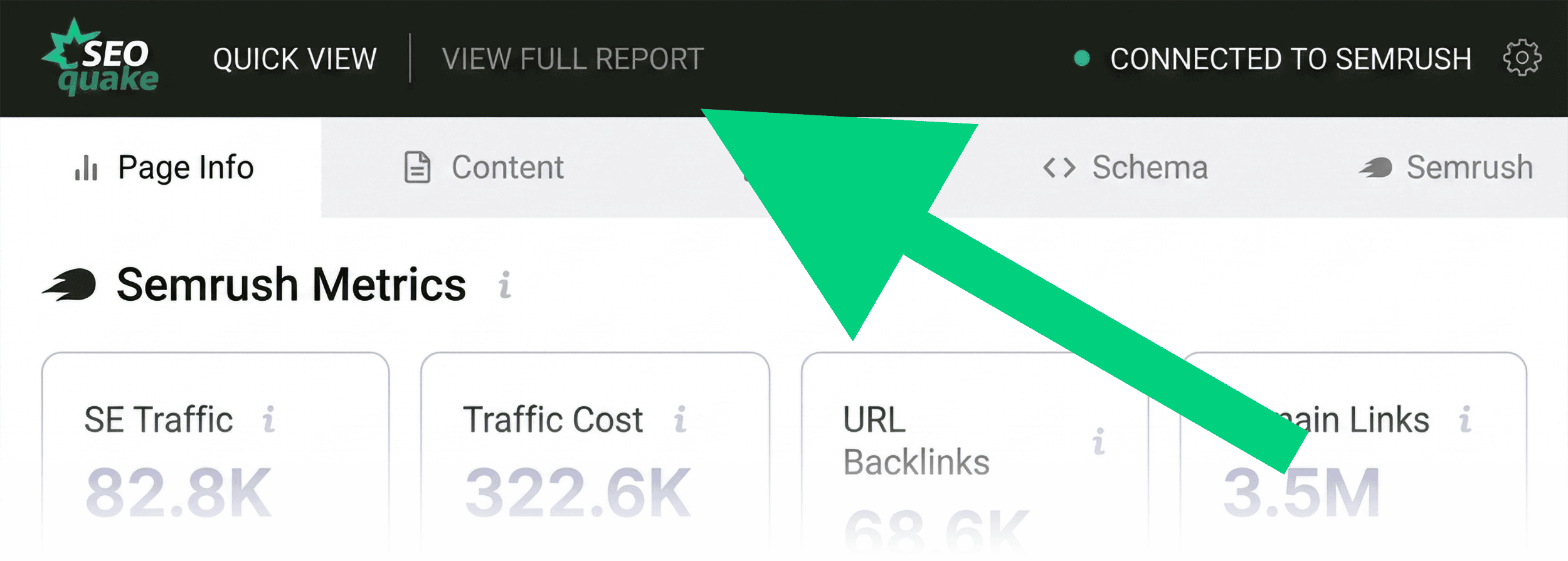
The first 60 seconds of an SEOquake audit are dedicated entirely to triage. The objective is singular: determine whether obvious, high-priority errors exist on the page. Upon navigating to the target URL and clicking the extension icon, users are presented with a Quick View pop-up window organized into distinct tabs, notably Page Info, Audit, and Content.
Evaluating Core Elements in Page Info
The Page Info tab delivers an immediate snapshot of fundamental search engine optimization attributes. During a rapid assessment, analysts prioritize five critical components:
- Title tag presence, length, and keyword alignment.
- Meta description clarity and optimization.
- Canonical tag configuration.
- HTTP status codes (ensuring a 200 OK response).
- Indexability directives (robots meta tags).
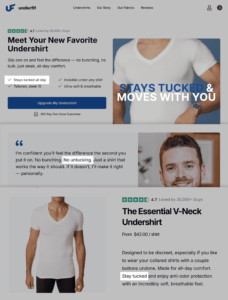
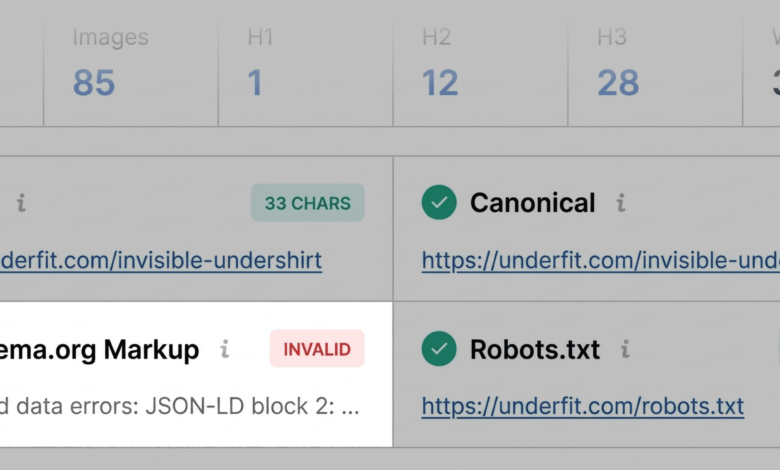
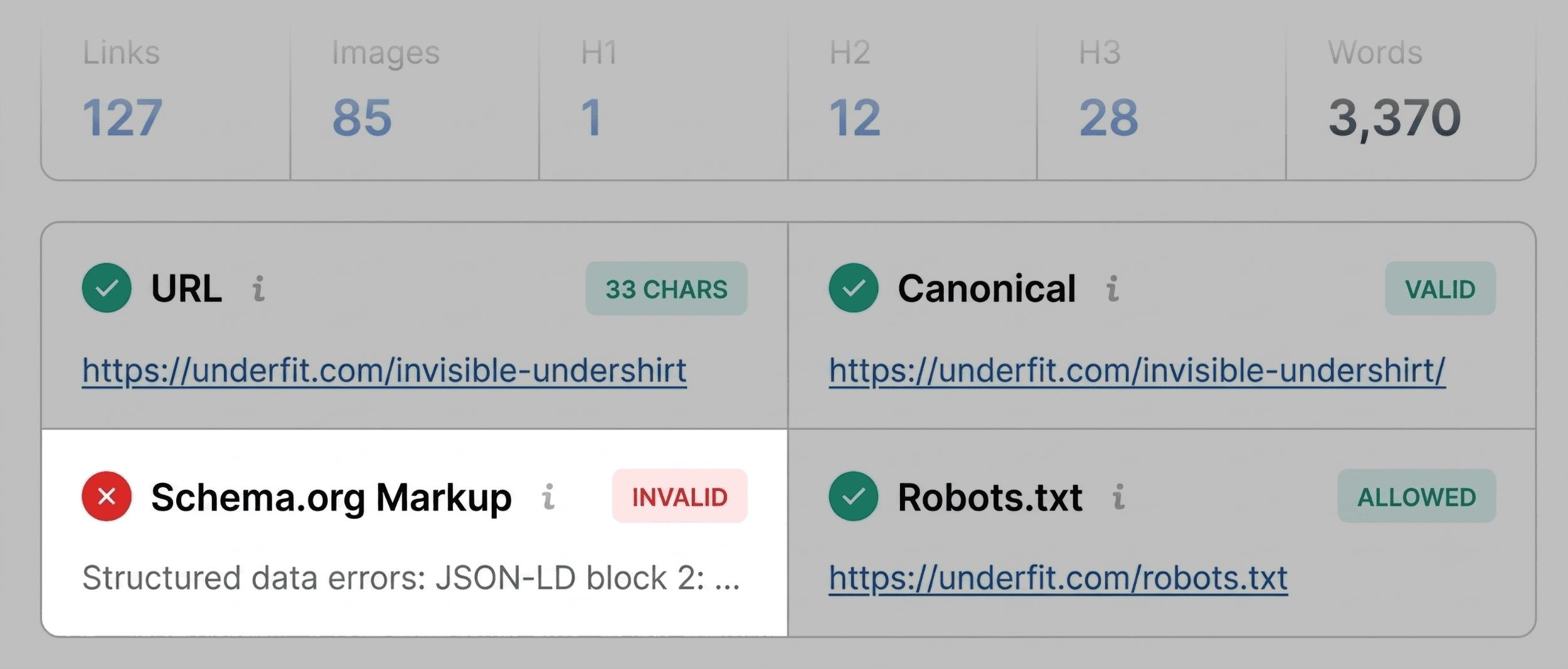
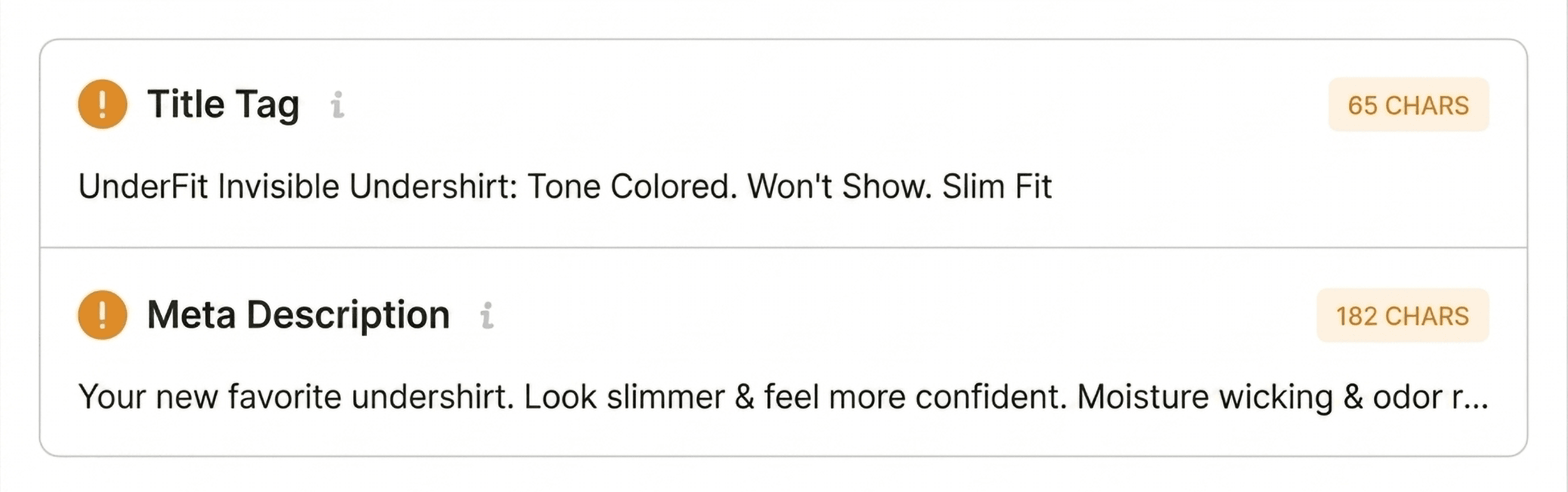
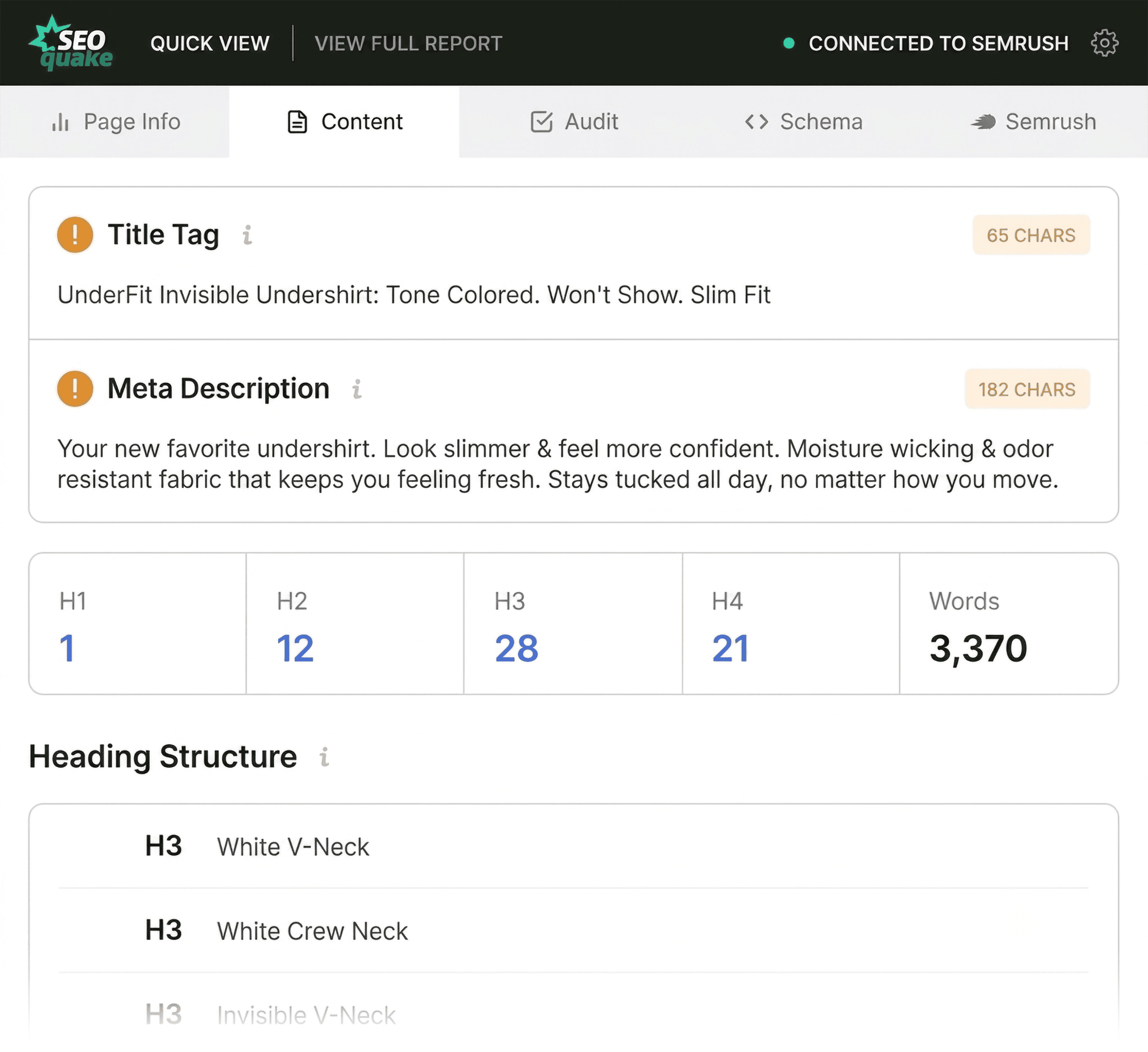
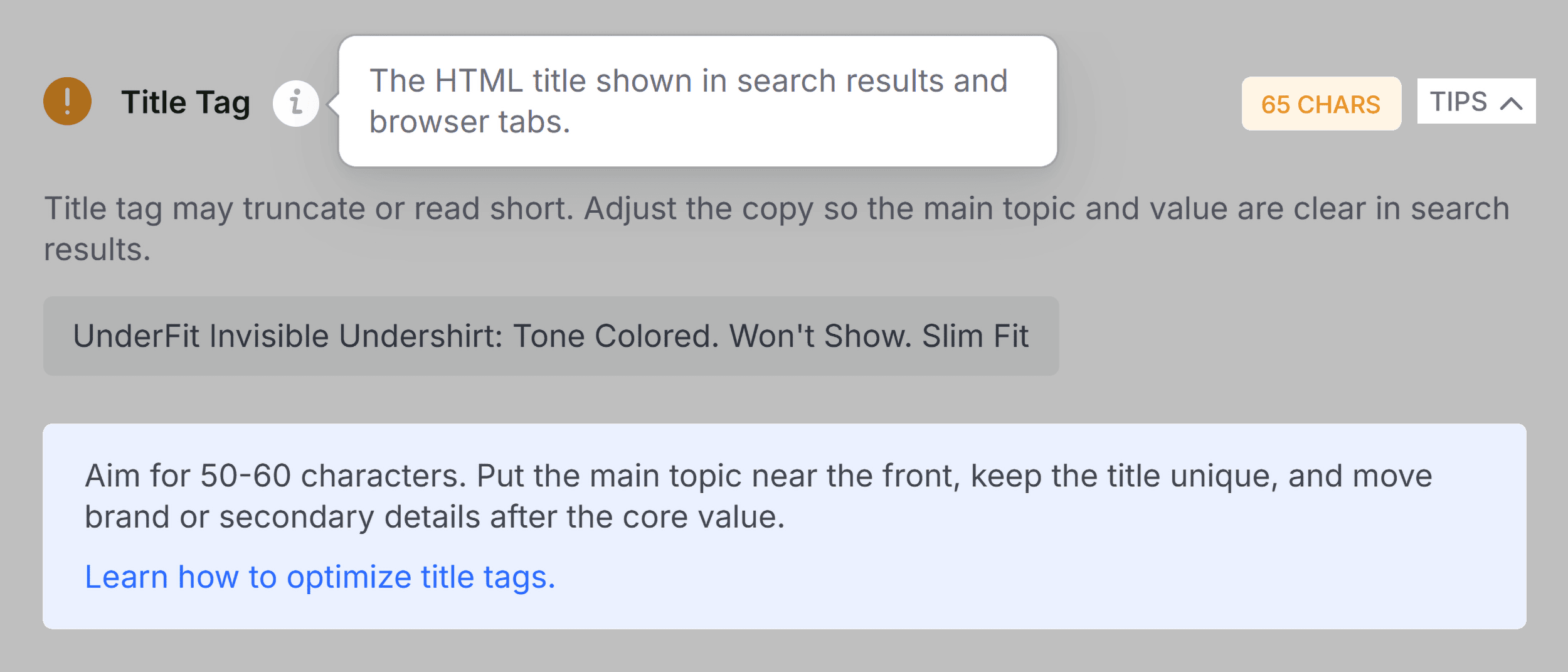
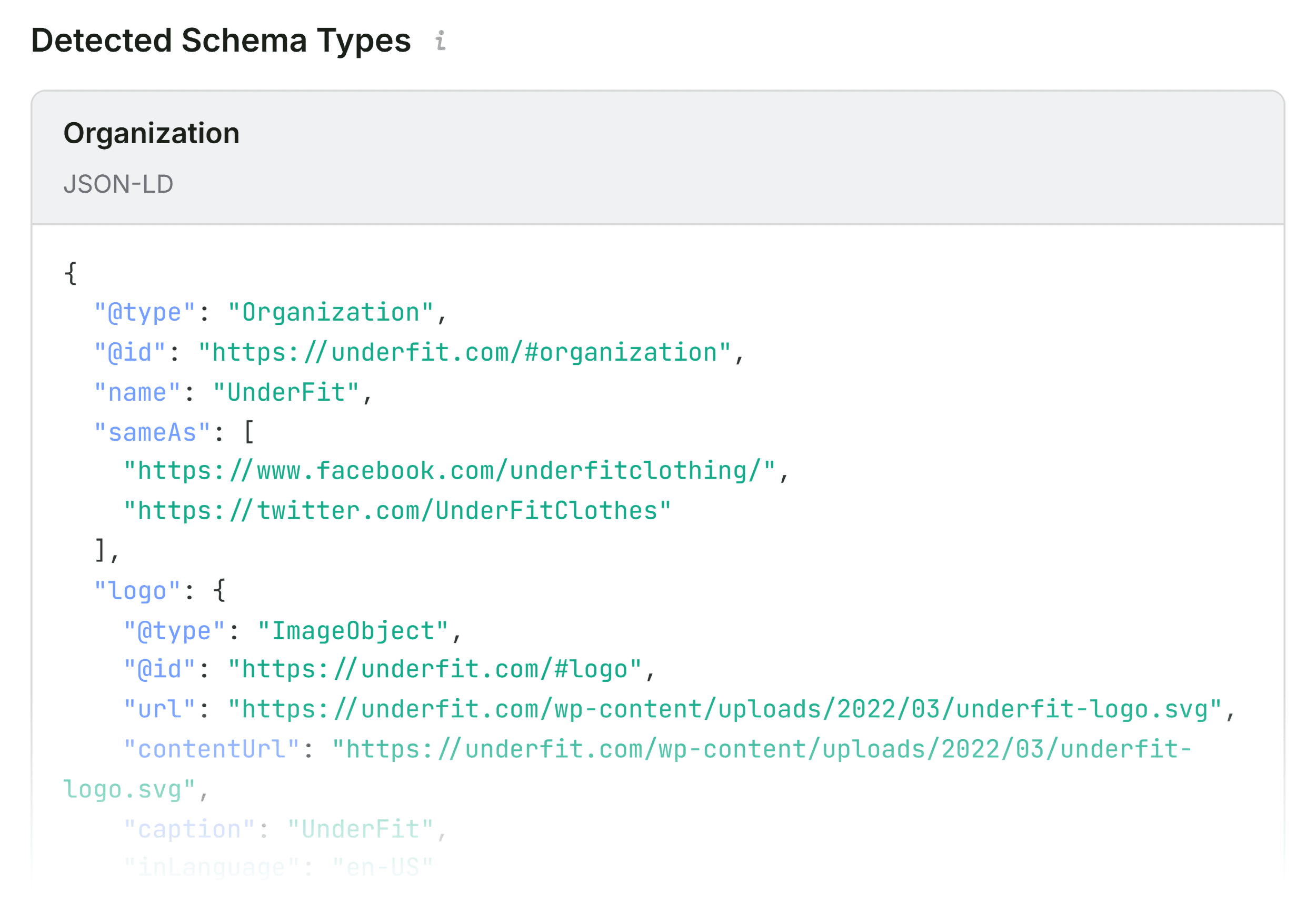
During an evaluation of a standard e-commerce product page—such as an apparel listing on UnderFit—the extension automatically color-codes results to signal potential risks. Red indicators demand immediate attention. For instance, if Schema.org structured data triggers a red warning due to JSON-LD syntax errors, search engines may struggle to parse the information correctly. For product pages, invalid structured data directly threatens eligibility for rich results, stripping away price, availability, and aggregate rating displays from search engine result pages (SERPs). Conversely, minor deviations in title tag lengths or supplementary meta tags are noted as orange warnings, which, while not immediate traffic blockers, warrant inclusion in a subsequent remediation log.
Uncovering Technical Roadblocks in the Audit Tab
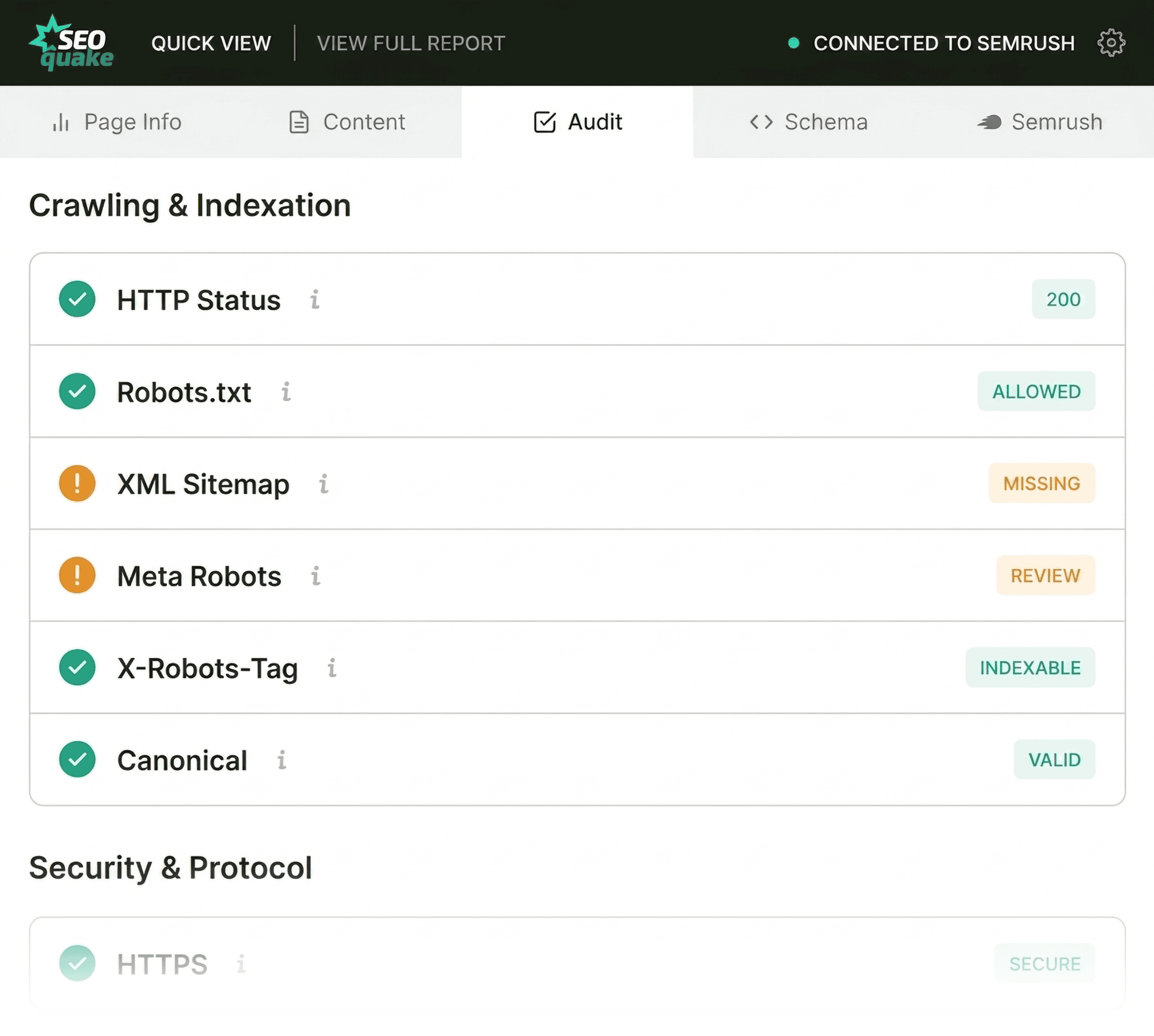
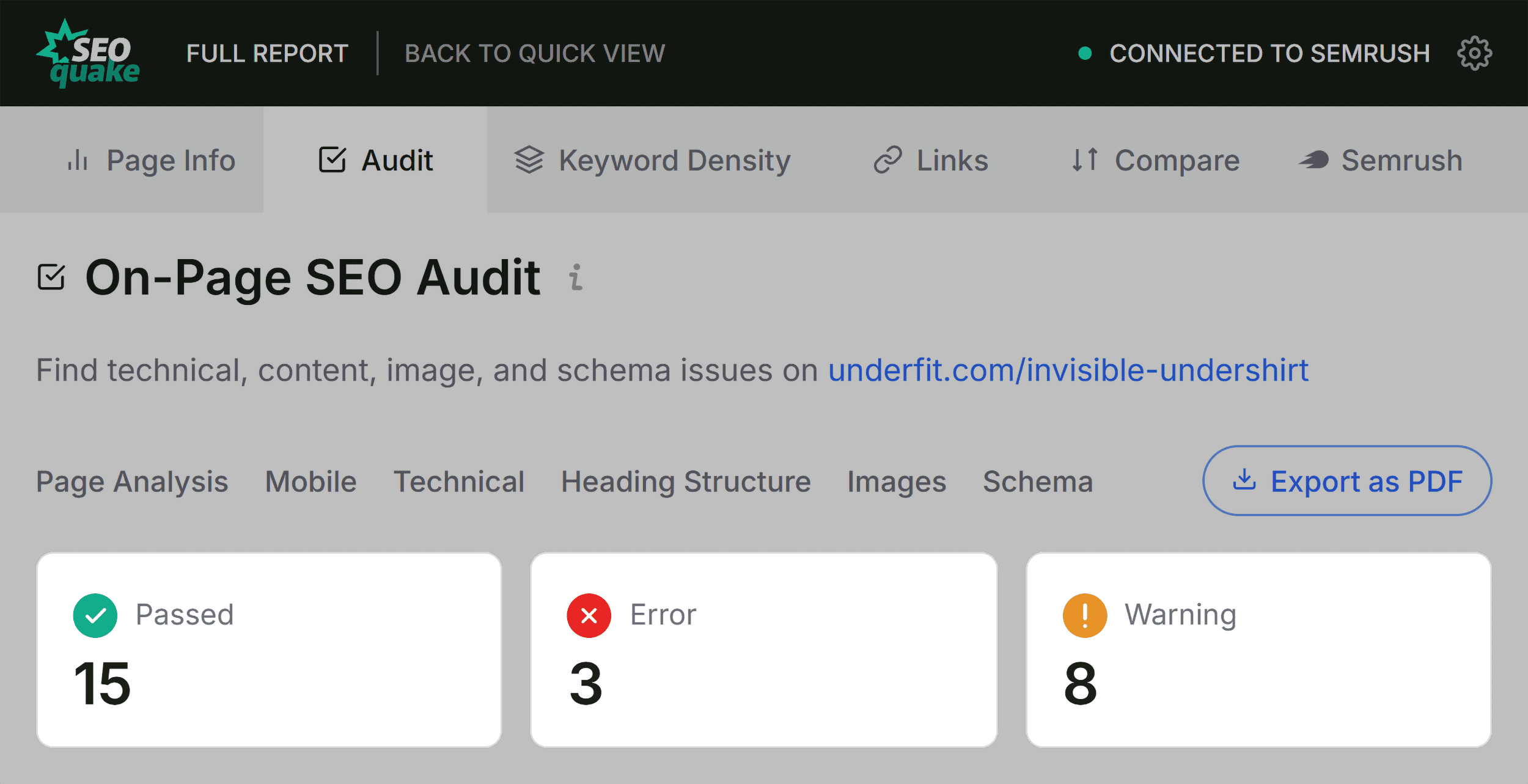
Moving beyond basic metadata, the Audit tab scans for foundational technical search engine optimization metrics. This section reviews crawlability, mobile responsiveness, sitemap integration, and mobile compliance.

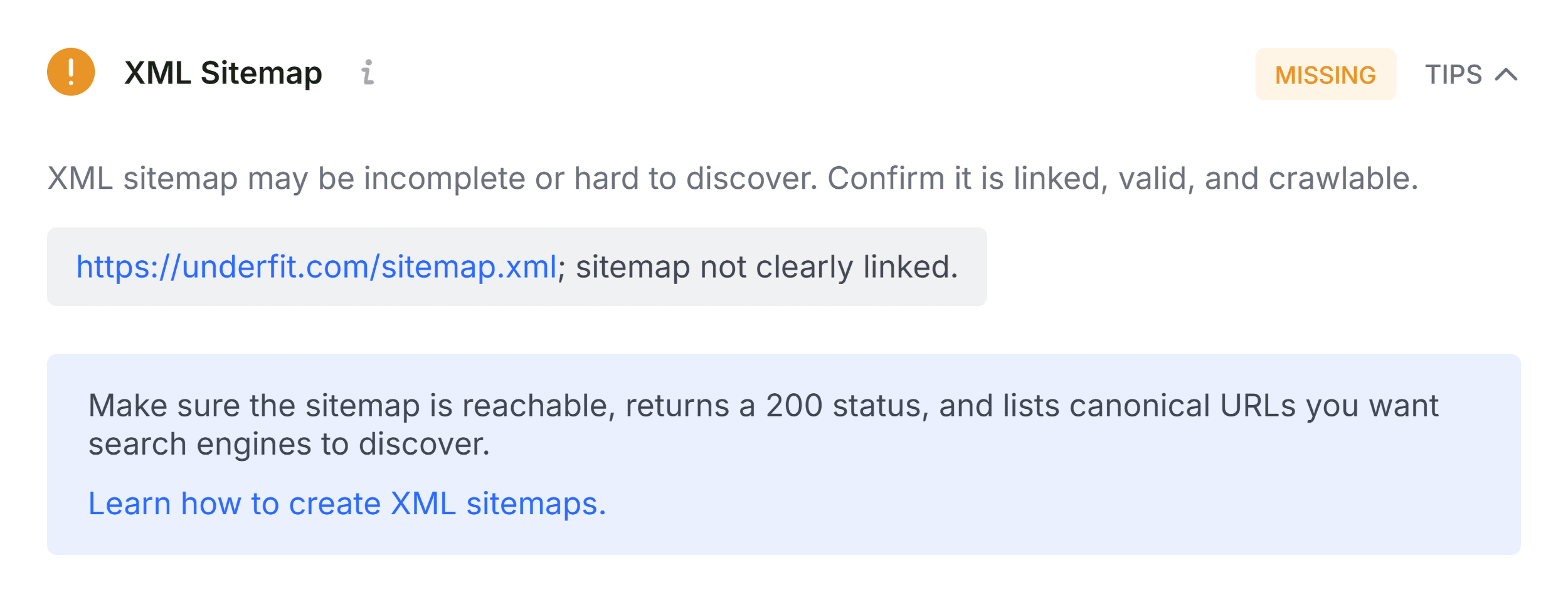
While green indicators signify optimal performance, orange warnings require strategic judgment based on the specific website architecture. For example, a warning concerning an unlinked or unreferenced XML sitemap highlights a discoverability hurdle. Although a single high-authority page may maintain visibility through existing internal link equity, verifying that search engine bots can effortlessly discover and traverse the sitemap remains a fundamental best practice for long-term indexation health.
Assessing Content Structure and Keyword Optimization
The third pillar of the triage phase involves reviewing the Content tab, which evaluates structural hierarchy and keyword distributions. Content architecture plays a dual role in modern digital ecosystems: it assists human readers in navigating complex information and enables advanced search engines and artificial intelligence systems to comprehend topical relevance.
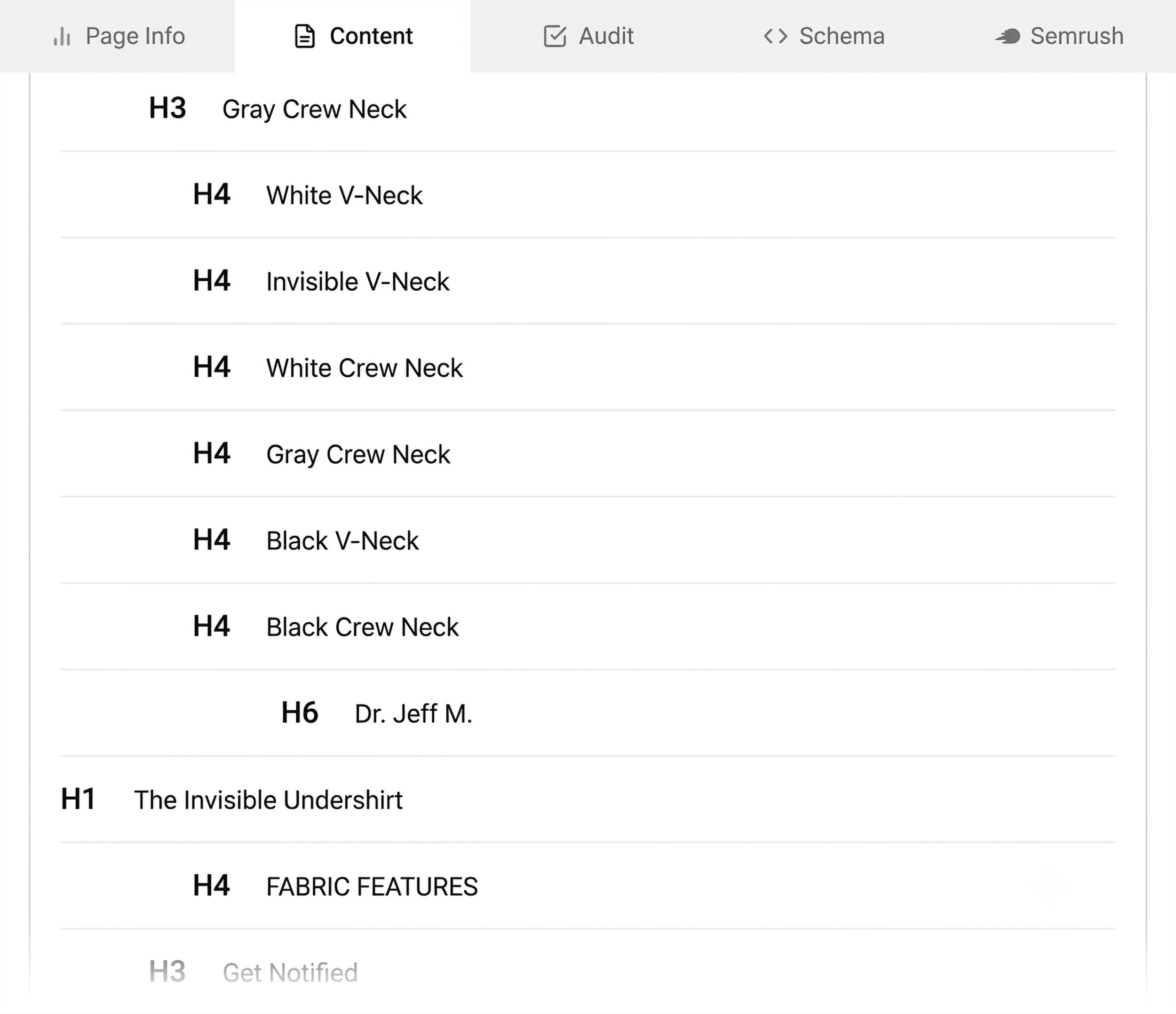
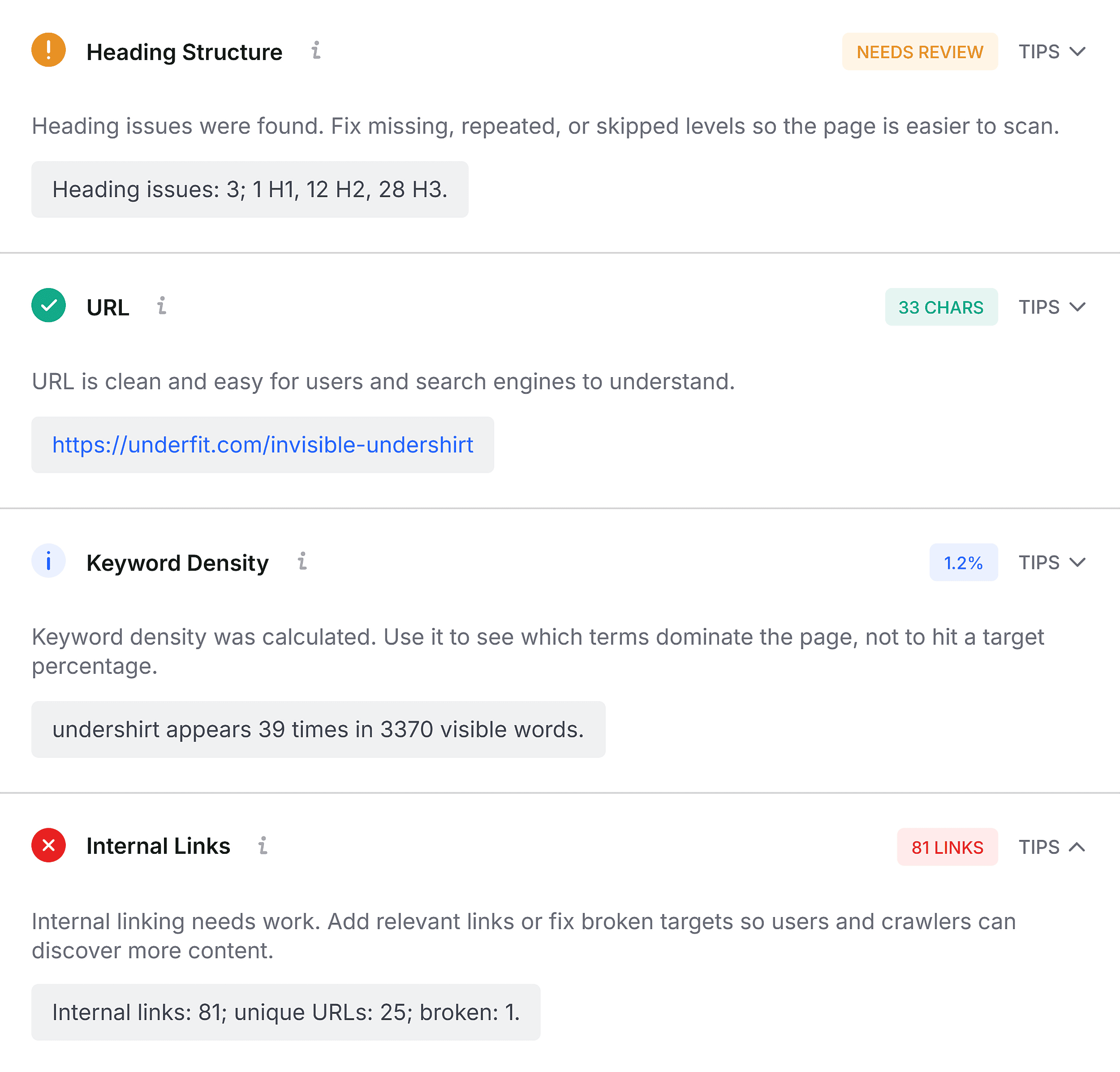
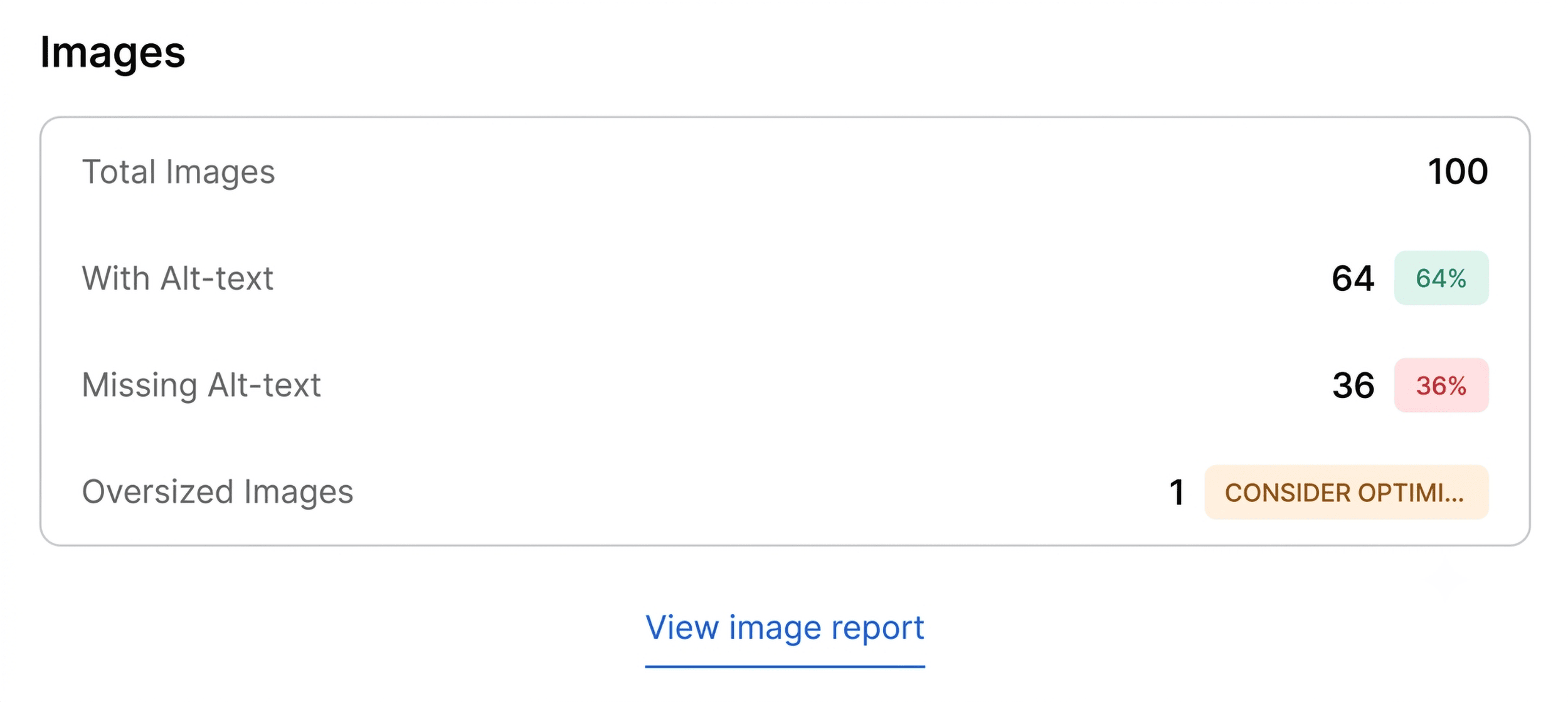
An analysis of heading tags often reveals structural vulnerabilities. A common pitfall identified during rapid audits is an improper heading sequence—such as an H1 tag appearing deep within the page content or structural jumps from an H1 directly to an H4. Furthermore, image optimization summaries frequently expose missing alternative (alt) text across dozens of embedded media assets. Because images serve as critical conversion drivers on product pages and contribute significantly to visual search traffic, unoptimized media assets represent missed opportunities for both accessibility compliance and search engine visibility.
Minutes Two and Three: Deep Diagnosis via the Full Report
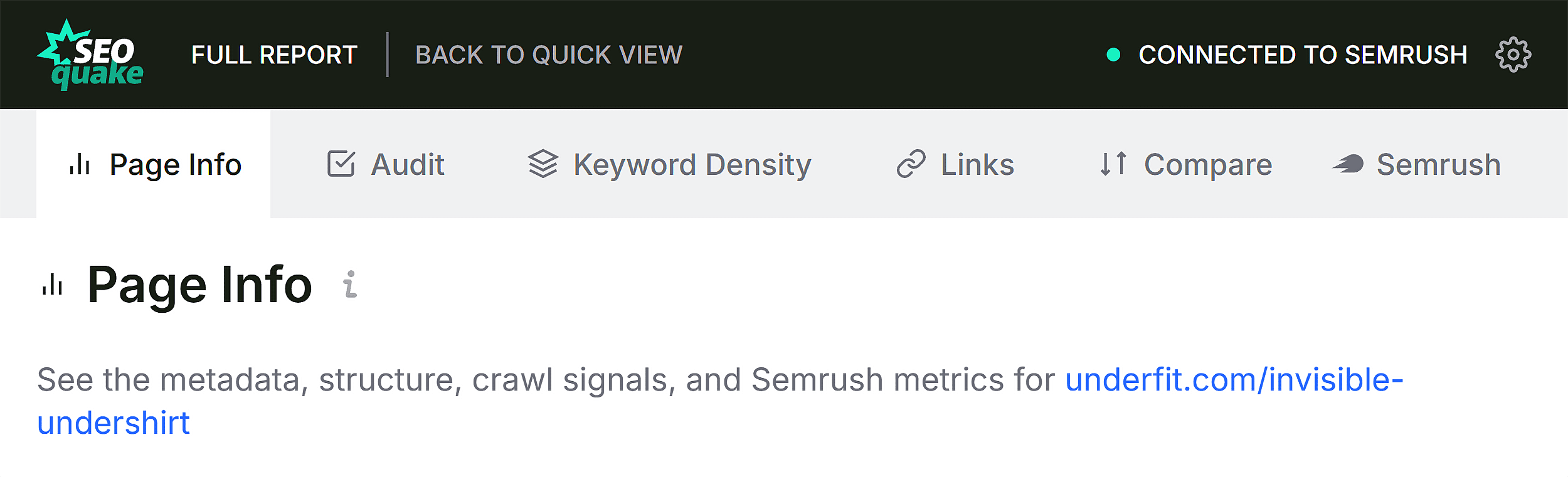
Once the initial 60-second triage is complete, analysts transition into the diagnostic phase, utilizing SEOquake’s Full Report interface for a granular investigation of identified anomalies. By clicking "View Full Report," users unlock a comprehensive suite of analytical panels covering full audits, keyword density, internal and external link health, and integrated platform metrics.
Technical Compliance and Advanced Validation
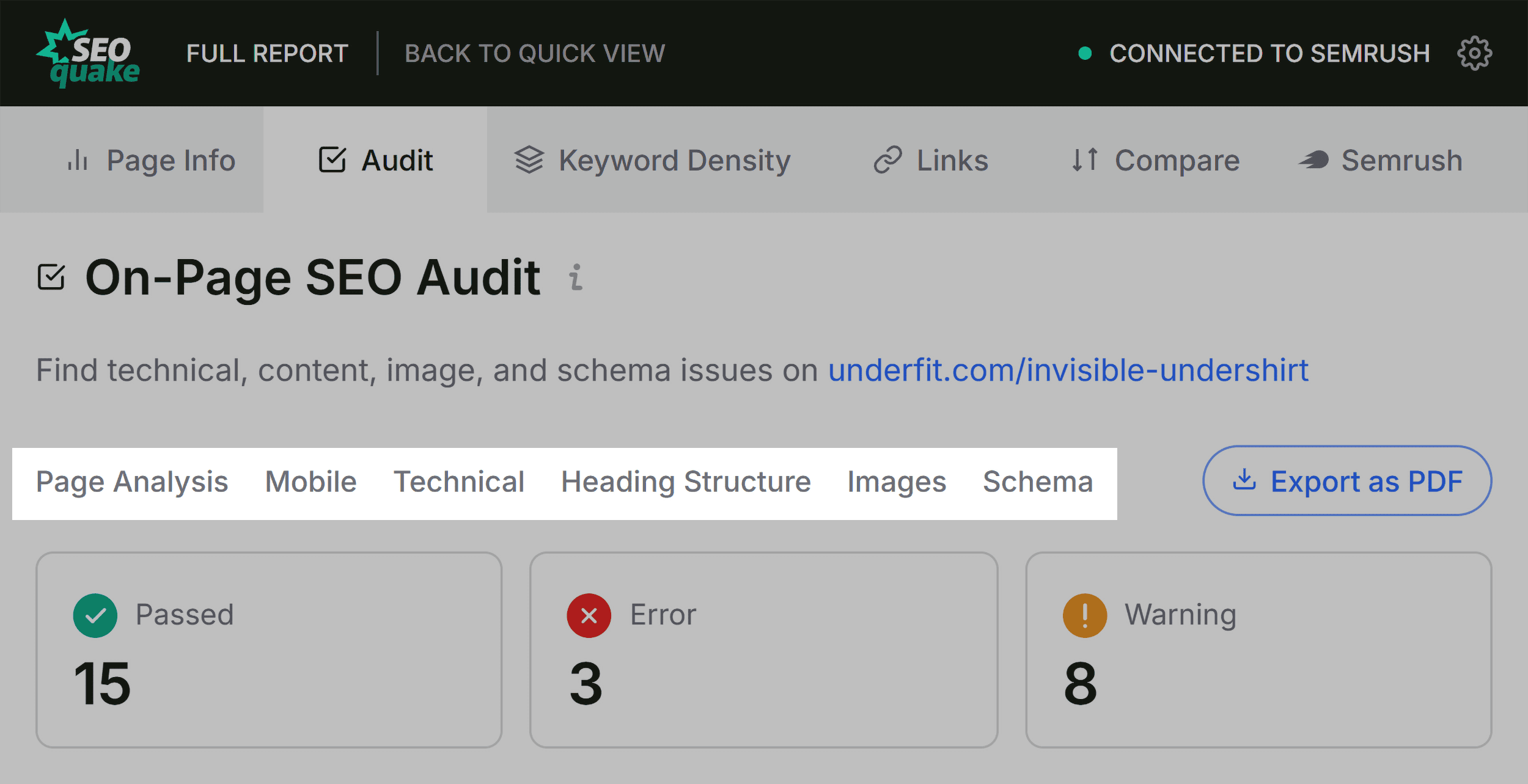
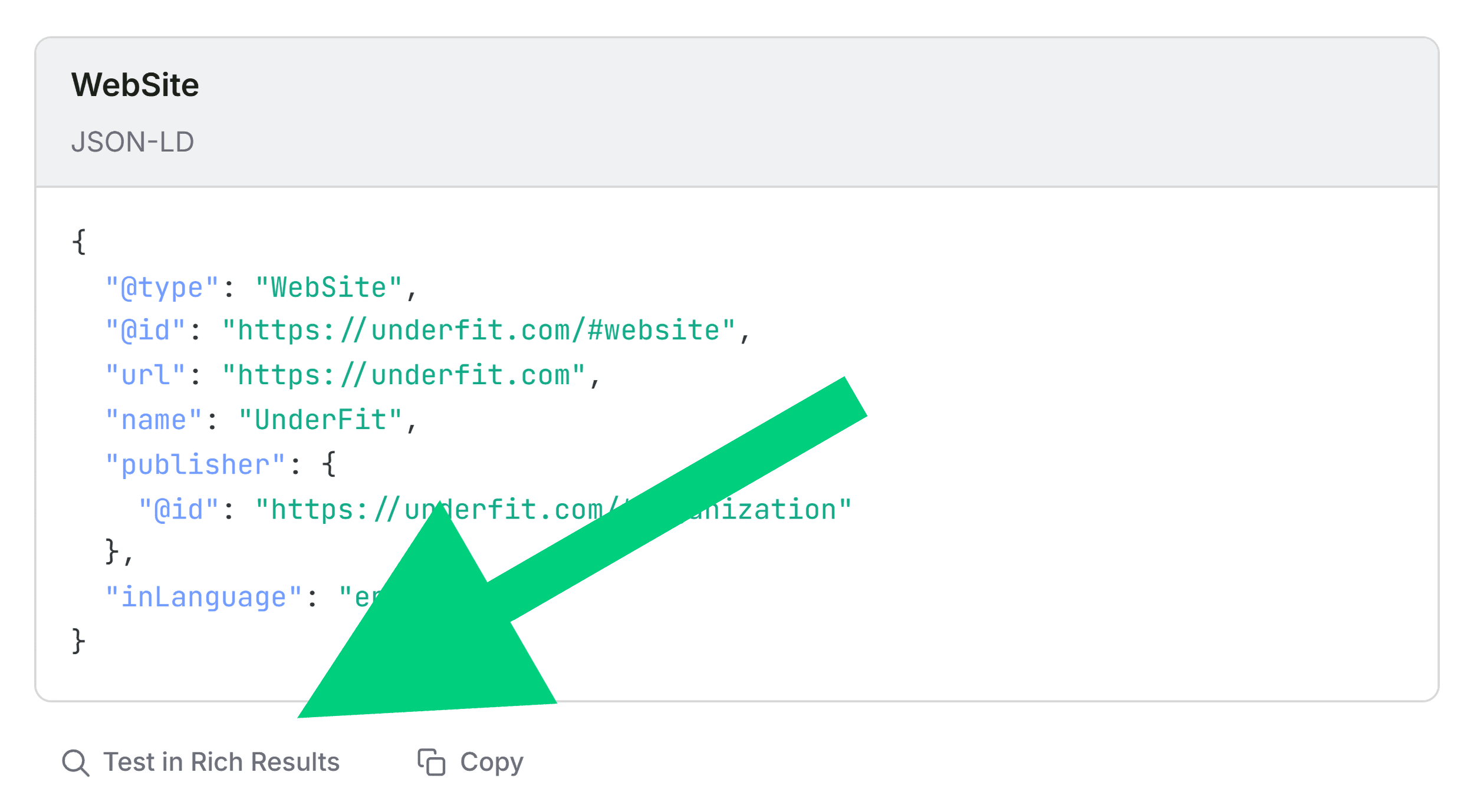
In the full Audit panel, the tool categorizes technical parameters across crawlability, indexation, and structured data. When structural flags—such as schema markup errors—are detected, analysts can immediately cross-reference the data using external validation tools. Integrating browser extensions with official testing environments, such as Google’s Rich Results Test, allows practitioners to verify syntax errors within seconds. Confirming three invalid items within a product’s structured data transforms a speculative warning into an actionable development ticket.
Analyzing Topical Coverage through Keyword Density
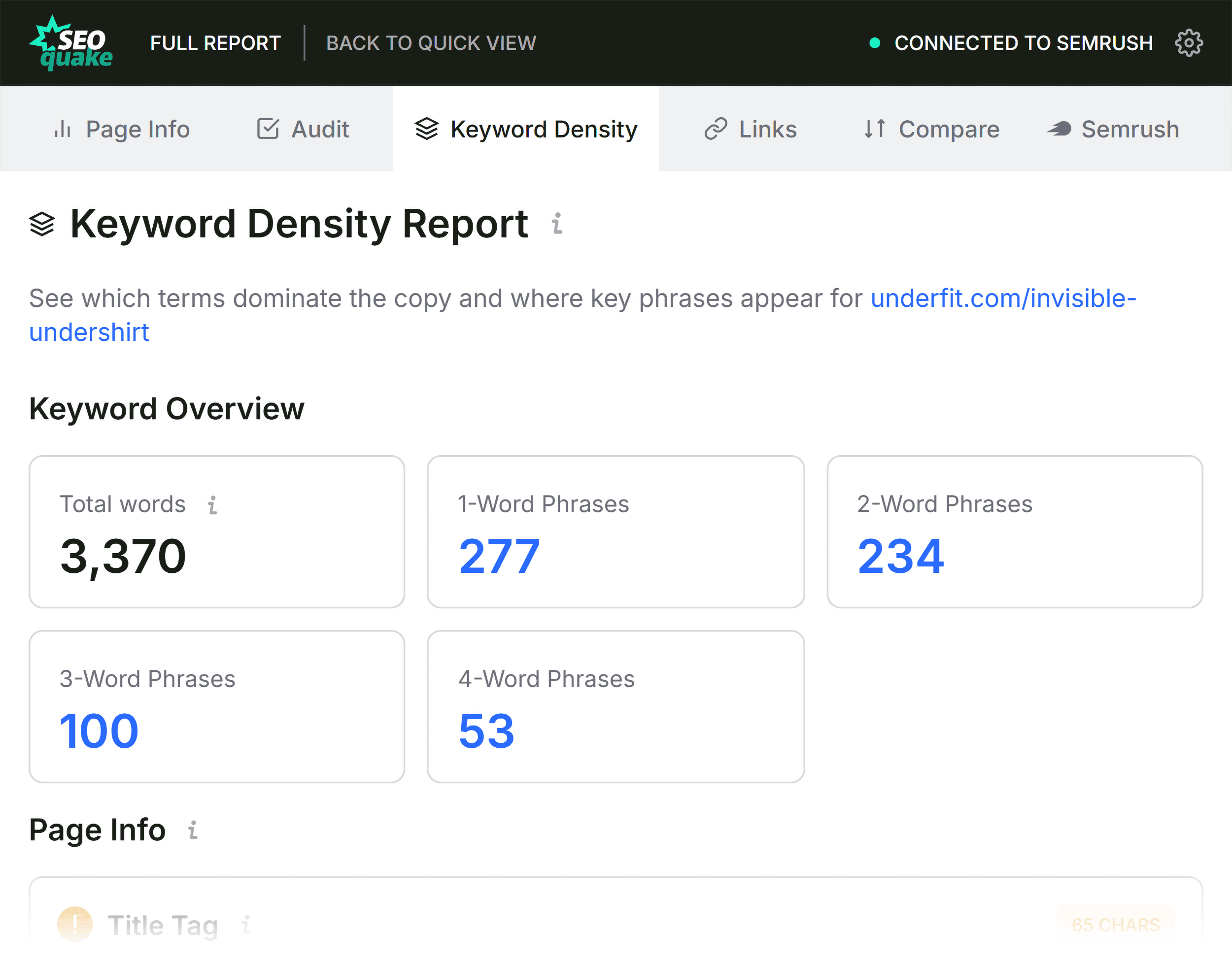
When a page underperforms despite possessing adequate backlink authority, examining keyword density helps identify topic coverage gaps. The Keyword Density panel outlines the most frequently occurring single-word and multi-word phrases within the visible text and underlying HTML.
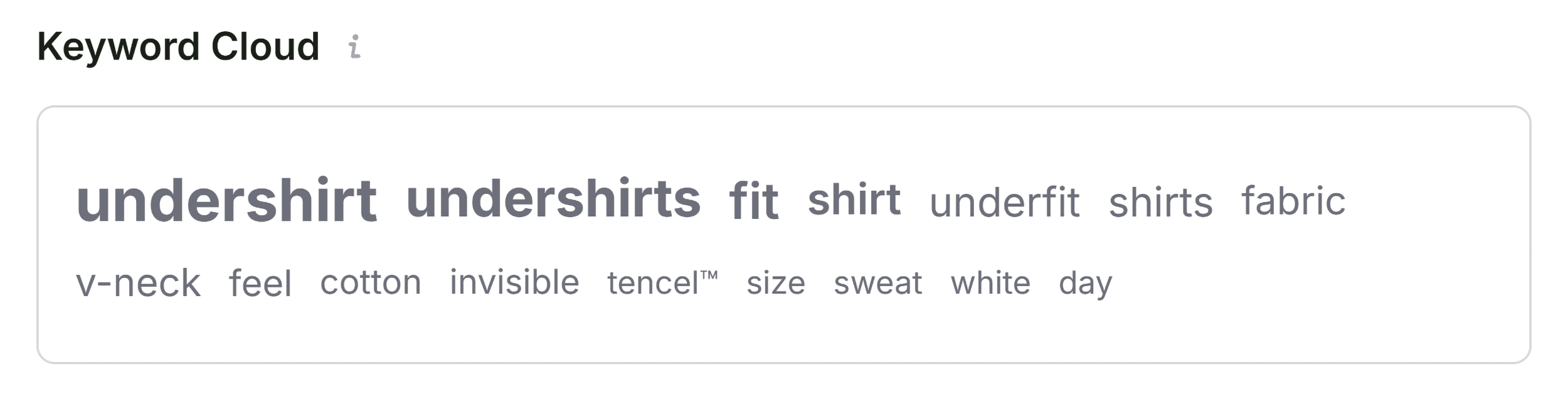
Evaluating the Keyword Cloud provides an immediate qualitative check: core product terms (such as specific material descriptions, brand terminology, and primary product categories) should dominate the visualization. Multi-word phrase tables further clarify whether secondary semantic keywords—such as "invisible undershirt" or "v-neck design"—are integrated naturally into the copy. While automated tools occasionally capture interface text from buttons, interactive image zoom labels, or navigation menus, the core output provides a reliable reflection of topical depth.
Auditing Link Health and Response Codes
Internal and external link integrity directly influences user experience and crawl budget efficiency. The Links panel inventories all hyperlinks present on the page, distinguishing between internal pathways and outbound references while tracking dofollow and nofollow attributes alongside HTTP response codes.
Identifying broken external links—particularly those driven by legacy JavaScript implementations or deprecated third-party widgets—prevents leakage of user trust and ensures that search engine crawlers do not encounter frustrating "404 Not Found" dead ends. Exporting link reports as CSV files enables development teams to systematically audit and purge defunct resource links.
Contextualizing Page Performance with Semrush Integration
The final diagnostic step involves evaluating page-level data against domain-level metrics via the Semrush panel. Understanding the broader context prevents misdirected optimization efforts.
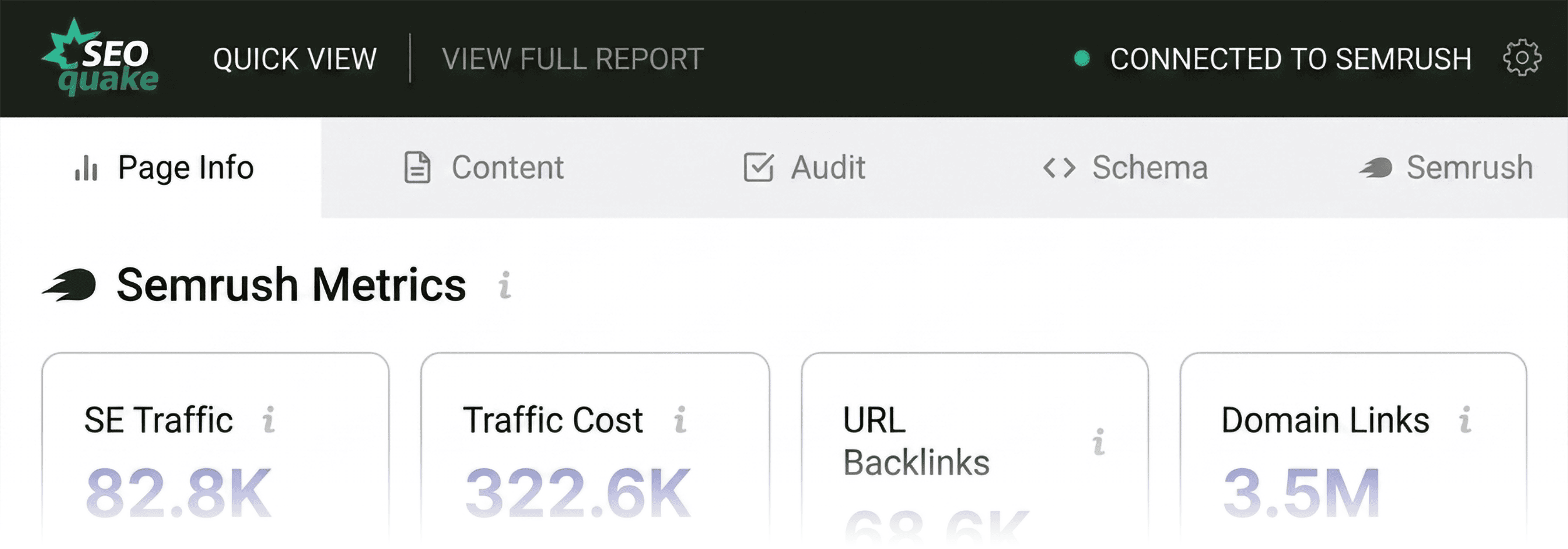
A weak, underperforming page housed within a highly authoritative domain characterized by robust organic traffic and a dense backlink profile typically points to a localized content, structural, or technical issue. Conversely, if an entire domain struggles with visibility, page-level tweaks will yield negligible results, signaling the necessity of a macro-level site audit. For advanced insights, connecting the extension to an active Semrush subscription unlocks deep traffic analytics, user engagement metrics (such as bounce rates and average visit duration), and comprehensive backlink profiles.
Implications and Strategic Recommendations
The implementation of rapid diagnostic workflows represents a paradigm shift in modern search engine optimization management. By condensing hours of preliminary investigation into a structured, three-minute process, digital marketing teams can maintain proactive oversight over critical digital assets.
Industry analysts emphasize that while browser-based auditing extensions excel at rapid triage and localized troubleshooting, they should be viewed as the first line of defense rather than a complete replacement for robust, enterprise-level web crawls. Routine use of tools like SEOquake allows organizations to catch regression errors—such as broken schema updates following a site deployment—before they manifest as catastrophic ranking losses.
For site owners looking to scale their optimization efforts, combining browser extensions with comprehensive site audit platforms ensures a balanced approach to technical health and on-page relevance. Whether troubleshooting a client’s e-commerce portal or refining a corporate blog post, mastering rapid triage equips digital professionals with the agility required to thrive in an increasingly competitive search landscape.